





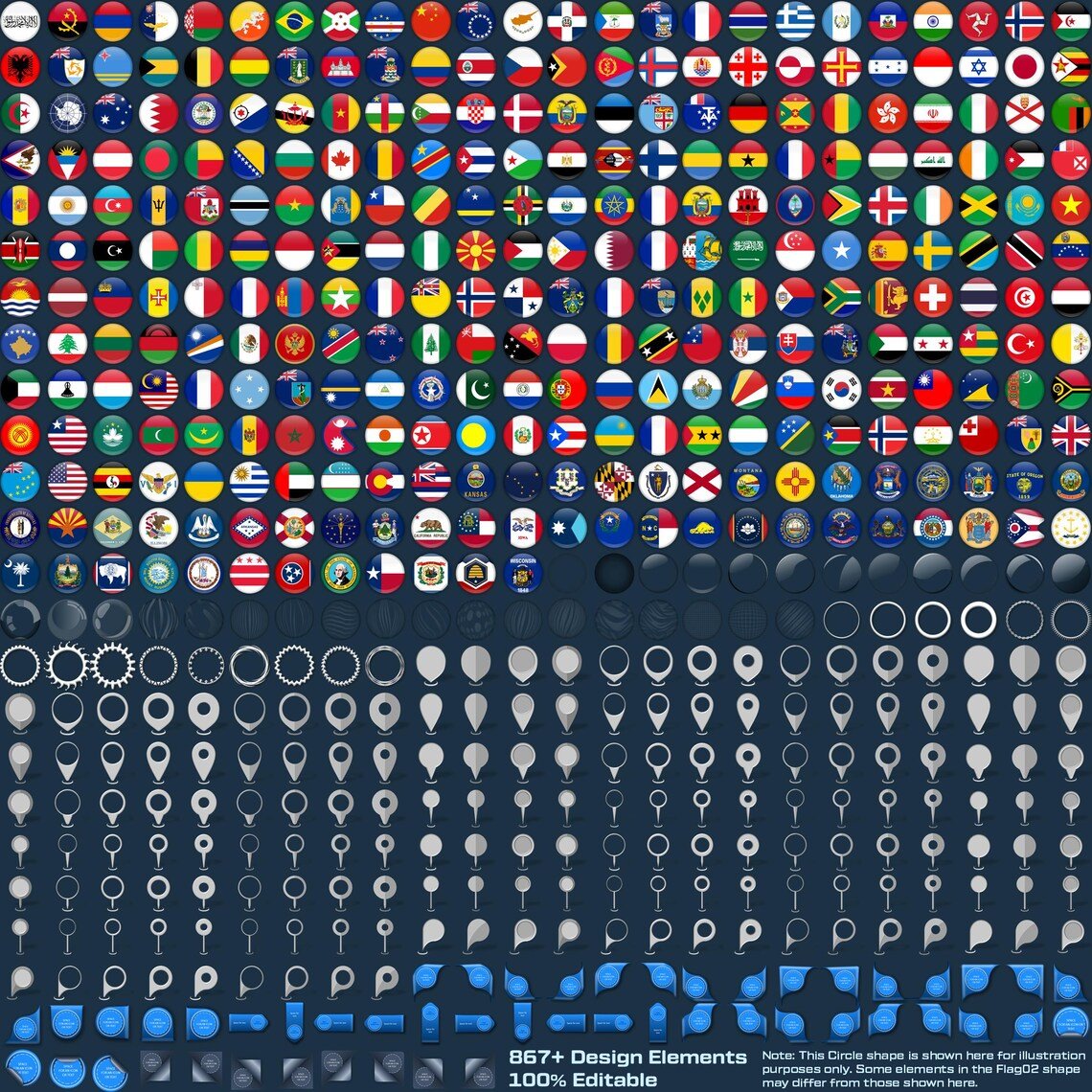
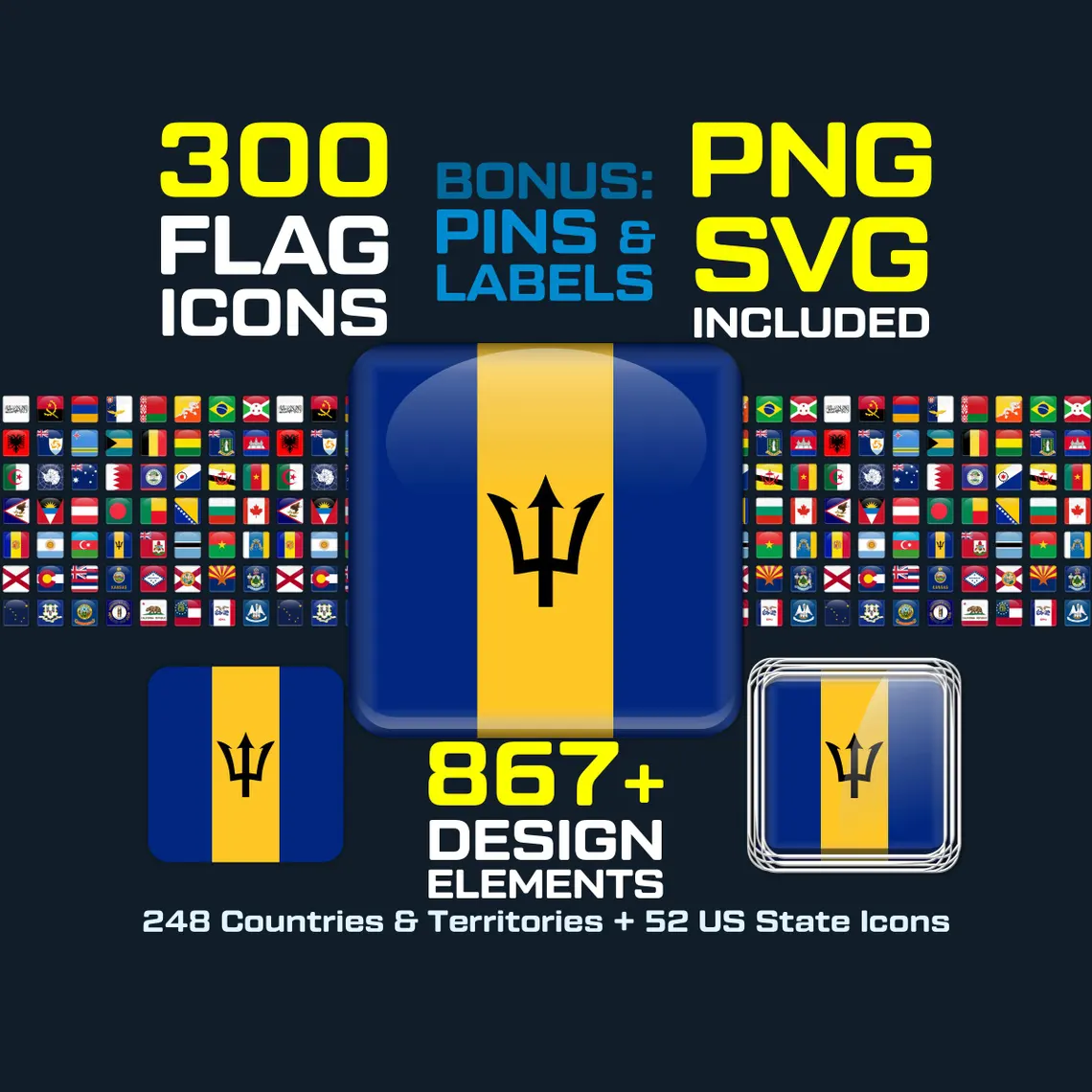
300 high-quality flag icons, including world countries and US state flags. A complete collection of ready-to-use flag icons designed for presentations, documents, websites, and infographics. Clean style icons that can be easily inserted into PowerPoint, Canva, and other design tools.
Create professional flag icons in minutes – directly inside PowerPoint.
No design skills. No extra software. Just open, customize, and export.
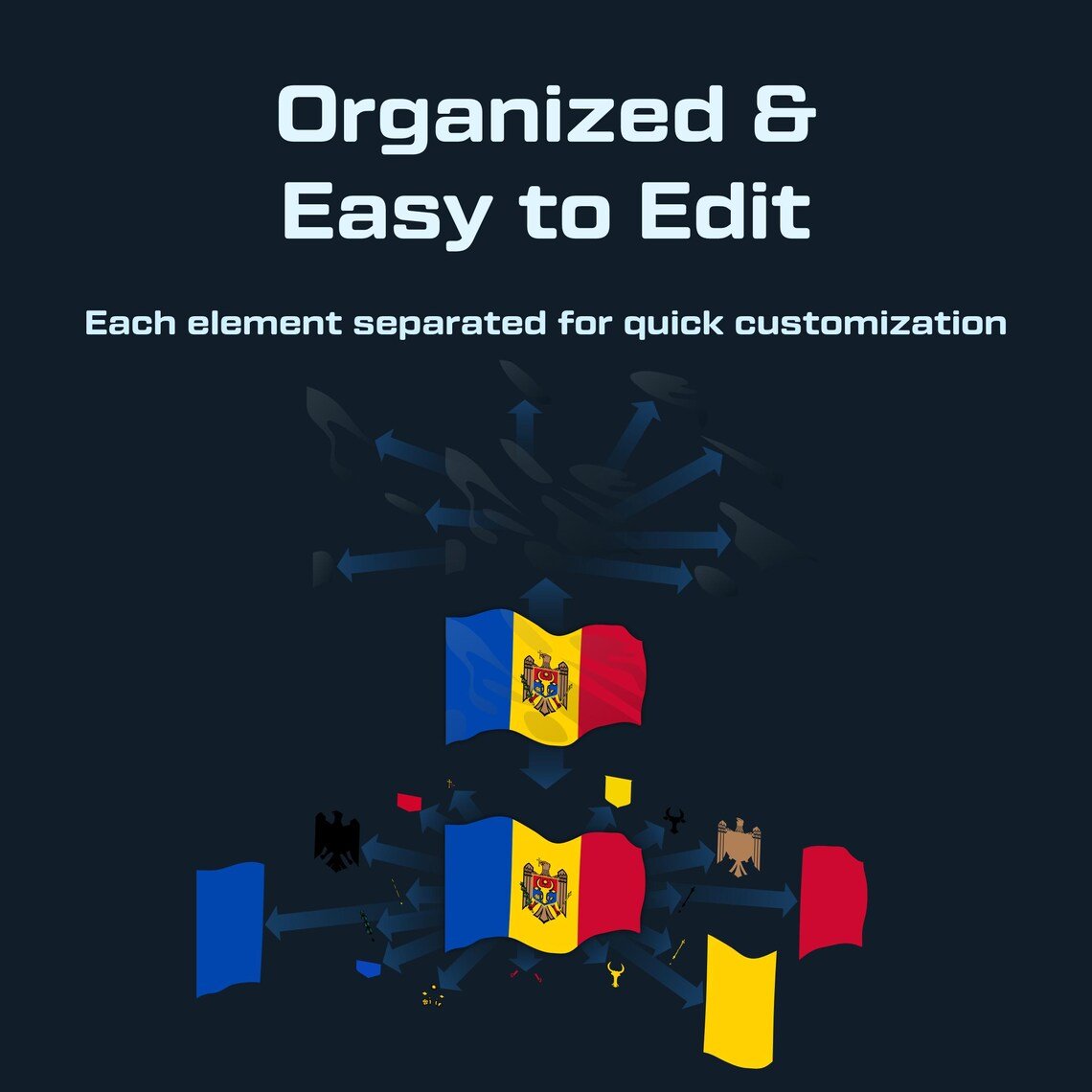
This editable Flag Icon System gives you full control over 300 country & US state icons with mix-and-match styles – so you can create exactly the look you need in just a few clicks.
What makes this different?
This is not just a PNG and SVG icon pack.
You don’t get one fixed style – you get a structured customization system.
• Turn glare effects on or off
• Switch between 15 frame styles
• Add corner labels
• Adjust colors and elements
• Export your final custom icon as transparent PNG
Everything is editable directly inside PowerPoint.
What’s Included
• 300 Flag Icons (Countries & US States)
• 30 Glare Effects
• 15 Frame Styles
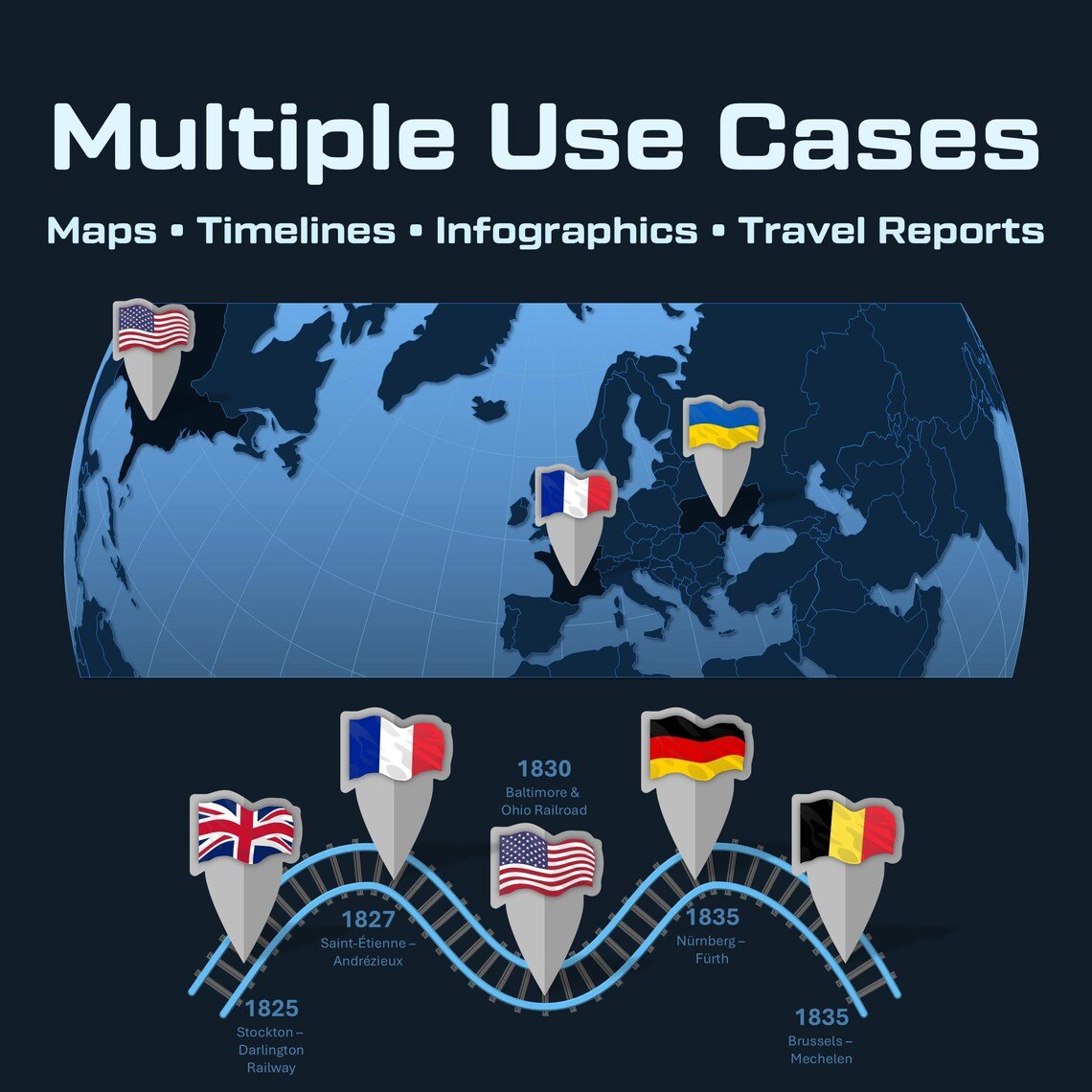
• 168 Map Pins (Bonus)
• 12 Corner Labels (Bonus)
• Fully editable PowerPoint files
• SVG files (flat version)
• PNG files (styled version, transparent background)
• Commercial use license
Simple Workflow
1. Open the PowerPoint file
2. Choose your flag
3. Pick a style (glare, frame, labels)
4. Export as PNG (Right click → Save as Picture)
You can start using your custom icons immediately in presentations, reports, dashboards, documents, websites, and social media.
SVG or PNG — You Choose
Use PNG files when you need ready-to-drop icons with transparent background.
Use SVG files when you want maximum flexibility – perfect scaling, vector editing, web projects, or print design.
You can always customize the icon in PowerPoint first, then export the final result.
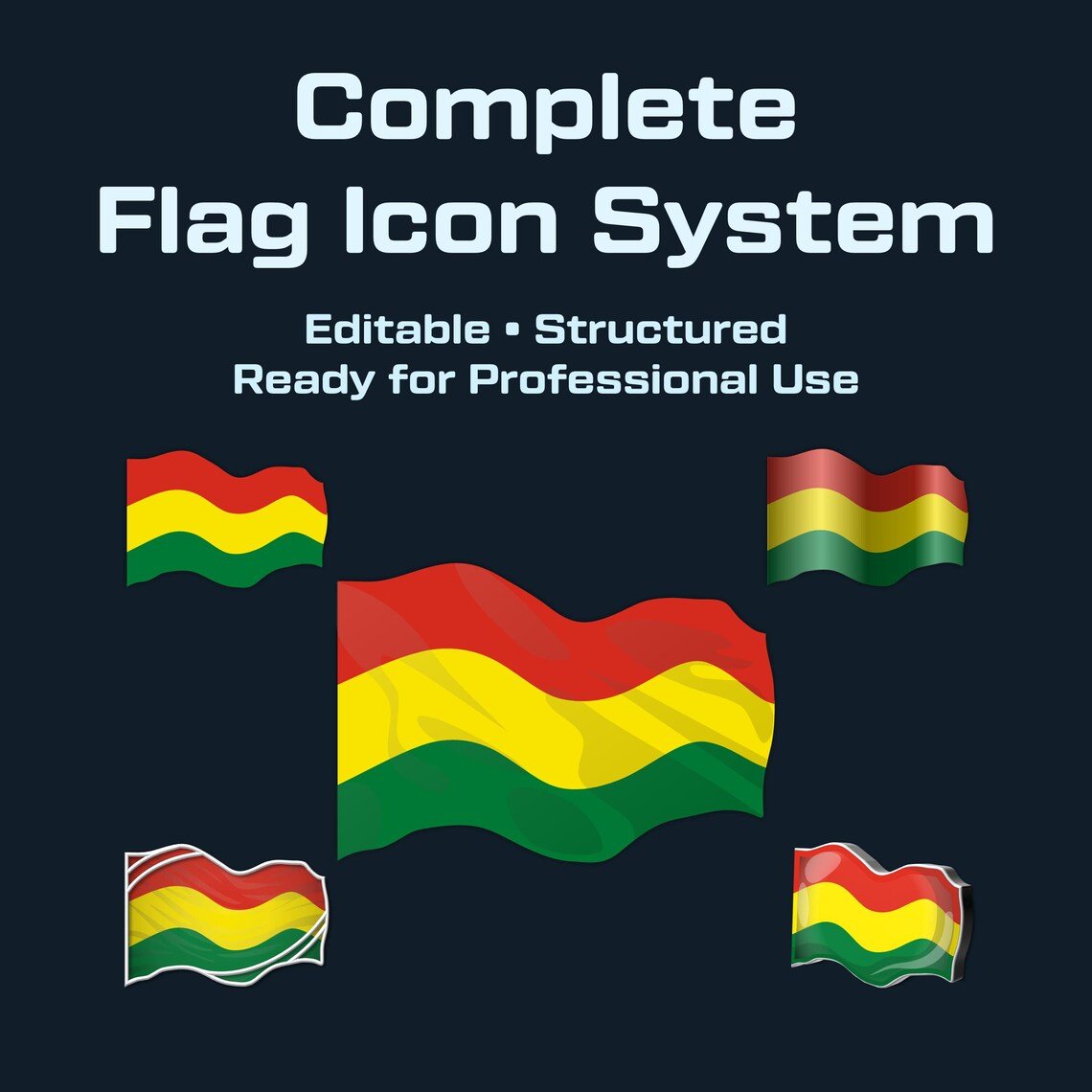
Waving Style Version
The waving style introduces depth and motion while maintaining a clean design. Great when you want a slightly more expressive visual presence.
Compatibility
Compatible with Microsoft PowerPoint.
All customization and export actions are performed directly inside PowerPoint.

 2615

 2612

 2632

 2628
 2621

 2631