
Showing 261–280 of 1319 results
“Embedding Color Scheme “NS_Industrial_007” into your presentation” has been added to your cart. View cart
-

 1817
1817
Vector Flag Icons for PowerPoint
[insert page='descroption-flag-icons' display='content']
12,00 $Product variant: Premium Flag Icons set: Circle+Square+Ellipse+Rectangle+Flag01+Flag02 Icons Flag Icons type: Vector Number of countries (entities): 173 (for the whole world) Number of Flag Icons: 1458
-

 1818
1818
Vector Flag Icons for PowerPoint
[insert page='descroption-flag-icons' display='content']
9,00 $Product variant: Basic Flag Icons set: Circle+Square+Ellipse+Rectangle+Flag01+Flag02 Icons Flag Icons type: Vector Number of countries (entities): 194 (for the whole world) Number of Flag Icons: 1164
-

 1819
1819
Vector Flag Icons for PowerPoint
[insert page='descroption-flag-icons' display='content']
11,00 $Product variant: Standard Flag Icons set: Circle+Square+Ellipse+Rectangle+Flag01+Flag02 Icons Flag Icons type: Vector Number of countries (entities): 194 (for the whole world) Number of Flag Icons: 1272
-

 1820
1820
Vector Flag Icons for PowerPoint
[insert page='descroption-flag-icons' display='content']
13,00 $Product variant: Premium Flag Icons set: Circle+Square+Ellipse+Rectangle+Flag01+Flag02 Icons Flag Icons type: Vector Number of countries (entities): 194 (for the whole world) Number of Flag Icons: 1584
-

 1821
1821
Vector Flag Icons for PowerPoint
[insert page='descroption-flag-icons' display='content']
10,00 $Product variant: Basic Flag Icons set: Circle+Square+Ellipse+Rectangle+Flag01+Flag02 Icons Flag Icons type: Vector Number of countries (entities): 208 (for the whole world) Number of Flag Icons: 1248
-

 1822
1822
Vector Flag Icons for PowerPoint
[insert page='descroption-flag-icons' display='content']
12,00 $Product variant: Basic Flag Icons set: Circle+Square+Ellipse+Rectangle+Flag01+Flag02 Icons Flag Icons type: Vector Number of countries (entities): 208 (for the whole world) Number of Flag Icons: 1356
-

 1823
1823
Vector Flag Icons for PowerPoint
[insert page='descroption-flag-icons' display='content']
14,00 $Product variant: Premium Flag Icons set: Circle+Square+Ellipse+Rectangle+Flag01+Flag02 Icons Flag Icons type: Vector Number of countries (entities): 208 (for the whole world) Number of Flag Icons: 1668
-

 1824
1824
Vector Flag Icons for PowerPoint
[insert page='descroption-flag-icons' display='content']
11,00 $Product variant: Basic Flag Icons set: Circle+Square+Ellipse+Rectangle+Flag01+Flag02 Icons Flag Icons type: Vector Number of countries (entities): 250 (for the whole world) Number of Flag Icons: 1500
-

 1825
1825
Vector Flag Icons for PowerPoint
[insert page='descroption-flag-icons' display='content']
13,00 $Product variant: Standard Flag Icons set: Circle+Square+Ellipse+Rectangle+Flag01+Flag02 Icons Flag Icons type: Vector Number of countries (entities): 250 (for the whole world) Number of Flag Icons: 1608
-

 1826
1826
Vector Flag Icons for PowerPoint
[insert page='descroption-flag-icons' display='content']
15,00 $Product variant: Premium Flag Icons set: Circle+Square+Ellipse+Rectangle+Flag01+Flag02 Icons Flag Icons type: Vector Number of countries (entities): 250 (for the whole world) Number of Flag Icons: 1920
-

 S-005-001
Transferring slides from one template to another if you have a ready-made template
[fusion_builder_container type="flex" hundred_percent="no" hundred_percent_height="no" min_height="" hundred_percent_height_scroll="no" align_content="stretch" flex_align_items="flex-start" flex_justify_content="flex-start" flex_column_spacing="" hundred_percent_height_center_content="yes" equal_height_columns="no" container_tag="div" menu_anchor="" hide_on_mobile="small-visibility,medium-visibility,large-visibility" status="published" publish_date="" class="" id="" link_color="" link_hover_color="" border_sizes="" border_sizes_top="" border_sizes_right="" border_sizes_bottom="" border_sizes_left="" border_color="" border_style="solid" spacing_medium="" margin_top_medium="" margin_bottom_medium="" spacing_small="" margin_top_small="" margin_bottom_small="" margin_top="" margin_bottom="" padding_dimensions_medium="" padding_top_medium="" padding_right_medium="" padding_bottom_medium="" padding_left_medium="" padding_dimensions_small="" padding_top_small="" padding_right_small="" padding_bottom_small="" padding_left_small="" padding_top="" padding_right="" padding_bottom="" padding_left="" box_shadow="no" box_shadow_vertical="" box_shadow_horizontal="" box_shadow_blur="0" box_shadow_spread="0" box_shadow_color="" box_shadow_style="" z_index="" overflow="" gradient_start_color="" gradient_end_color="" gradient_start_position="0" gradient_end_position="100" gradient_type="linear" radial_direction="center center" linear_angle="180" background_color="" background_image="" background_position="center center" background_repeat="no-repeat" fade="no" background_parallax="none" enable_mobile="no" parallax_speed="0.3" background_blend_mode="none" video_mp4="" video_webm="" video_ogv="" video_url="" video_aspect_ratio="16:9" video_loop="yes" video_mute="yes" video_preview_image="" absolute="off" absolute_devices="small,medium,large" sticky="off" sticky_devices="small-visibility,medium-visibility,large-visibility" sticky_background_color="" sticky_height="" sticky_offset="" sticky_transition_offset="0" scroll_offset="0" animation_type="" animation_direction="left" animation_speed="0.3" animation_offset="" filter_hue="0" filter_saturation="100" filter_brightness="100" filter_contrast="100" filter_invert="0" filter_sepia="0" filter_opacity="100" filter_blur="0" filter_hue_hover="0" filter_saturation_hover="100" filter_brightness_hover="100" filter_contrast_hover="100" filter_invert_hover="0" filter_sepia_hover="0" filter_opacity_hover="100" filter_blur_hover="0"][fusion_builder_row][fusion_builder_column type="1_2" layout="1_2" align_self="auto" content_layout="column" align_content="flex-start" content_wrap="wrap" spacing="" center_content="no" link="" target="_self" min_height="" hide_on_mobile="small-visibility,medium-visibility,large-visibility" sticky_display="normal,sticky" class="" id="" type_medium="" type_small="" order_medium="0" order_small="0" dimension_spacing_medium="" dimension_spacing_small="" dimension_spacing="" dimension_margin_medium="" dimension_margin_small="" margin_top="" margin_bottom="" padding_medium="" padding_small="" padding_top="" padding_right="" padding_bottom="" padding_left="" hover_type="none" border_sizes="" border_color="" border_style="solid" border_radius="" box_shadow="no" dimension_box_shadow="" box_shadow_blur="0" box_shadow_spread="0" box_shadow_color="" box_shadow_style="" background_type="single" gradient_start_color="" gradient_end_color="" gradient_start_position="0" gradient_end_position="100" gradient_type="linear" radial_direction="center center" linear_angle="180" background_color="" background_image="" background_image_id="" background_position="left top" background_repeat="no-repeat" background_blend_mode="none" animation_type="" animation_direction="left" animation_speed="0.3" animation_offset="" filter_type="regular" filter_hue="0" filter_saturation="100" filter_brightness="100" filter_contrast="100" filter_invert="0" filter_sepia="0" filter_opacity="100" filter_blur="0" filter_hue_hover="0" filter_saturation_hover="100" filter_brightness_hover="100" filter_contrast_hover="100" filter_invert_hover="0" filter_sepia_hover="0" filter_opacity_hover="100" filter_blur_hover="0" last="false" border_position="all" first="true" spacing_right=""][fusion_text columns="" column_min_width="" column_spacing="" rule_style="default" rule_size="" rule_color="" content_alignment_medium="" content_alignment_small="" content_alignment="" hide_on_mobile="small-visibility,medium-visibility,large-visibility" sticky_display="normal,sticky" class="" id="" font_size="" fusion_font_family_text_font="" fusion_font_variant_text_font="" line_height="" letter_spacing="" text_color="" animation_type="" animation_direction="left" animation_speed="0.3" animation_offset=""] There are two options for this service:8,00 $- You have a ready-made template in which you want to transfer your slides
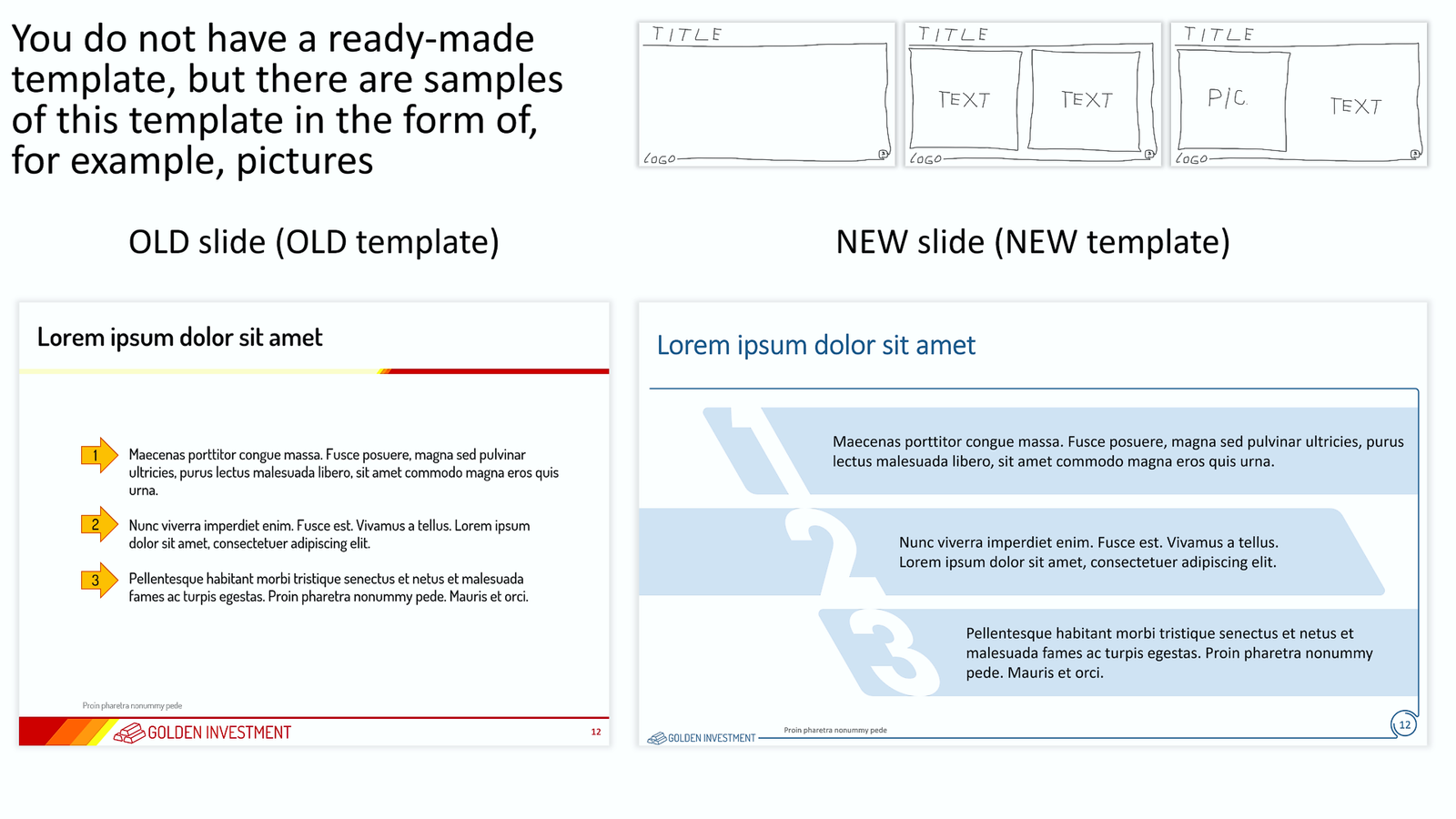
- You do not have a ready-made template in which you want to transfer your slides, but you have images of the template.
- If your company has undergone a rebranding and needs to transfer presentations made in the old template to a new template that was approved after the rebranding.
- If your contractor has created slides for you in a template that does not match the template you are using, these slides need to be transferred to your template.
- If your client requested slides from you in a specific template
- If you want your presentation to look new and have a new template for your presentation
- If you liked some beautiful template and want to use it, but you do not have the template itself, but only its images.
- ... and many other reasons.
- Suppose the size (proportions) of the slides and the number, sequence, and location of placeholders match. In that case, such a transfer is easy: the slides are assigned a new template, and then only minor editing is required (alignment, font sizes, replacing colors outside the palette, etc.). Unfortunately, this is almost an unrealistic situation. Such a coincidence happens no more than once a year :-)
- If the size (proportions) of slides and/or the number, sequence, and location of placeholders do not match, then, for example, there are the following options:
- First way. The existing template is converted into a new template according to the sample. Placeholders and all graphical objects are replaced. Next, you need rather complicated editing of each slide.
- The second way. Based on the new template, slides are created and all objects from the original presentation are transferred to the new slides. At the same time, the corresponding editing of the properties of each object takes place. Some elements are assigned to the appropriate placeholders if necessary.
- ... other methods.
- The number of iterations is not limited. Each iteration is a new due date. If additional iteration is needed, then it may include only minor edits in the presentation, the link to which we sent you. Adding new files, and individual slides, and significantly changing the structure and/or design of already edited slides is a new task. We reserve the right to refuse to provide new iterations if we believe that the Customer is abusing his right to additional iterations.
- The deadline for the task is up to 20 slides every 24 hours. At the same time, we try to fulfill your order as quickly as possible, much faster than 24 hours. The speed of order execution depends on the number and complexity of the slides and our current busyness. If we did not send you a link to the finished file on time, then we will fully refund you the entire amount of the payment for this order.
- We do not edit/delete/add text on slides in any way. Only a small number of obvious grammatical errors may be corrected and only at our discretion.
- We do not change the fonts in the presentation unless you explicitly indicated the need to replace the fonts in the task description. If you indicated only the very need to replace the fonts, then by default we will replace the fonts in the presentation with the system fonts of our choice. You can specify specific system fonts or any other fonts. If you specify a non-system font, then you must also upload the font files that you want to use in the presentation. If you do not have the font files, then contact us at inbox@needslide.com, maybe we can help. All non-system fonts will be fully embedded in the presentation, which can significantly increase the presentation’s file size.
- Vector/raster images (illustrations) – we can edit images (illustrations) in your presentation of our choice unless you explicitly indicate otherwise in the description of the assignment. We do not add new images (illustrations) to the presentation unless you explicitly indicated this in the assignment description. In this case, you need to send us these images (illustrations) together with other files of the assignment with a detailed description of which image (illustration) to insert on which slide. Or you can independently insert images (illustrations) on the corresponding slides – we will edit and design them accordingly. If you do not have the necessary images (illustrations), then contact us at inbox@needslide.com, we may be able to help.
- Vector icons – we can add icons to slides at our discretion unless you explicitly indicated in the task description that icons cannot be added. If you want to add icons of a certain subject, please describe it in the task and/or attach samples of the necessary icons (raster or vector) to the task files. Or write to us inbox@needslide.com, we will help you find/draw any icons.
- Diagrams (charts) – please write in the description of the task whether it is possible to make diagrams (charts) non-editable (for example, convert a diagram into a vector object without the ability to edit data)? This is possible if you know for sure that the data in the chart will no longer change. Converting a diagram into a vector object in many cases gives you much more options in the design of the diagram. If you did not write anything in the task about diagrams (charts), then by default we will assume that diagrams (charts) should be left as is, i.e. with the ability to edit data.
- Templates – creating / editing templates is not included in this service. But we can, at our discretion, make minor adjustments to the templates if needed.
- Color Schemes – We do not create/edit color schemes as part of this service, but we reserve the right to make minor adjustments to color schemes if needed.
- Rendering complex diagrams, charts, maps, etc. – these works are not included in this service. If you require such services, then please refer to the relevant sections of our services or write to us about it at inbox@needslide.com.
- For all other questions, please contact inbox@needslide.com.
-
 S-005-002
Transferring slides from one template to another if you do not have a ready-made template
[fusion_builder_container type="flex" hundred_percent="no" hundred_percent_height="no" min_height="" hundred_percent_height_scroll="no" align_content="stretch" flex_align_items="flex-start" flex_justify_content="flex-start" flex_column_spacing="" hundred_percent_height_center_content="yes" equal_height_columns="no" container_tag="div" menu_anchor="" hide_on_mobile="small-visibility,medium-visibility,large-visibility" status="published" publish_date="" class="" id="" link_color="" link_hover_color="" border_sizes="" border_sizes_top="" border_sizes_right="" border_sizes_bottom="" border_sizes_left="" border_color="" border_style="solid" spacing_medium="" margin_top_medium="" margin_bottom_medium="" spacing_small="" margin_top_small="" margin_bottom_small="" margin_top="" margin_bottom="" padding_dimensions_medium="" padding_top_medium="" padding_right_medium="" padding_bottom_medium="" padding_left_medium="" padding_dimensions_small="" padding_top_small="" padding_right_small="" padding_bottom_small="" padding_left_small="" padding_top="" padding_right="" padding_bottom="" padding_left="" box_shadow="no" box_shadow_vertical="" box_shadow_horizontal="" box_shadow_blur="0" box_shadow_spread="0" box_shadow_color="" box_shadow_style="" z_index="" overflow="" gradient_start_color="" gradient_end_color="" gradient_start_position="0" gradient_end_position="100" gradient_type="linear" radial_direction="center center" linear_angle="180" background_color="" background_image="" background_position="center center" background_repeat="no-repeat" fade="no" background_parallax="none" enable_mobile="no" parallax_speed="0.3" background_blend_mode="none" video_mp4="" video_webm="" video_ogv="" video_url="" video_aspect_ratio="16:9" video_loop="yes" video_mute="yes" video_preview_image="" absolute="off" absolute_devices="small,medium,large" sticky="off" sticky_devices="small-visibility,medium-visibility,large-visibility" sticky_background_color="" sticky_height="" sticky_offset="" sticky_transition_offset="0" scroll_offset="0" animation_type="" animation_direction="left" animation_speed="0.3" animation_offset="" filter_hue="0" filter_saturation="100" filter_brightness="100" filter_contrast="100" filter_invert="0" filter_sepia="0" filter_opacity="100" filter_blur="0" filter_hue_hover="0" filter_saturation_hover="100" filter_brightness_hover="100" filter_contrast_hover="100" filter_invert_hover="0" filter_sepia_hover="0" filter_opacity_hover="100" filter_blur_hover="0"][fusion_builder_row][fusion_builder_column type="1_2" layout="1_2" align_self="auto" content_layout="column" align_content="flex-start" content_wrap="wrap" spacing="" center_content="no" link="" target="_self" min_height="" hide_on_mobile="small-visibility,medium-visibility,large-visibility" sticky_display="normal,sticky" class="" id="" type_medium="" type_small="" order_medium="0" order_small="0" dimension_spacing_medium="" dimension_spacing_small="" dimension_spacing="" dimension_margin_medium="" dimension_margin_small="" margin_top="" margin_bottom="" padding_medium="" padding_small="" padding_top="" padding_right="" padding_bottom="" padding_left="" hover_type="none" border_sizes="" border_color="" border_style="solid" border_radius="" box_shadow="no" dimension_box_shadow="" box_shadow_blur="0" box_shadow_spread="0" box_shadow_color="" box_shadow_style="" background_type="single" gradient_start_color="" gradient_end_color="" gradient_start_position="0" gradient_end_position="100" gradient_type="linear" radial_direction="center center" linear_angle="180" background_color="" background_image="" background_image_id="" background_position="left top" background_repeat="no-repeat" background_blend_mode="none" animation_type="" animation_direction="left" animation_speed="0.3" animation_offset="" filter_type="regular" filter_hue="0" filter_saturation="100" filter_brightness="100" filter_contrast="100" filter_invert="0" filter_sepia="0" filter_opacity="100" filter_blur="0" filter_hue_hover="0" filter_saturation_hover="100" filter_brightness_hover="100" filter_contrast_hover="100" filter_invert_hover="0" filter_sepia_hover="0" filter_opacity_hover="100" filter_blur_hover="0" last="false" border_position="all" first="true" spacing_right=""][fusion_text columns="" column_min_width="" column_spacing="" rule_style="default" rule_size="" rule_color="" content_alignment_medium="" content_alignment_small="" content_alignment="" hide_on_mobile="small-visibility,medium-visibility,large-visibility" sticky_display="normal,sticky" class="" id="" font_size="" fusion_font_family_text_font="" fusion_font_variant_text_font="" line_height="" letter_spacing="" text_color="" animation_type="" animation_direction="left" animation_speed="0.3" animation_offset=""] There are two options for this service:10,00 $- You have a ready-made template in which you want to transfer your slides
- You do not have a ready-made template in which you want to transfer your slides, but you have images of the template.
- If your company has undergone a rebranding and needs to transfer presentations made in the old template to a new template that was approved after the rebranding.
- If your contractor has created slides for you in a template that does not match the template you are using, these slides need to be transferred to your template.
- If your client requested slides from you in a specific template
- If you want your presentation to look new and have a new template for your presentation
- If you liked some beautiful template and want to use it, but you do not have the template itself, but only its images.
- ... and many other reasons.
- Suppose the size (proportions) of the slides and the number, sequence, and location of placeholders match. In that case, such a transfer is easy: the slides are assigned a new template, and then only minor editing is required (alignment, font sizes, replacing colors outside the palette, etc.). Unfortunately, this is almost an unrealistic situation. Such a coincidence happens no more than once a year :-)
- If the size (proportions) of slides and/or the number, sequence, and location of placeholders do not match, then, for example, there are the following options:
- First way. The existing template is converted into a new template according to the sample. Placeholders and all graphical objects are replaced. Next, you need rather complicated editing of each slide.
- The second way. Based on the new template, slides are created and all objects from the original presentation are transferred to the new slides. At the same time, the corresponding editing of the properties of each object takes place. Some elements are assigned to the appropriate placeholders if necessary.
- ... other methods.
- The number of iterations is not limited. Each iteration is a new due date. If additional iteration is needed, then it may include only minor edits in the presentation, the link to which we sent you. Adding new files, and individual slides, and significantly changing the structure and/or design of already edited slides is a new task. We reserve the right to refuse to provide new iterations if we believe that the Customer is abusing his right to additional iterations.
- The deadline for the task is up to 20 slides every 24 hours. At the same time, we try to fulfill your order as quickly as possible, much faster than 24 hours. The speed of order execution depends on the number and complexity of the slides and our current busyness. If we did not send you a link to the finished file on time, then we will fully refund you the entire amount of the payment for this order.
- We do not edit/delete/add text on slides in any way. Only a small number of obvious grammatical errors may be corrected and only at our discretion.
- We do not change the fonts in the presentation unless you explicitly indicated the need to replace the fonts in the task description. If you indicated only the very need to replace the fonts, then by default we will replace the fonts in the presentation with the system fonts of our choice. You can specify specific system fonts or any other fonts. If you specify a non-system font, then you must also upload the font files that you want to use in the presentation. If you do not have the font files, then contact us at inbox@needslide.com, maybe we can help. All non-system fonts will be fully embedded in the presentation, which can significantly increase the presentation’s file size.
- Vector/raster images (illustrations) – we can edit images (illustrations) in your presentation of our choice unless you explicitly indicate otherwise in the description of the assignment. We do not add new images (illustrations) to the presentation unless you explicitly indicated this in the assignment description. In this case, you need to send us these images (illustrations) together with other files of the assignment with a detailed description of which image (illustration) to insert on which slide. Or you can independently insert images (illustrations) on the corresponding slides – we will edit and design them accordingly. If you do not have the necessary images (illustrations), then contact us at inbox@needslide.com, we may be able to help.
- Vector icons – we can add icons to slides at our discretion unless you explicitly indicated in the task description that icons cannot be added. If you want to add icons of a certain subject, please describe it in the task and/or attach samples of the necessary icons (raster or vector) to the task files. Or write to us inbox@needslide.com, we will help you find/draw any icons.
- Diagrams (charts) – please write in the description of the task whether it is possible to make diagrams (charts) non-editable (for example, convert a diagram into a vector object without the ability to edit data)? This is possible if you know for sure that the data in the chart will no longer change. Converting a diagram into a vector object in many cases gives you much more options in the design of the diagram. If you did not write anything in the task about diagrams (charts), then by default we will assume that diagrams (charts) should be left as is, i.e. with the ability to edit data.
- Templates – creating / editing templates is not included in this service. But we can, at our discretion, make minor adjustments to the templates if needed.
- Color Schemes – We do not create/edit color schemes as part of this service, but we reserve the right to make minor adjustments to color schemes if needed.
- Rendering complex diagrams, charts, maps, etc. – these works are not included in this service. If you require such services, then please refer to the relevant sections of our services or write to us about it at inbox@needslide.com.
- For all other questions, please contact inbox@needslide.com.
-
 2619
2619
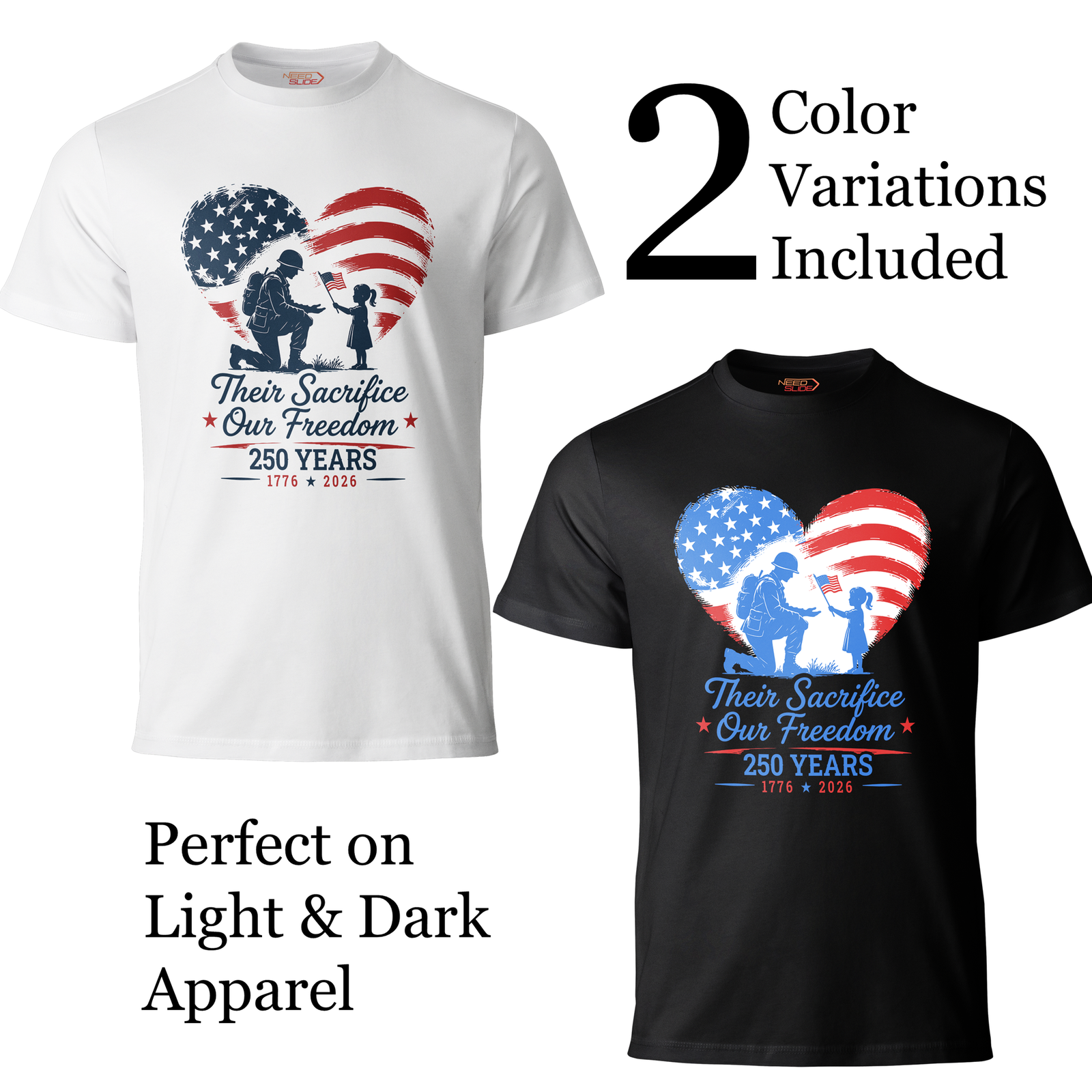
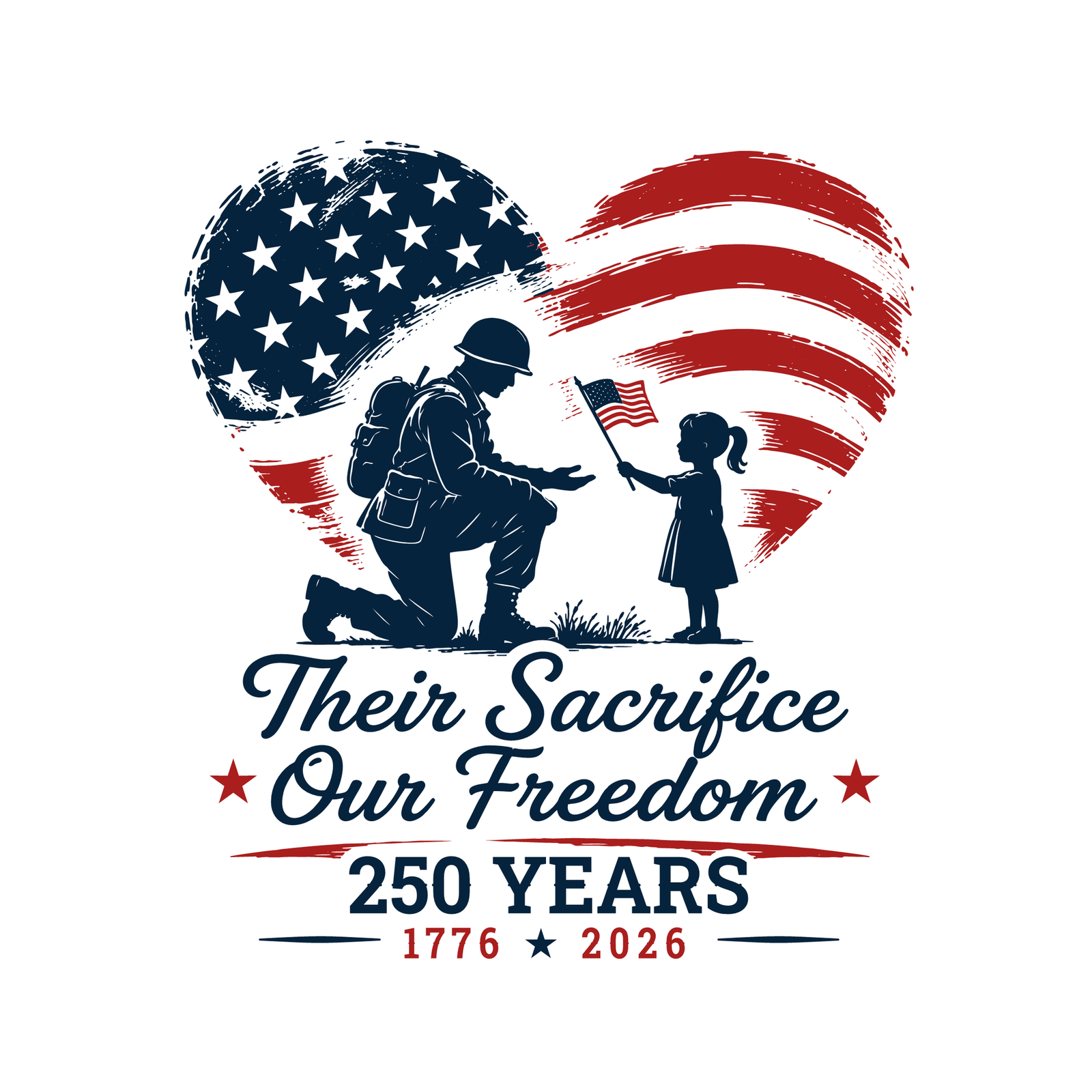
Their Sacrifice – Our Freedom, USA 250th Anniversary Vector, Editable Patriotic Design, SVG PNG
Celebrate America's 250th Anniversary with "Their Sacrifice - Our Freedom" - a fully editable patriotic vector design created for printing, customization, and commercial use. Clean. Bold. Unforgettable. "Their Sacrifice - Our Freedom" is part of the exclusive USA 250th Anniversary collection - premium patriotic artwork for makers, small business owners, creative professionals, and anyone who wants to print a custom shirt at their local print shop. This file is ready to use right out of the box. WHY THIS DESIGN STANDS OUT This isn't rasterized clipart. Every file is a true vector, carefully optimized for easy editing and customization. The structure is intentionally kept simple, making recoloring, resizing, and modification fast and effortless.6,58 $- Only 3 objects / 3 colors
- One object = one color. Simple, transparent structure. Every object is easy to select and edit.
- Fully editable in any vector software or directly in PowerPoint.
- Version for WHITE / LIGHT backgrounds (T-shirts, mugs, light apparel)
- Version for BLACK / DARK backgrounds (dark T-shirts, hoodies, dark merchandise)
- T-shirts, hoodies, sweatshirts
- Posters, banners, signs
- Mugs, tumblers, water bottles
- Tote bags, backpacks
- Notebooks, journals, stationery
- Event materials, stickers
- Presentations and slides, school projects
- Wall art, canvas prints
- Gifts and commemorative merchandise
- Social media graphics
- Patriotic celebrations
- Personal use - unlimited
- Print for yourself at any local or online print shop
- Sell physical products made from this design.
- Client work and presentations
- Uploading to POD marketplaces (Redbubble, Merch by Amazon, Zazzle, Printify, etc.) for resale to third parties
- Reselling, sharing, or distributing the digital files in any form
- Creating new digital asset collections or clipart bundles from these files
-
 2617
2617
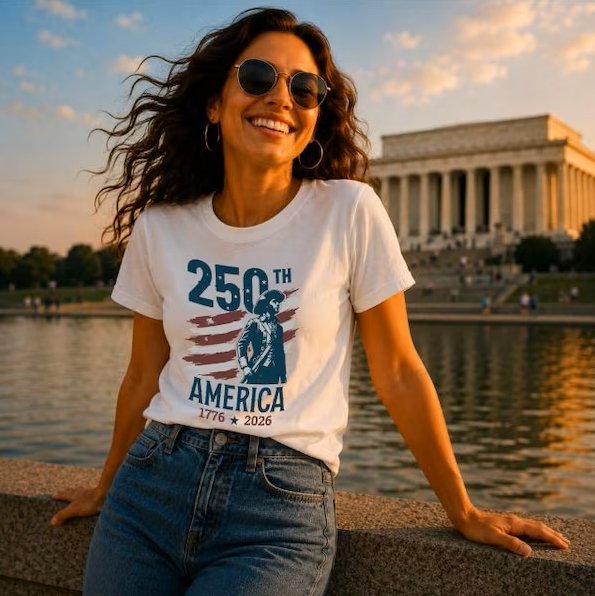
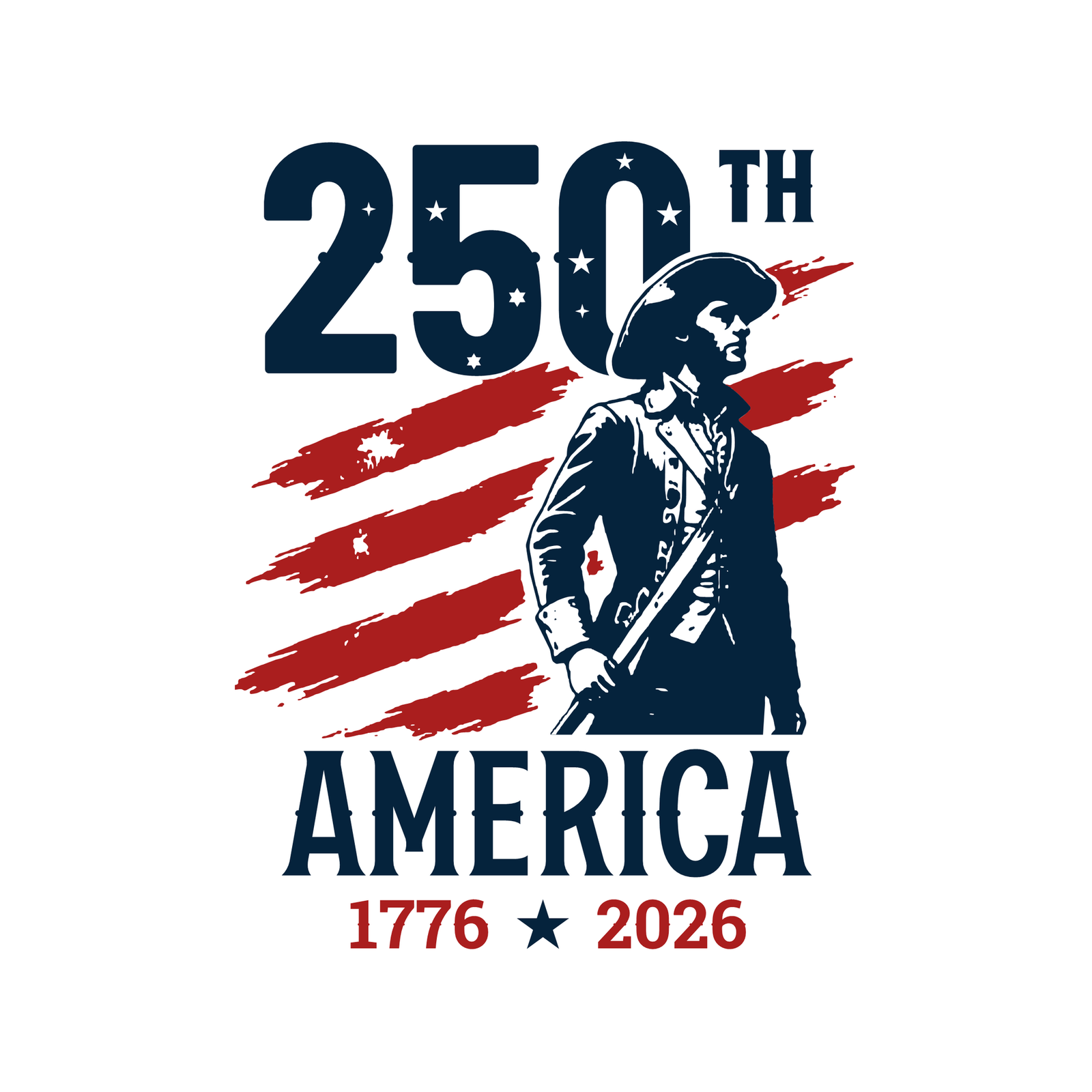
The American Patriot, USA 250th Anniversary Vector, Editable Patriotic Design, 1776-2026, SVG PNG
Celebrate America's 250th Anniversary with "The American Patriot" - a fully editable patriotic vector design created for printing, customization, and commercial use. Clean. Bold. Unforgettable. "The American Patriot" is part of the exclusive USA 250th Anniversary collection - premium patriotic artwork for makers, small business owners, creative professionals, and anyone who wants to print a custom shirt at their local print shop. This file is ready to use right out of the box. WHY THIS DESIGN STANDS OUT This isn't rasterized clipart. Every file is a true vector, carefully optimized for easy editing and customization. The structure is intentionally kept simple, making recoloring, resizing, and modification fast and effortless.6,58 $- Only 3 objects / 3 colors
- One object = one color. Simple, transparent structure. Every object is easy to select and edit.
- Fully editable in any vector software or directly in PowerPoint.
- Version for WHITE / LIGHT backgrounds (T-shirts, mugs, light apparel)
- Version for BLACK / DARK backgrounds (dark T-shirts, hoodies, dark merchandise)
- T-shirts, hoodies, sweatshirts
- Posters, banners, signs
- Mugs, tumblers, water bottles
- Tote bags, backpacks
- Notebooks, journals, stationery
- Event materials, stickers
- Presentations and slides, school projects
- Wall art, canvas prints
- Gifts and commemorative merchandise
- Social media graphics
- Patriotic celebrations
- Personal use - unlimited
- Print for yourself at any local or online print shop
- Sell physical products made from this design.
- Client work and presentations
- Uploading to POD marketplaces (Redbubble, Merch by Amazon, Zazzle, Printify, etc.) for resale to third parties
- Reselling, sharing, or distributing the digital files in any form
- Creating new digital asset collections or clipart bundles from these files
-
 2624
2624
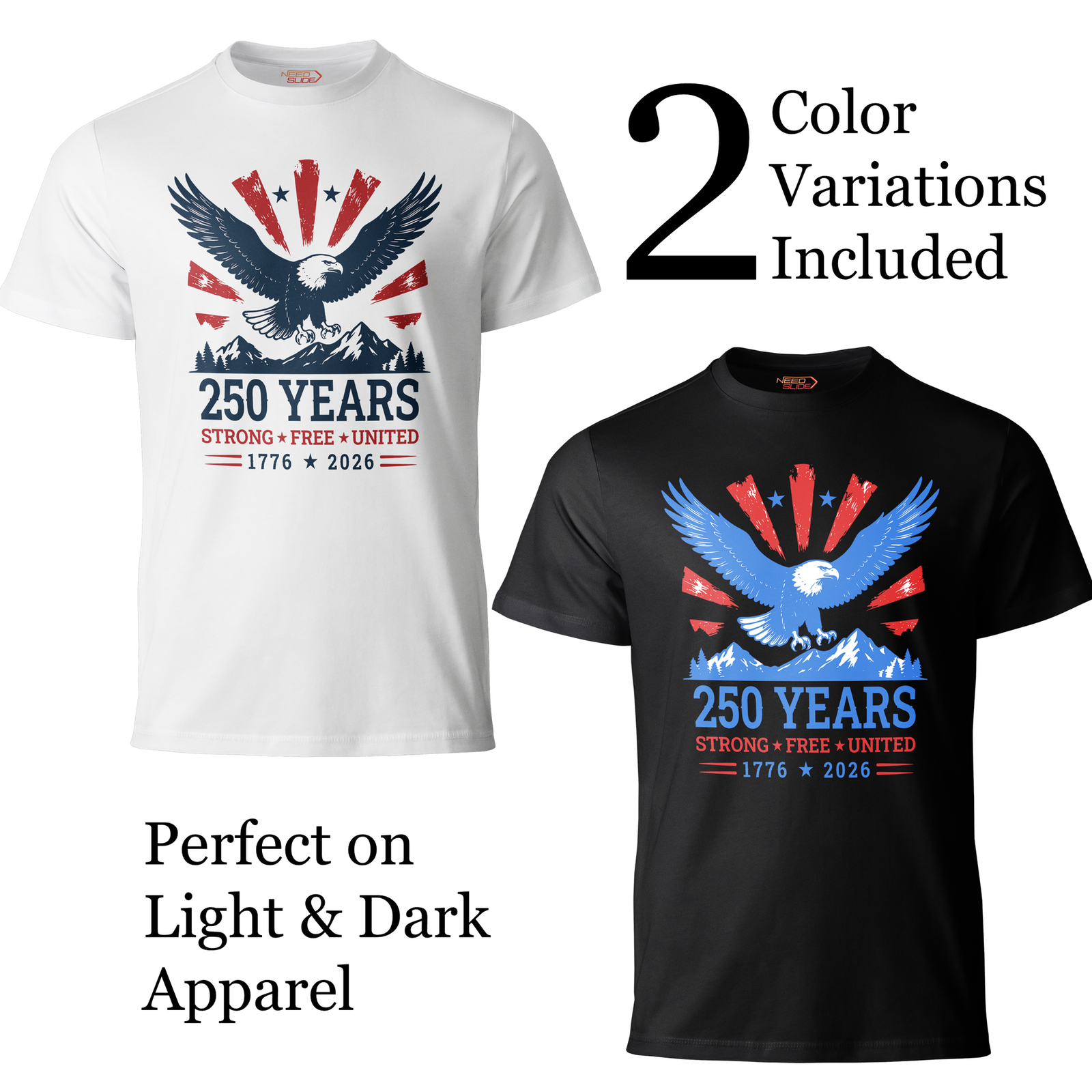
Strong – Free – United, USA 250th Anniversary Vector, Editable Patriotic Design, SVG PNG
Celebrate America's 250th Anniversary with "Strong – Free – United" - a fully editable patriotic vector design created for printing, customization, and commercial use. Clean. Bold. Unforgettable. "Strong – Free – United" is part of the exclusive USA 250th Anniversary collection - premium patriotic artwork for makers, small business owners, creative professionals, and anyone who wants to print a custom shirt at their local print shop. This file is ready to use right out of the box. WHY THIS DESIGN STANDS OUT This isn't rasterized clipart. Every file is a true vector, carefully optimized for easy editing and customization. The structure is intentionally kept simple, making recoloring, resizing, and modification fast and effortless.6,58 $- Only 3 objects / 3 colors
- One object = one color. Simple, transparent structure. Every object is easy to select and edit.
- Fully editable in any vector software or directly in PowerPoint.
- Version for WHITE / LIGHT backgrounds (T-shirts, mugs, light apparel)
- Version for BLACK / DARK backgrounds (dark T-shirts, hoodies, dark merchandise)
- T-shirts, hoodies, sweatshirts
- Posters, banners, signs
- Mugs, tumblers, water bottles
- Tote bags, backpacks
- Notebooks, journals, stationery
- Event materials, stickers
- Presentations and slides, school projects
- Wall art, canvas prints
- Gifts and commemorative merchandise
- Social media graphics
- Patriotic celebrations
- Personal use - unlimited
- Print for yourself at any local or online print shop
- Sell physical products made from this design.
- Client work and presentations
- Uploading to POD marketplaces (Redbubble, Merch by Amazon, Zazzle, Printify, etc.) for resale to third parties
- Reselling, sharing, or distributing the digital files in any form
- Creating new digital asset collections or clipart bundles from these files
-
 2621
2621
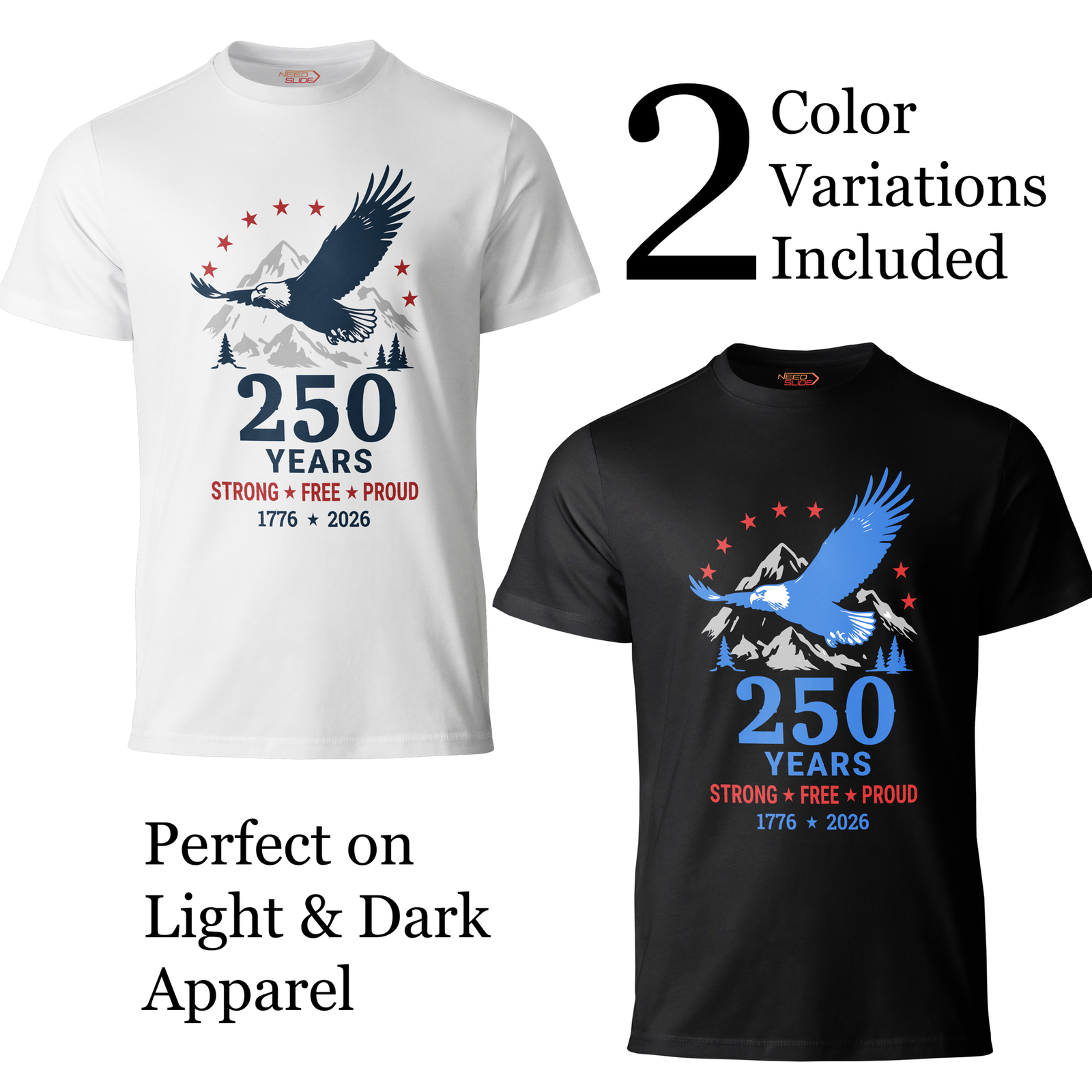
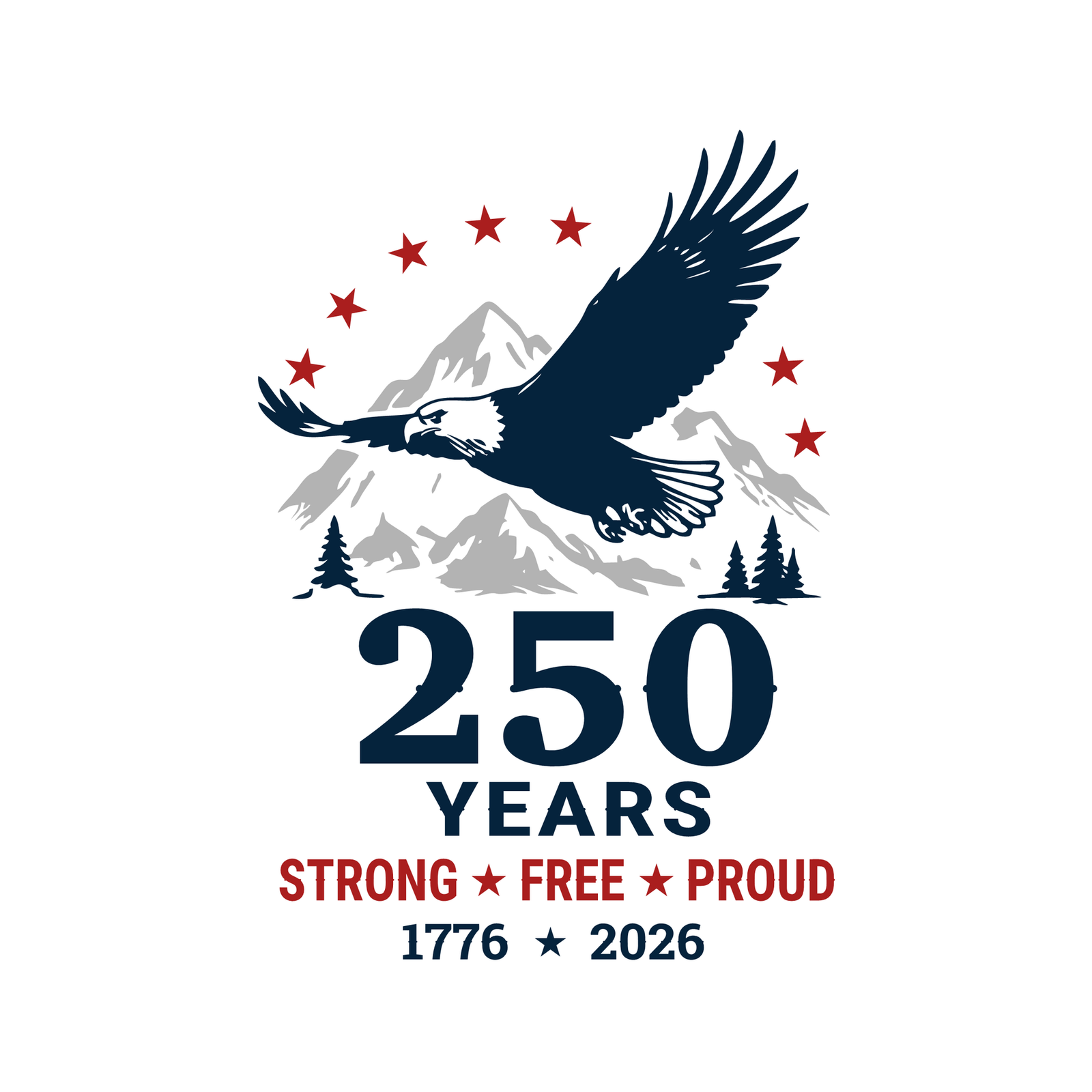
Strong – Free – Proud, USA 250th Anniversary Vector, Editable Patriotic Design, SVG PNG
Celebrate America's 250th Anniversary with "Strong – Free – Proud" - a fully editable patriotic vector design created for printing, customization, and commercial use. Clean. Bold. Unforgettable. "Strong – Free – Proud" is part of the exclusive USA 250th Anniversary collection - premium patriotic artwork for makers, small business owners, creative professionals, and anyone who wants to print a custom shirt at their local print shop. This file is ready to use right out of the box. WHY THIS DESIGN STANDS OUT This isn't rasterized clipart. Every file is a true vector, carefully optimized for easy editing and customization. The structure is intentionally kept simple, making recoloring, resizing, and modification fast and effortless.6,58 $- Only 4 objects / 4 colors
- One object = one color. Simple, transparent structure. Every object is easy to select and edit.
- Fully editable in any vector software or directly in PowerPoint.
- Version for WHITE / LIGHT backgrounds (T-shirts, mugs, light apparel)
- Version for BLACK / DARK backgrounds (dark T-shirts, hoodies, dark merchandise)
- T-shirts, hoodies, sweatshirts
- Posters, banners, signs
- Mugs, tumblers, water bottles
- Tote bags, backpacks
- Notebooks, journals, stationery
- Event materials, stickers
- Presentations and slides, school projects
- Wall art, canvas prints
- Gifts and commemorative merchandise
- Social media graphics
- Patriotic celebrations
- Personal use - unlimited
- Print for yourself at any local or online print shop
- Sell physical products made from this design.
- Client work and presentations
- Uploading to POD marketplaces (Redbubble, Merch by Amazon, Zazzle, Printify, etc.) for resale to third parties
- Reselling, sharing, or distributing the digital files in any form
- Creating new digital asset collections or clipart bundles from these files
-
 2613
2613
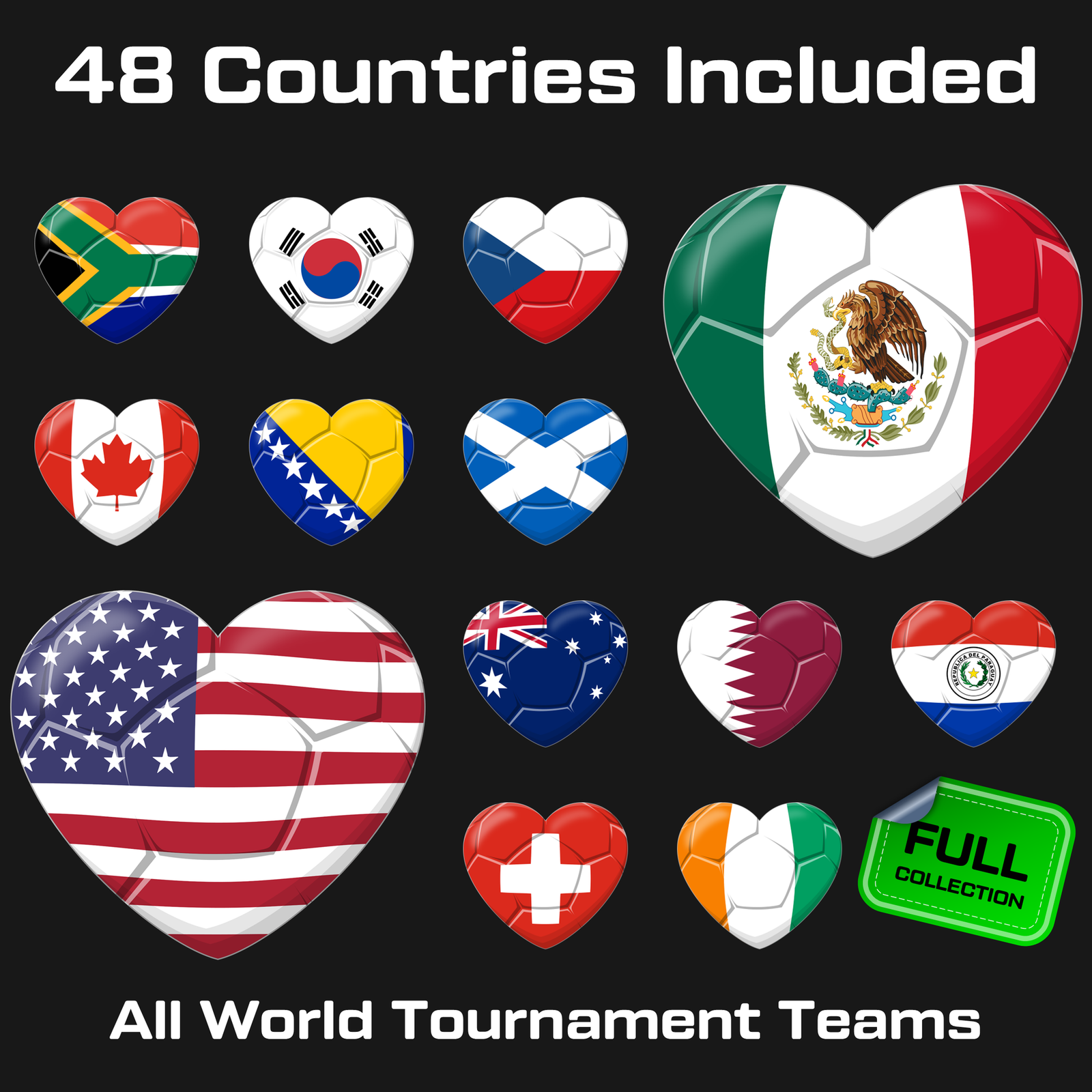
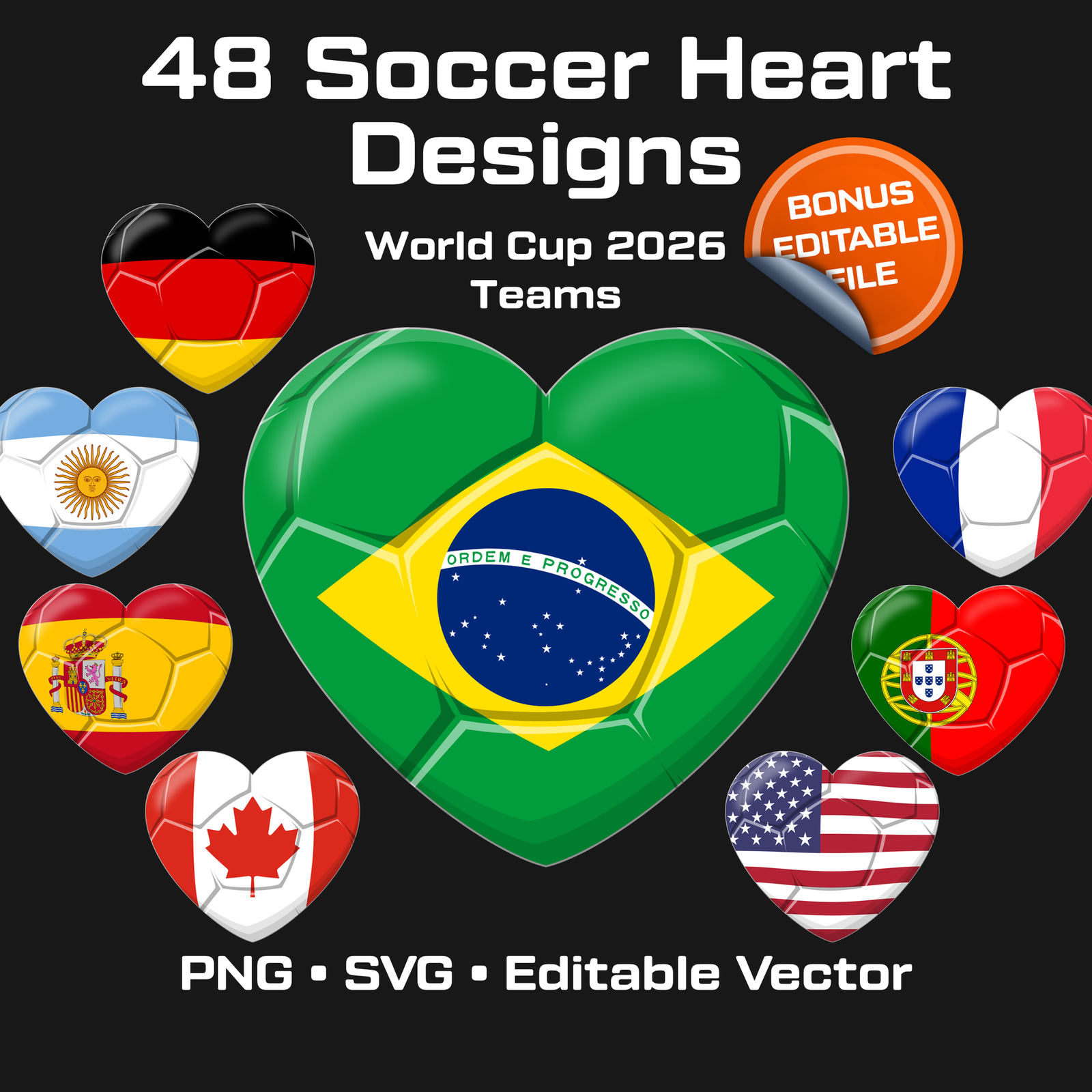
Soccer Heart SVG Bundle, World Cup 2026 Team Flags, Football PNG Clipart (Digital Download)
Support your favorite national team with this premium collection of 48 soccer heart designs inspired by World Cup 2026 teams. ⚽ Each design combines a football texture with national flag colors in a clean, consistent style that works perfectly for: ✔ T-shirts ✔ Stickers ✔ Print-on-demand ✔ Social media graphics ✔ Posters ✔ Fan merch ✔ Digital creations Designed for creators, football fans, small businesses, and print shops. WHAT’S INCLUDED ✔ 48 Soccer Heart Designs ✔ PNG files with transparent background ✔ SVG vector files ✔ Editable PowerPoint vector-based file ✔ One country per slide ✔ Organized file names ✔ High-resolution export ready ✔ Layered editable design structure FILE FORMATS PNG (transparent background) SVG Editable PPTX FEATURES ✔ Ultra high resolution ✔ Scalable vector graphics ✔ Clean & consistent style ✔ Drag-and-drop ready ✔ No editing required ✔ Perfect for Cricut & Print-on-Demand ✔ Easy to customize and export PERFECT FOR ✔ Football fan apparel ✔ T-shirt designs ✔ Stickers & decals ✔ Posters ✔ Social media graphics ✔ Print-on-demand stores ✔ Sports-themed merch IMPORTANT: ✔ This is a digital download ✔ No physical product will be shipped ✔ The editable presentation allows export in much larger sizes ✔ Colors may vary slightly depending on screen and printer settings LICENSE INFORMATION ✔ Personal use ✔ Commercial use permitted for finished end products ✔ Reselling or sharing original digital files is prohibited. If you have any questions, feedback, or suggestions, feel free to contact me via Etsy Messages – I’m happy to help.6,58 $ -
 2614
2614
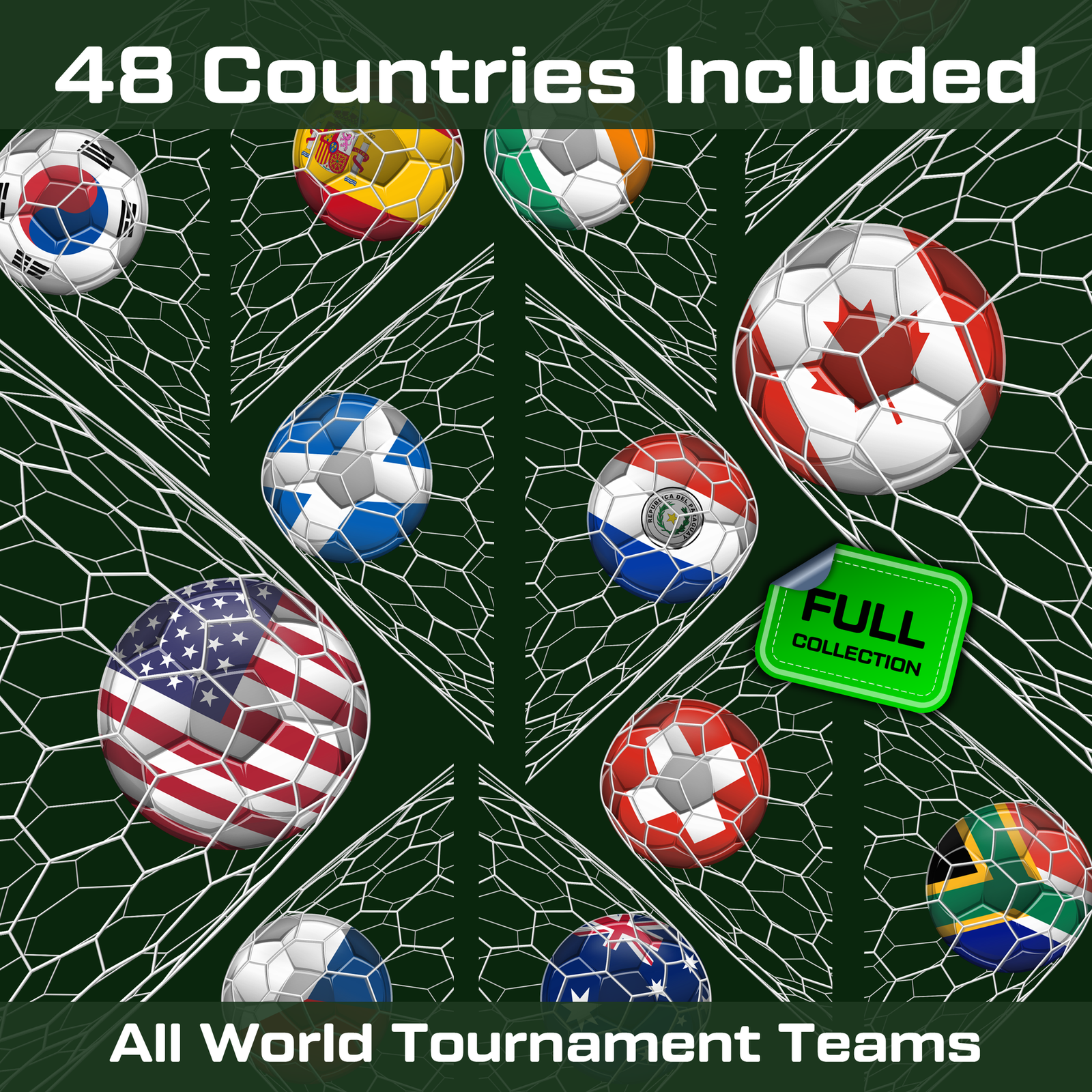
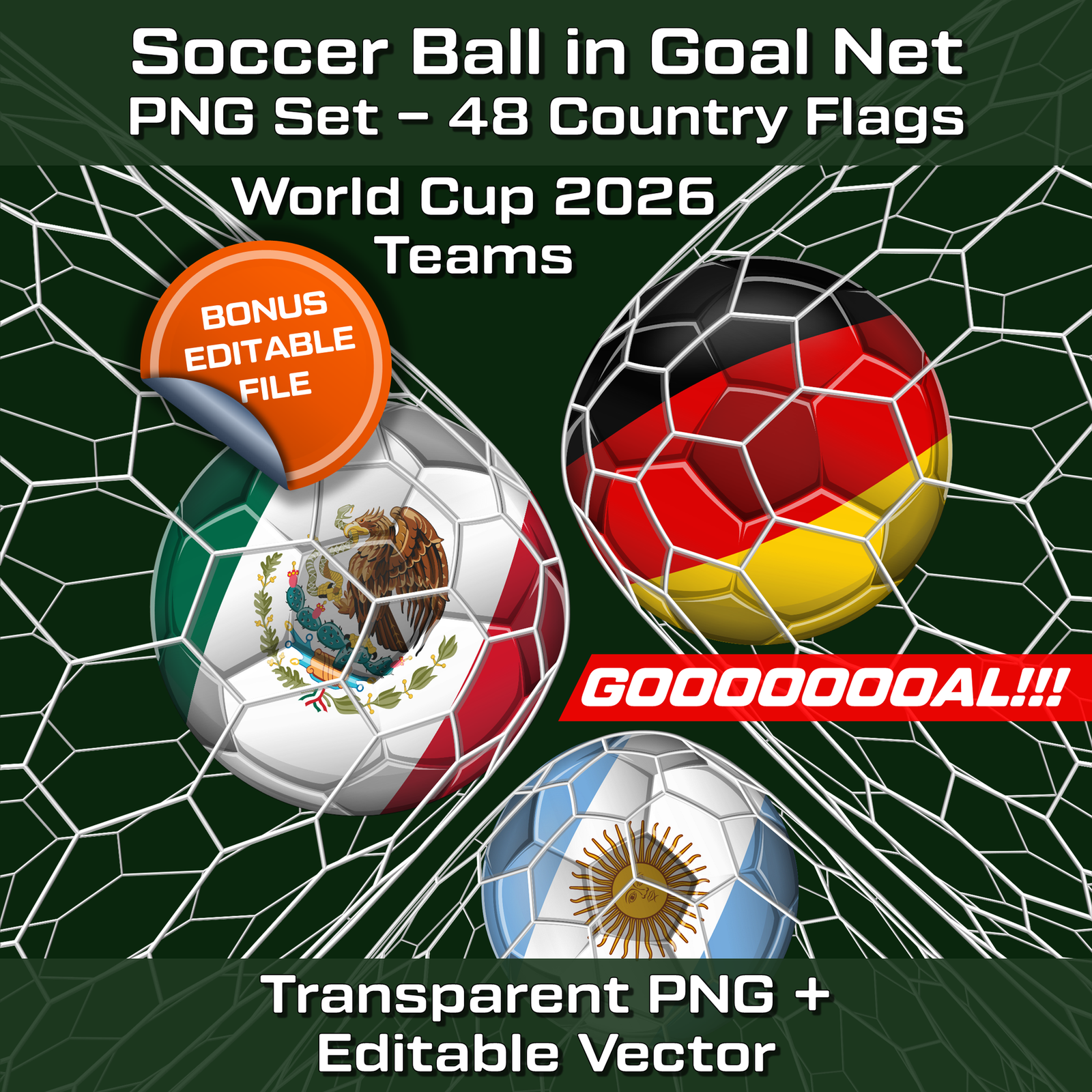
Soccer Ball Goal Net PNG – 48 Country Flags, World Cup 2026 (Editable Vector)
Soccer Ball in Goal Net PNG Set – 48 Country Flags ⚽ Dynamic goal moment designs with transparent background, ready to use instantly. Includes a fully editable presentation for custom scaling and export. Capture the moment of scoring with this soccer ball in goal net PNG bundle, featuring 48 country flag football balls placed inside a stretched goal net composition. This pack is designed for creators who want a stronger action feel than a standard ball icon, while still keeping the design clean and easy to use. You also receive a fully editable presentation source file with all 48 designs. What’s included: ▶ 48 PNG files with transparent background ▶ 48 final-stage teams included ▶ 1 editable presentation with 48 slides ▶ One design per slide ▶ Fully vector-based editable source ▶ Export to PNG in virtually any resolution Great for: ▶ Sports merchandise ▶ Matchday graphics ▶ Goal celebration visuals ▶ Website banners ▶ Fan edits ▶ Football-themed presentations ▶ Social media content Why you'll like this version: This design adds the energy of a goal-scoring moment while staying clean and versatile. The included editable presentation gives you full control over scaling and customization. IMPORTANT: ▶ This is a digital download ▶ No physical product will be shipped ▶ The editable presentation allows export in much larger sizes ▶ Colors may vary slightly depending on screen and printer settings LICENSE INFORMATION ▶ Personal use ▶ Commercial use permitted for finished end products ▶ Reselling or sharing original digital files is prohibited. If you have any questions, feedback, or suggestions, feel free to contact me via Etsy Messages – I’m happy to help. A strong choice for football creators who want a dynamic goal-themed design without extra visual clutter.6,58 $ -
 2623
2623
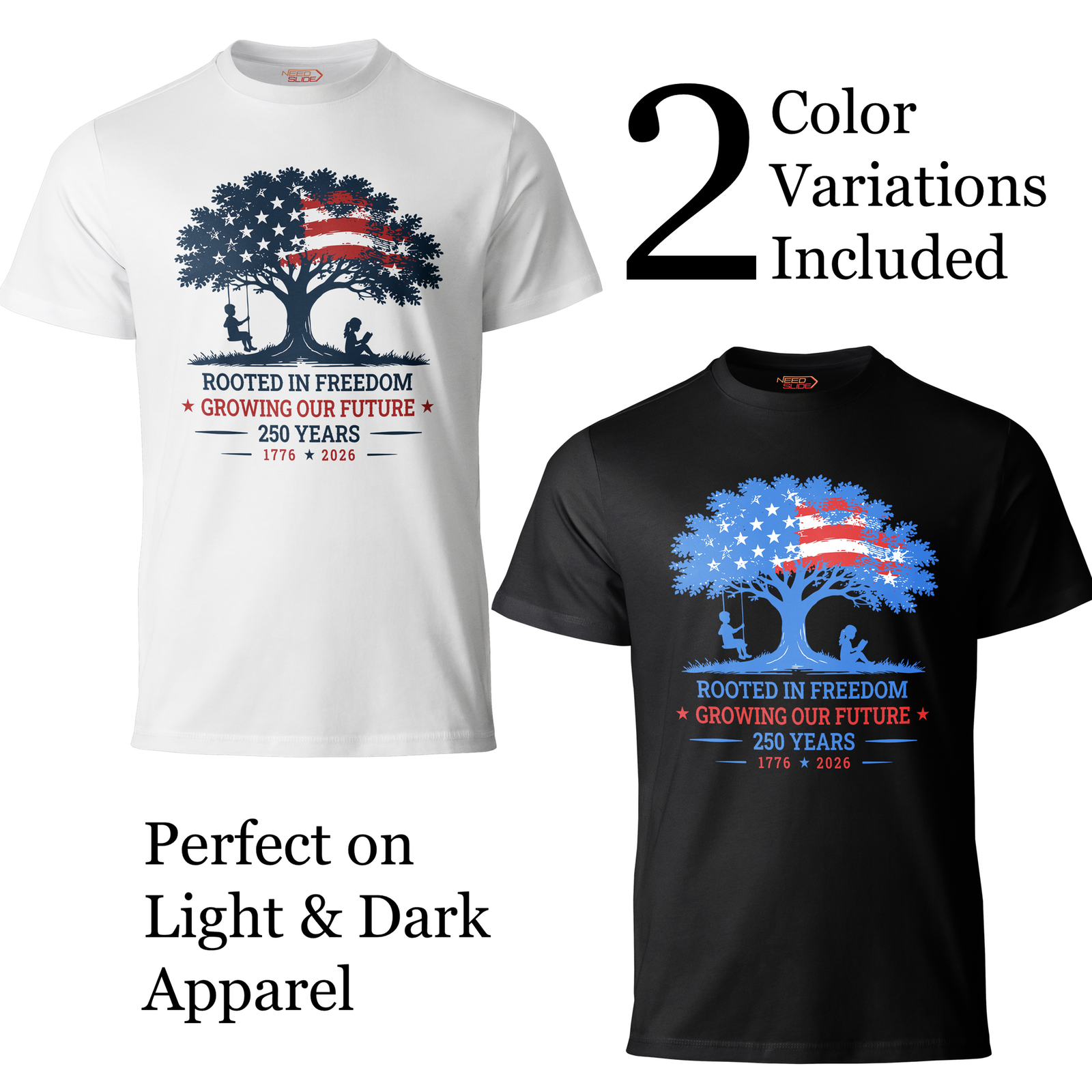
Rooted in Freedom, USA 250th Anniversary Vector, Editable Patriotic Design, SVG PNG
Celebrate America's 250th Anniversary with "Rooted in Freedom" - a fully editable patriotic vector design created for printing, customization, and commercial use. Clean. Bold. Unforgettable. "Rooted in Freedom" is part of the exclusive USA 250th Anniversary collection - premium patriotic artwork for makers, small business owners, creative professionals, and anyone who wants to print a custom shirt at their local print shop. This file is ready to use right out of the box. WHY THIS DESIGN STANDS OUT This isn't rasterized clipart. Every file is a true vector, carefully optimized for easy editing and customization. The structure is intentionally kept simple, making recoloring, resizing, and modification fast and effortless.6,58 $- Only 3 objects / 3 colors
- One object = one color. Simple, transparent structure. Every object is easy to select and edit.
- Fully editable in any vector software or directly in PowerPoint.
- Version for WHITE / LIGHT backgrounds (T-shirts, mugs, light apparel)
- Version for BLACK / DARK backgrounds (dark T-shirts, hoodies, dark merchandise)
- T-shirts, hoodies, sweatshirts
- Posters, banners, signs
- Mugs, tumblers, water bottles
- Tote bags, backpacks
- Notebooks, journals, stationery
- Event materials, stickers
- Presentations and slides, school projects
- Wall art, canvas prints
- Gifts and commemorative merchandise
- Social media graphics
- Patriotic celebrations
- Personal use - unlimited
- Print for yourself at any local or online print shop
- Sell physical products made from this design.
- Client work and presentations
- Uploading to POD marketplaces (Redbubble, Merch by Amazon, Zazzle, Printify, etc.) for resale to third parties
- Reselling, sharing, or distributing the digital files in any form
- Creating new digital asset collections or clipart bundles from these files
-

 1971
1971
Raster Flag Icons for PowerPoint
[insert page='descroption-flag-icons' display='content']
5,00 $Product variant: Basic Flag Icons set: Circle Icon Flag Icons type: Raster Number of countries (entities): 164 (for the whole world) Number of Flag Icons: 164
Showing 261–280 of 1319 results

