


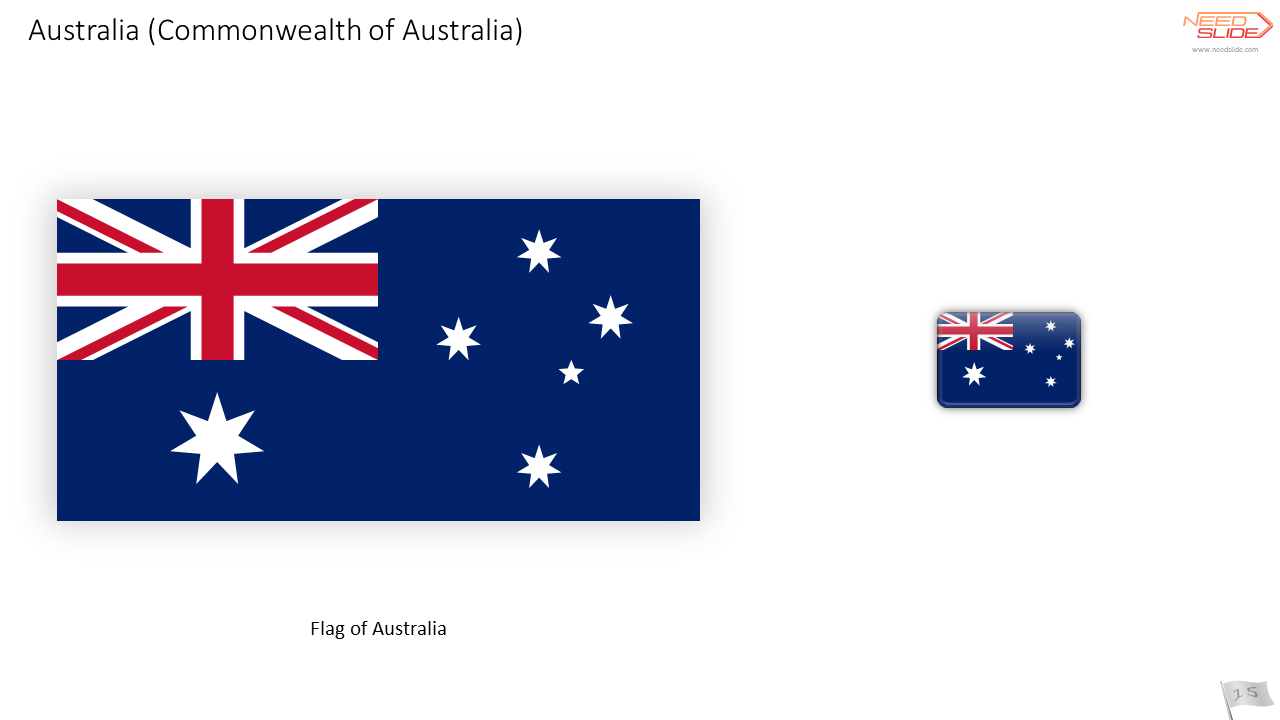


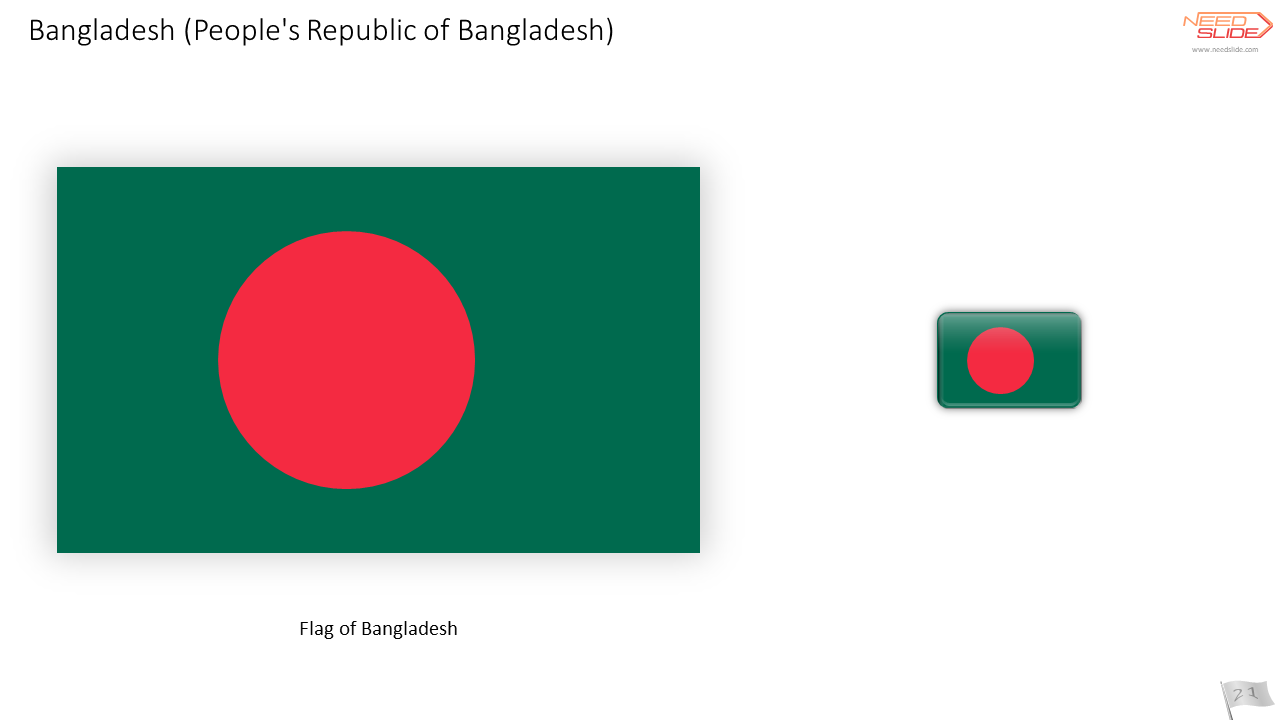


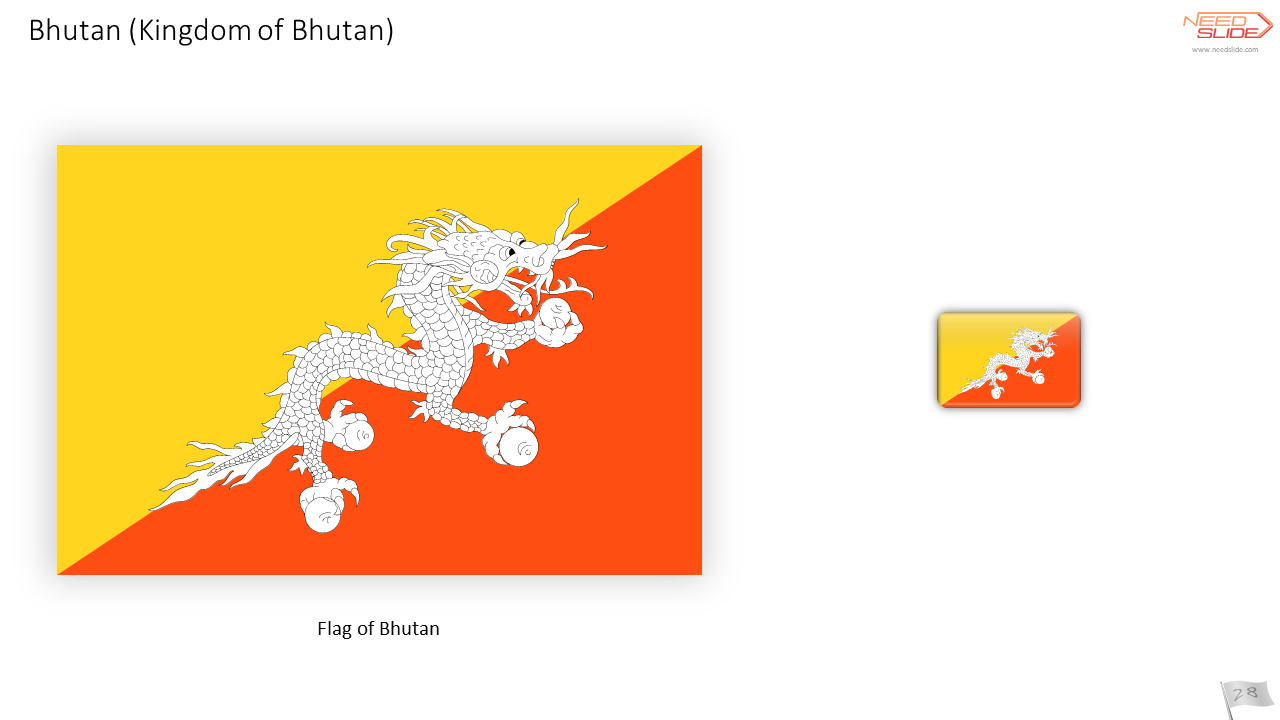
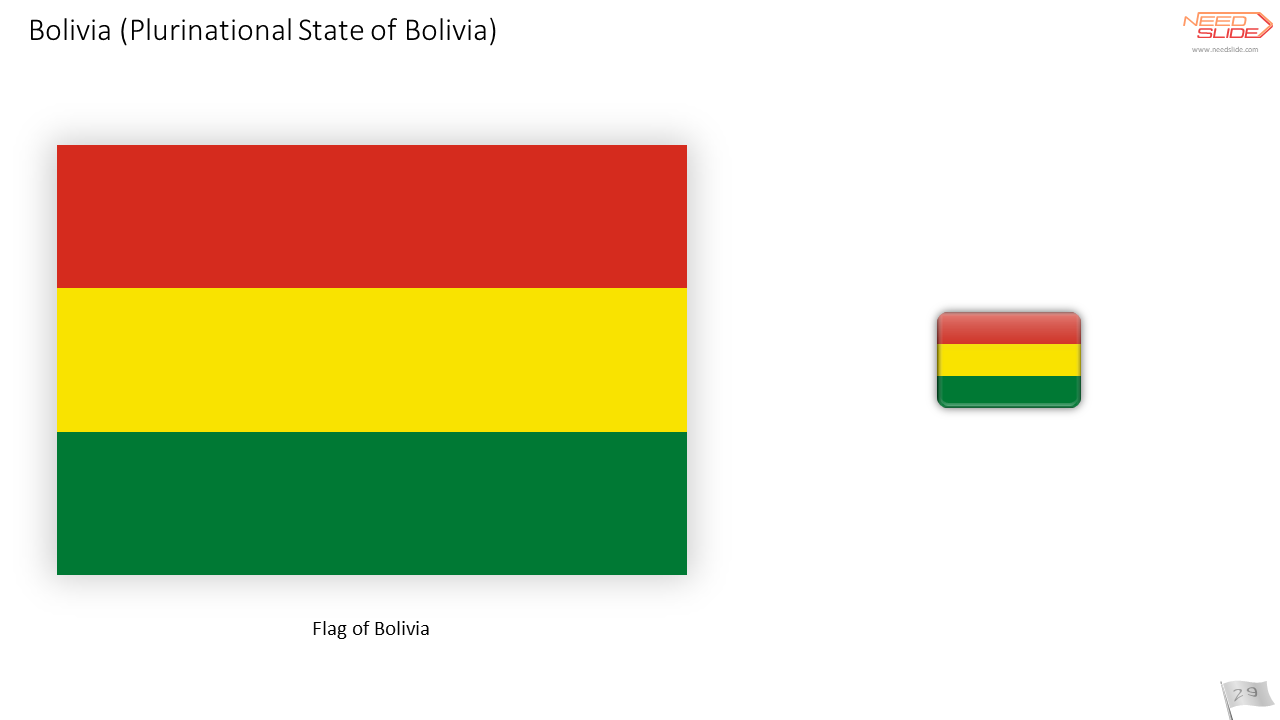


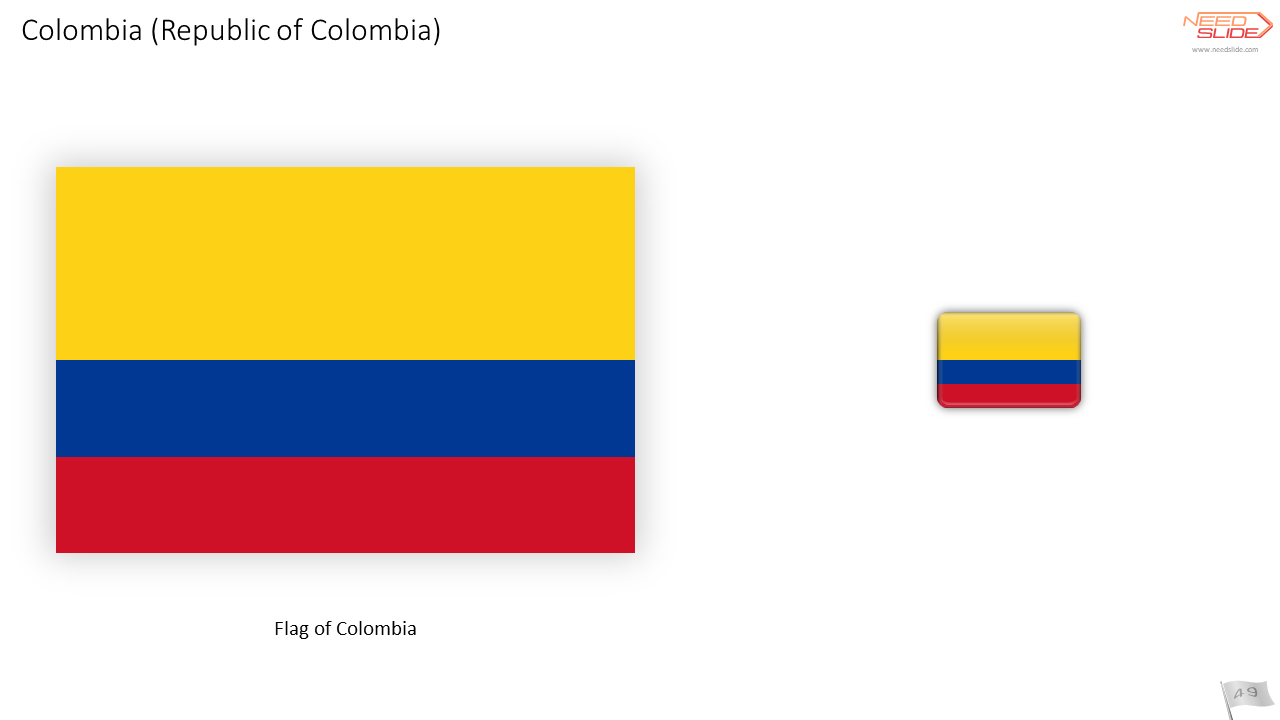


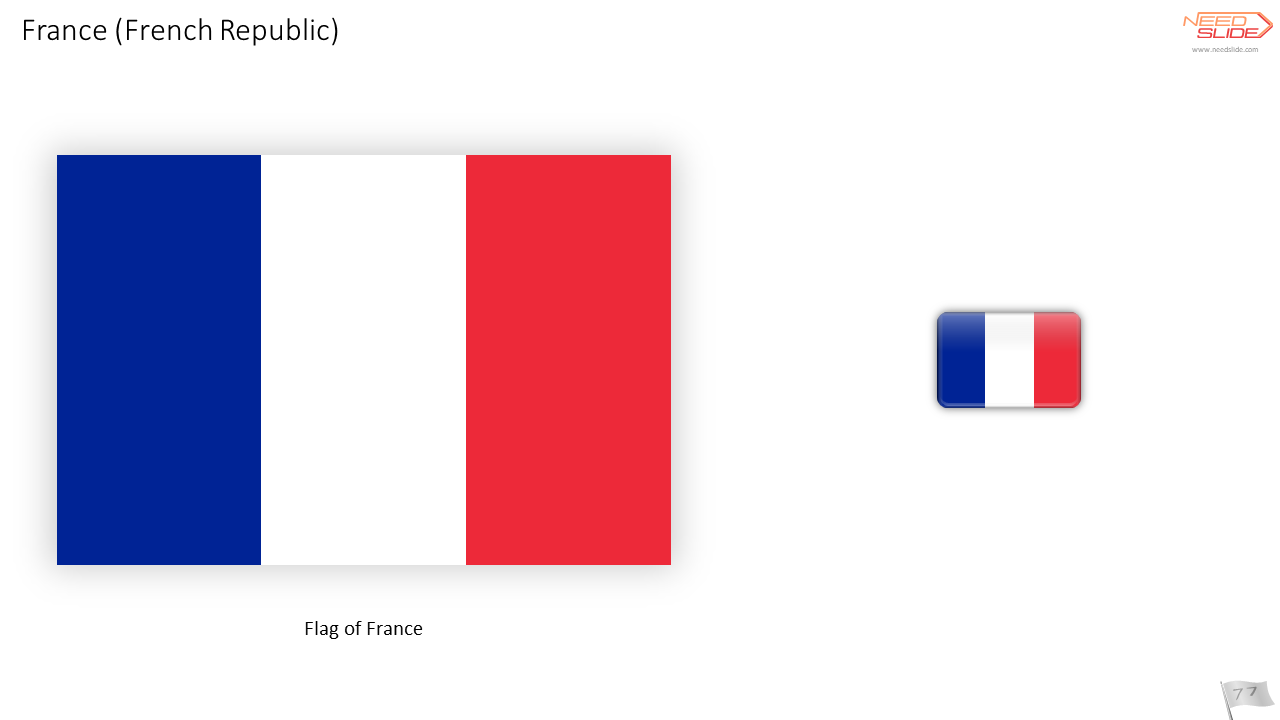

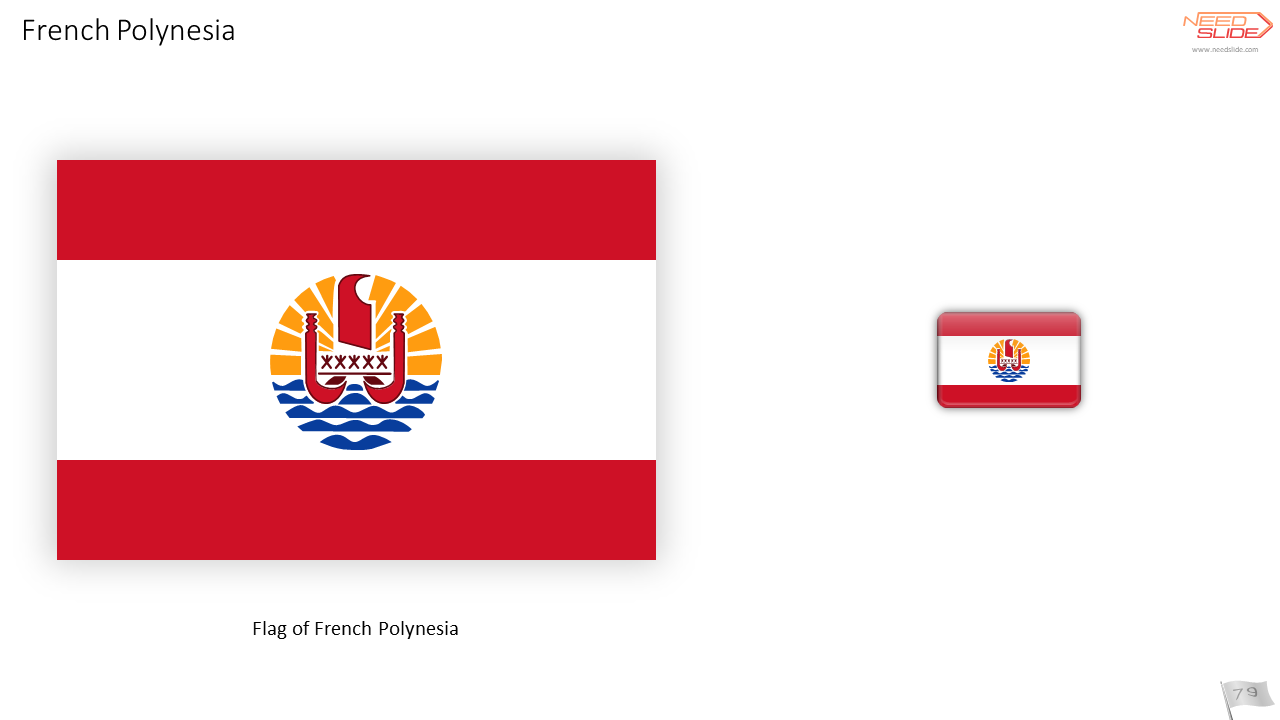


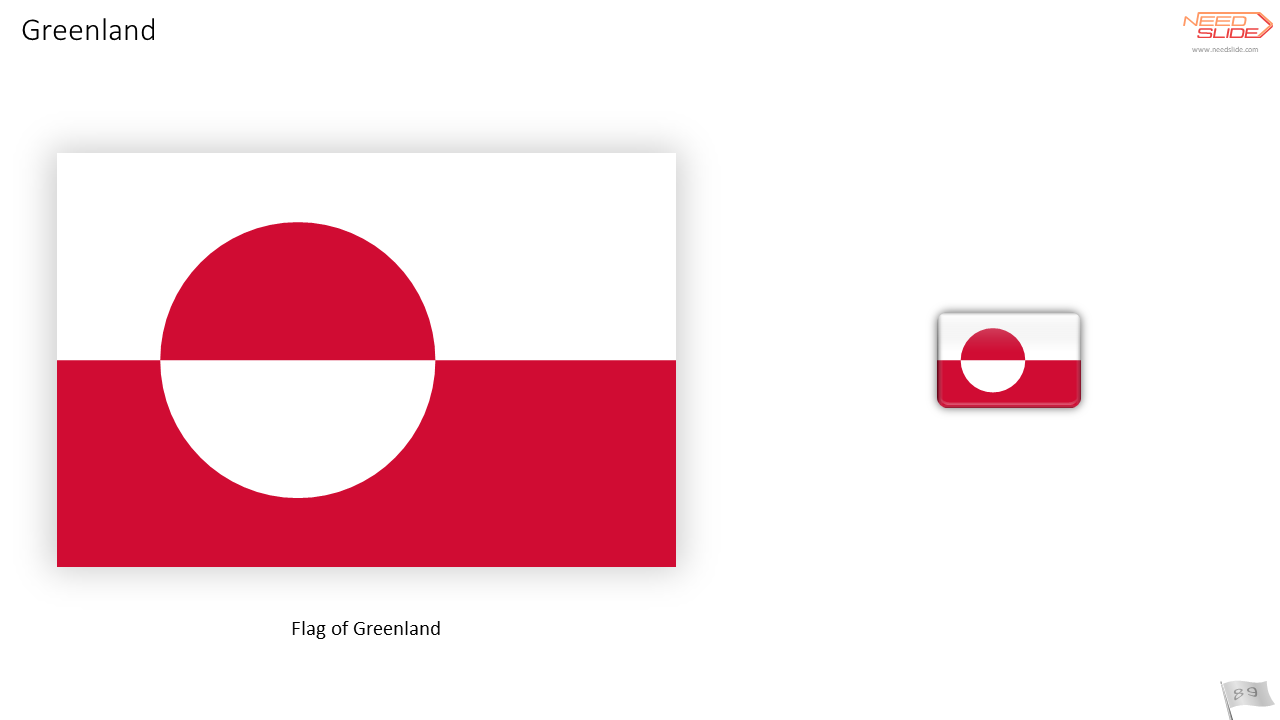


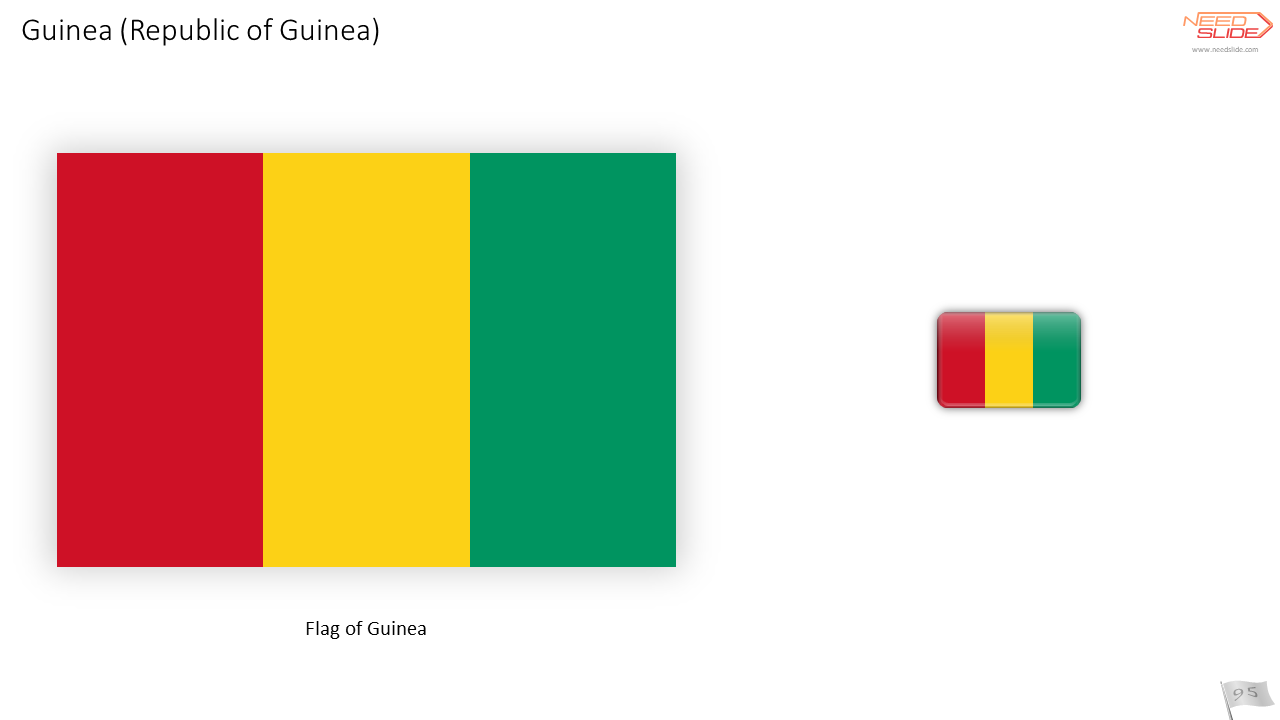
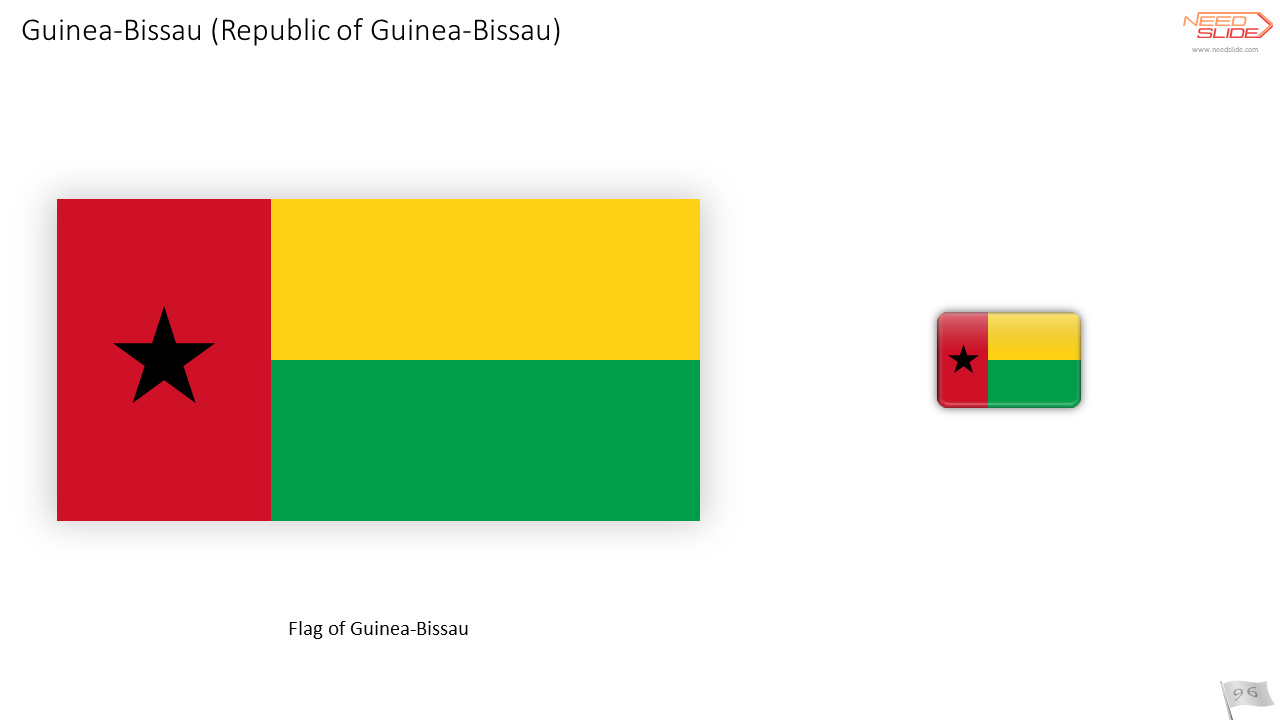


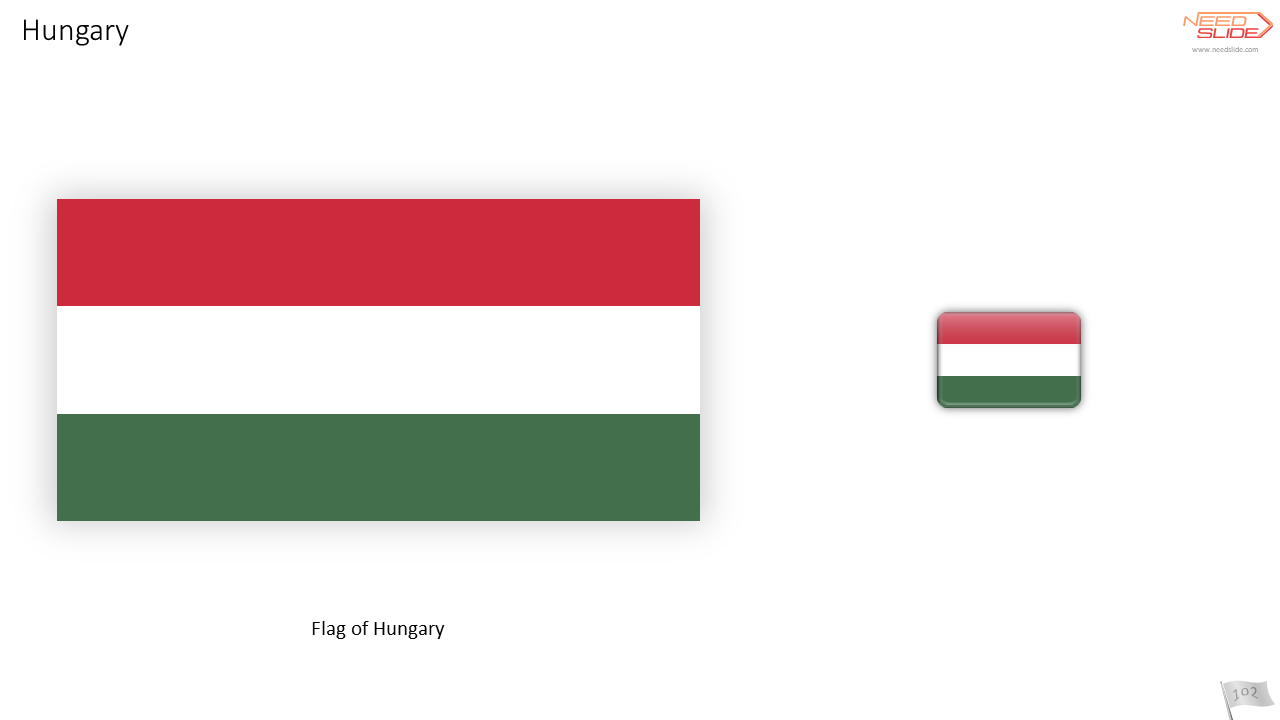


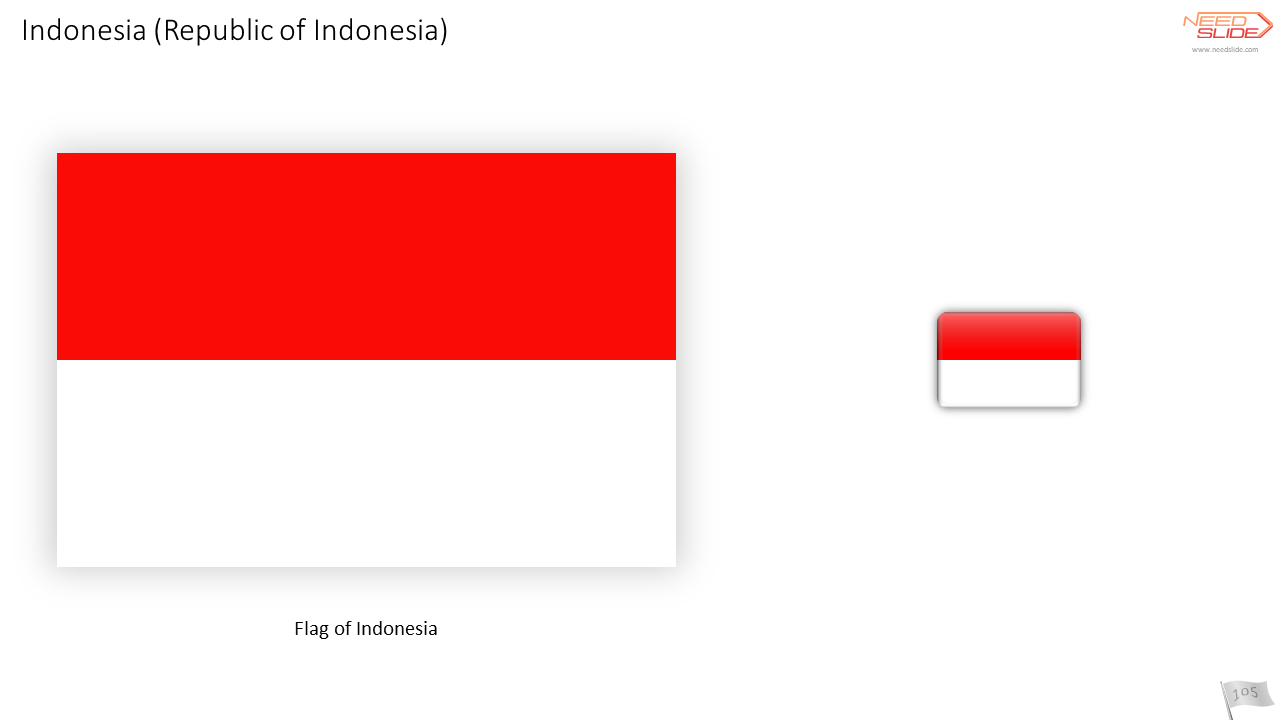


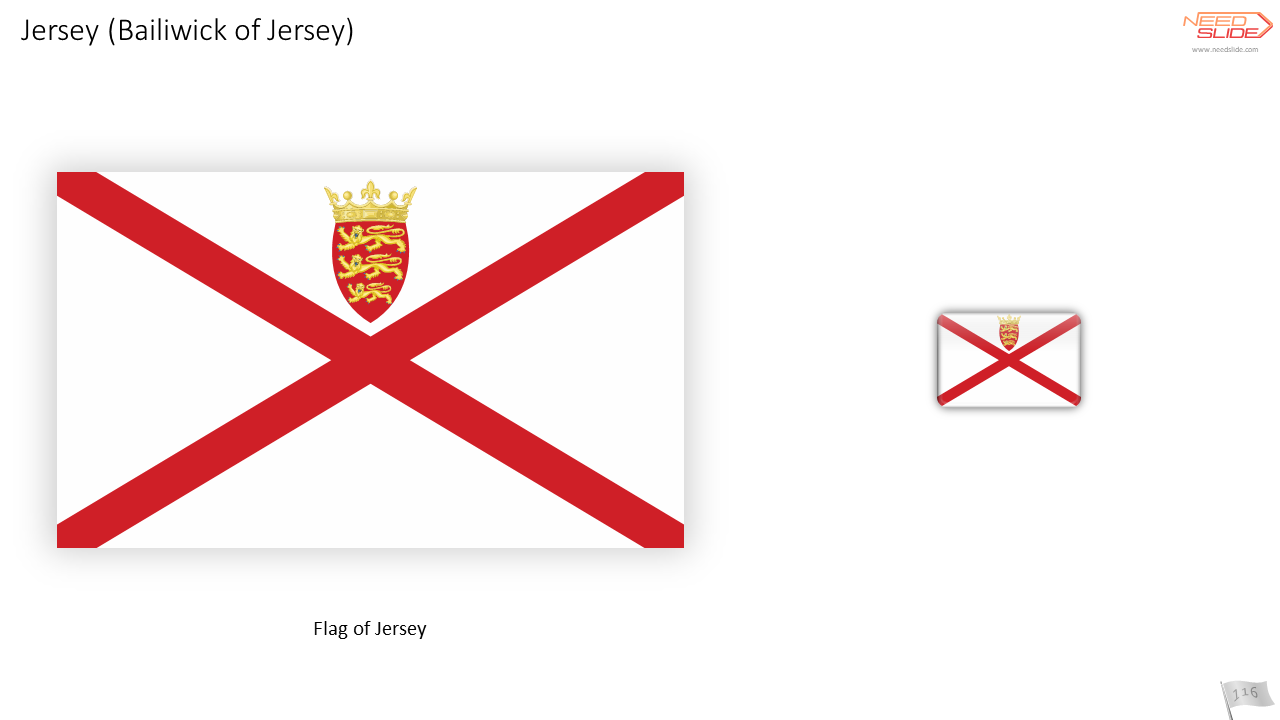


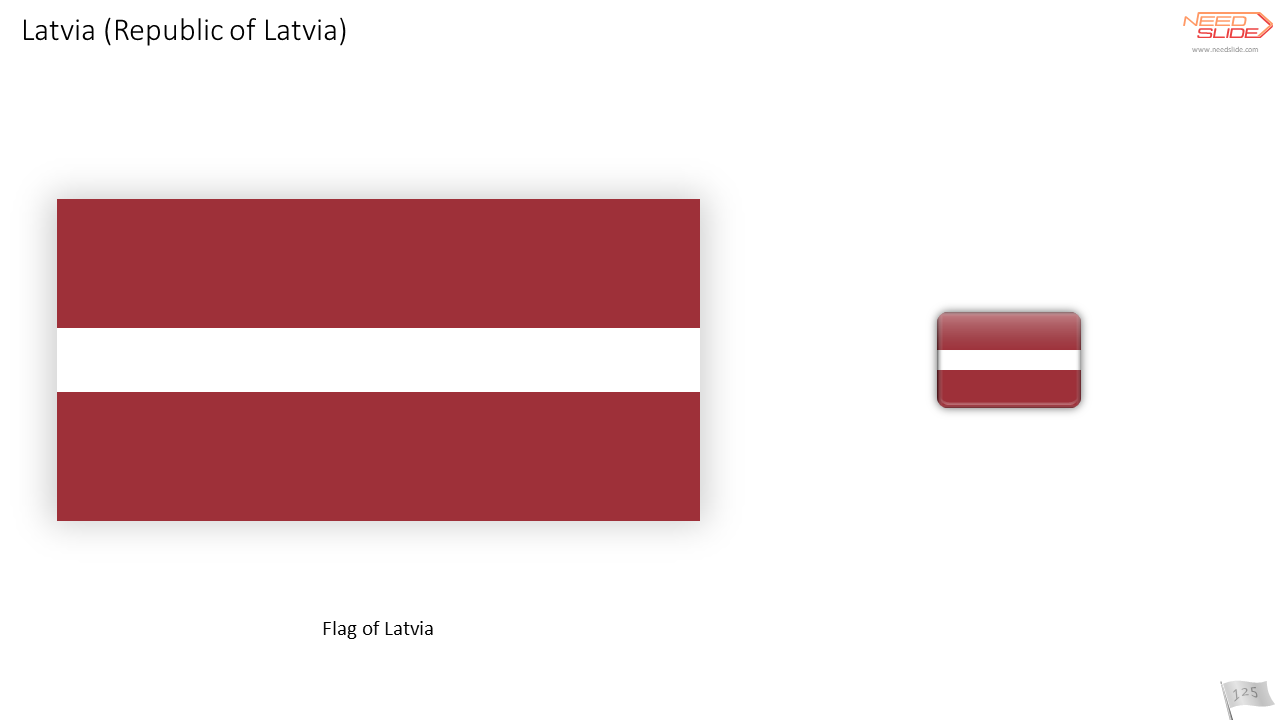
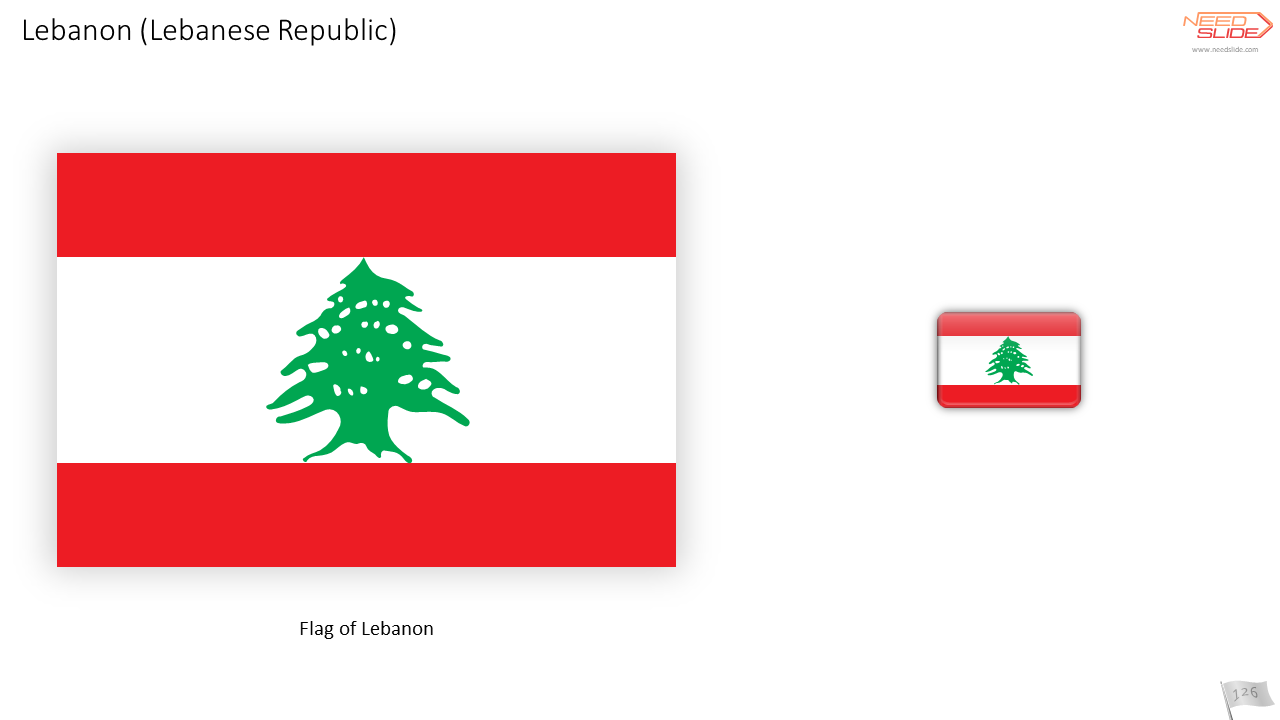


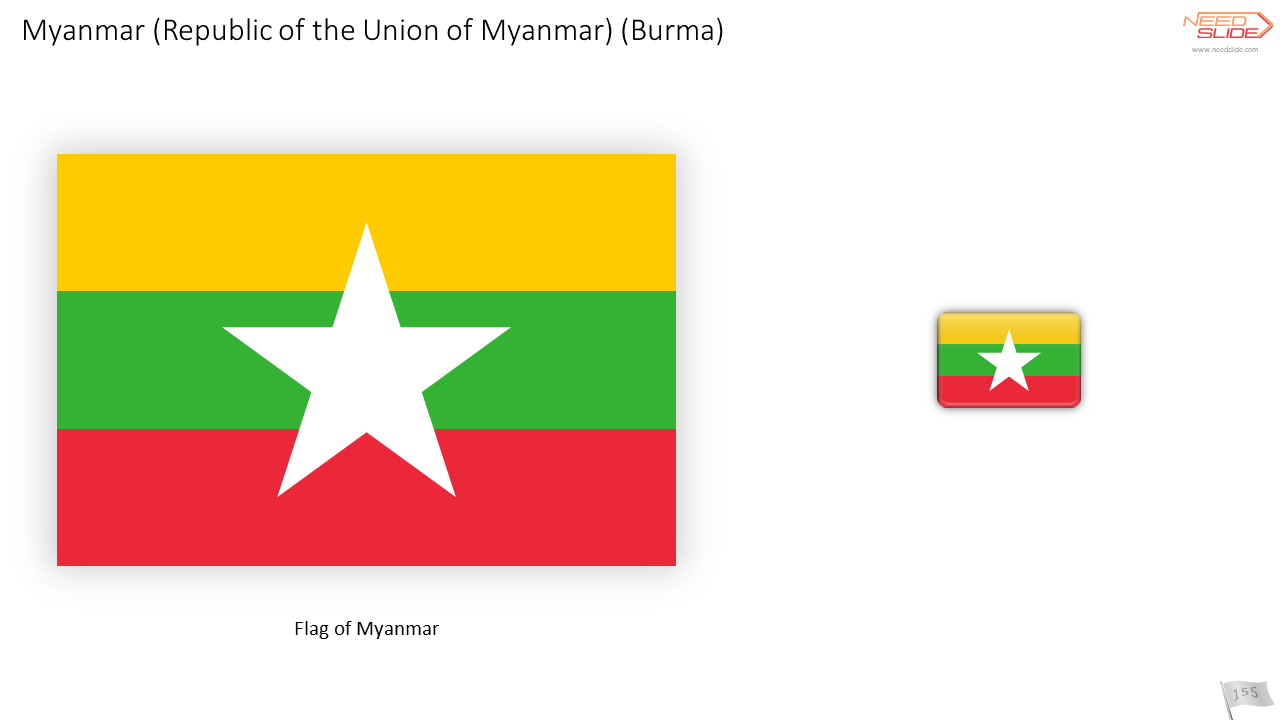


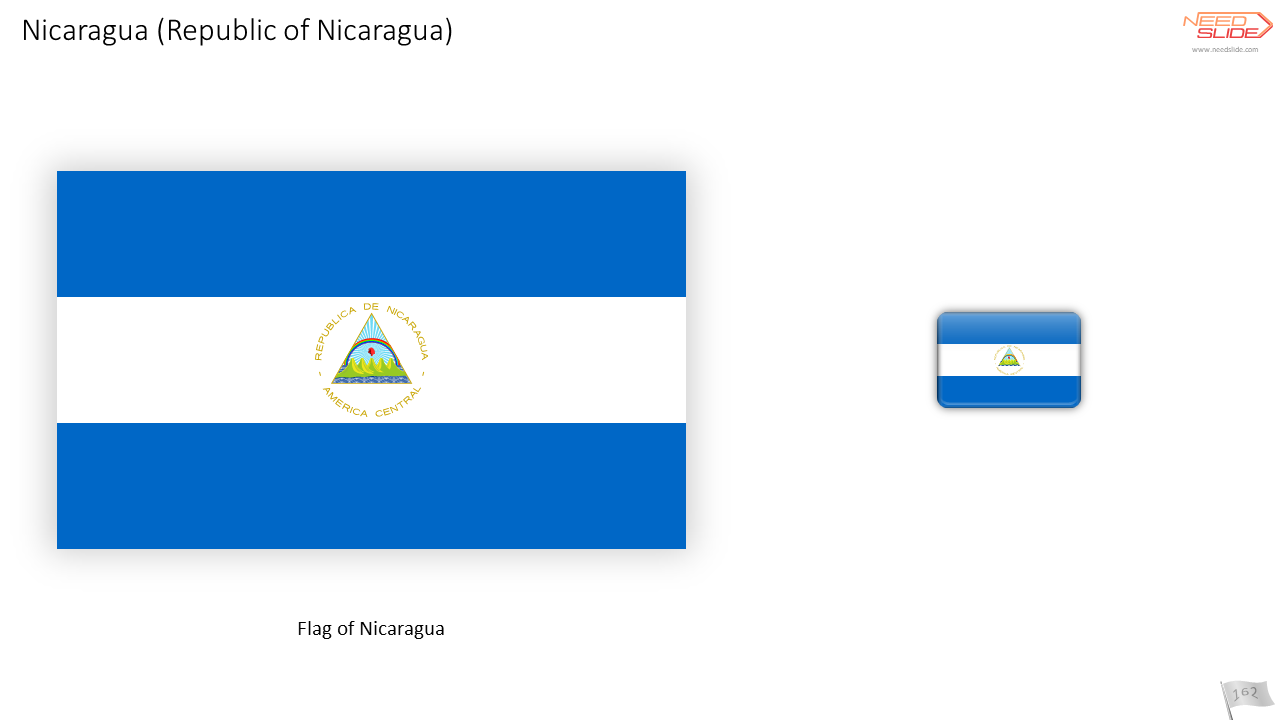


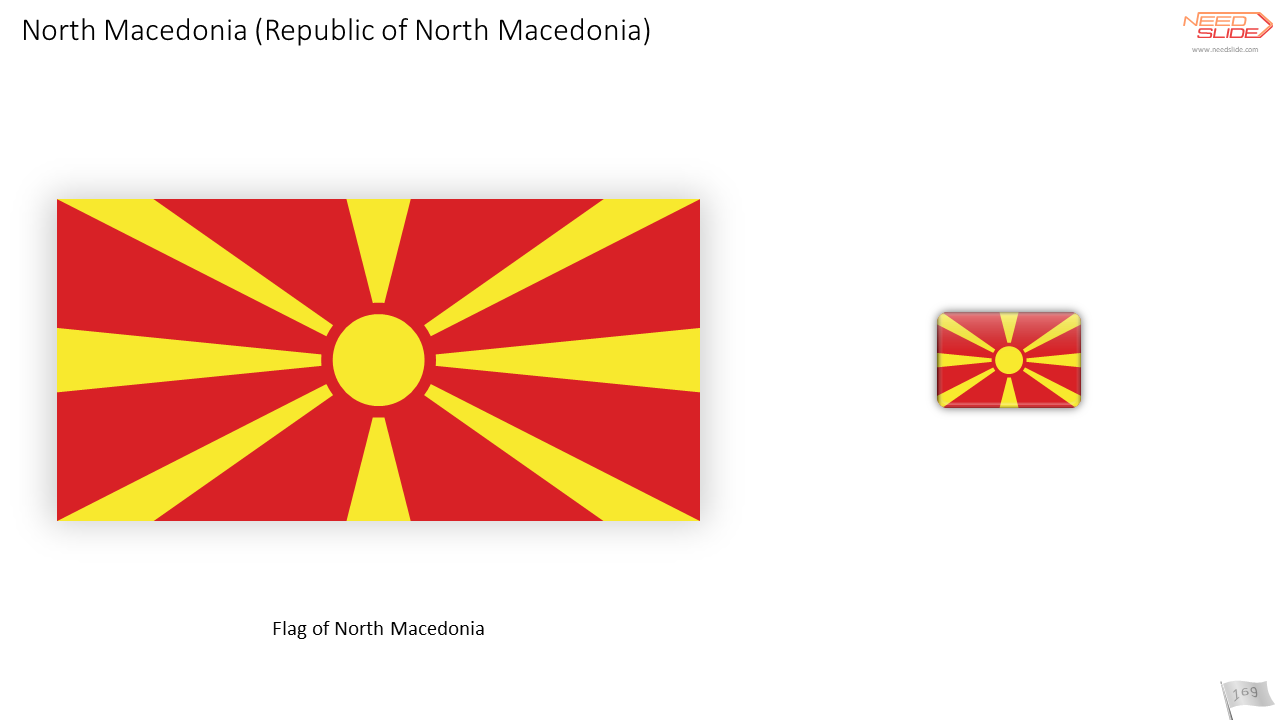


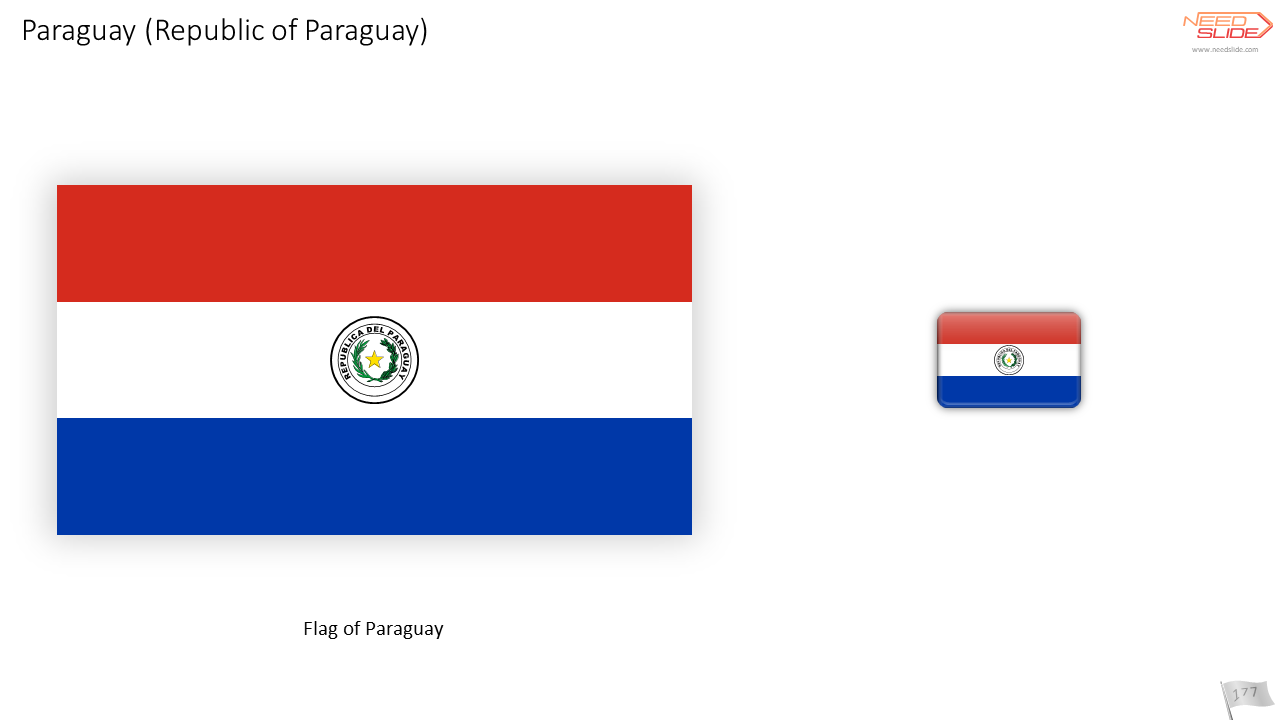

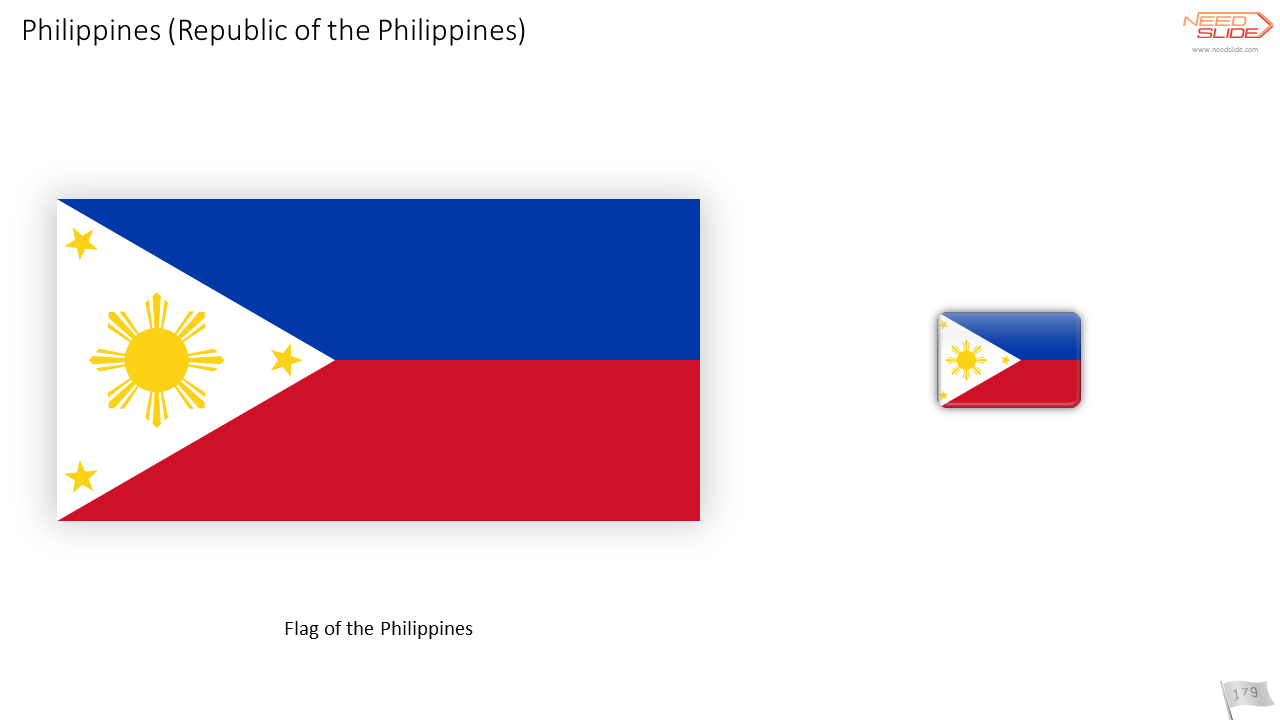


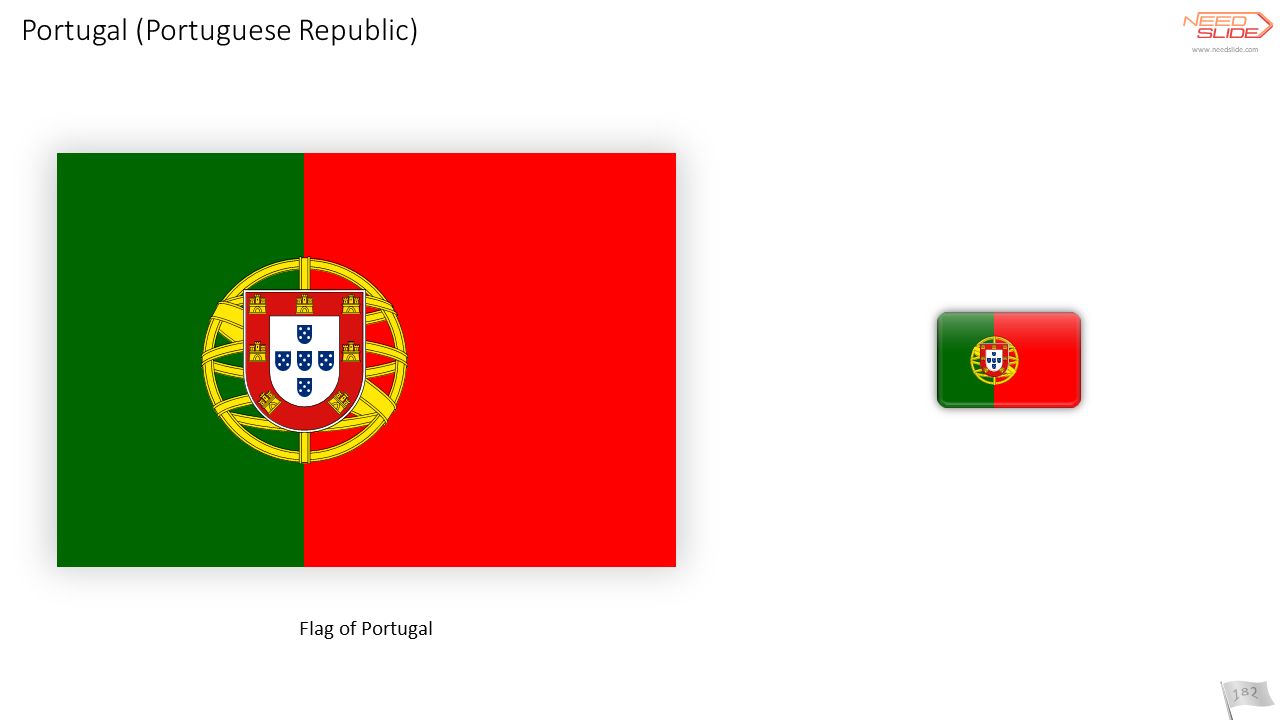
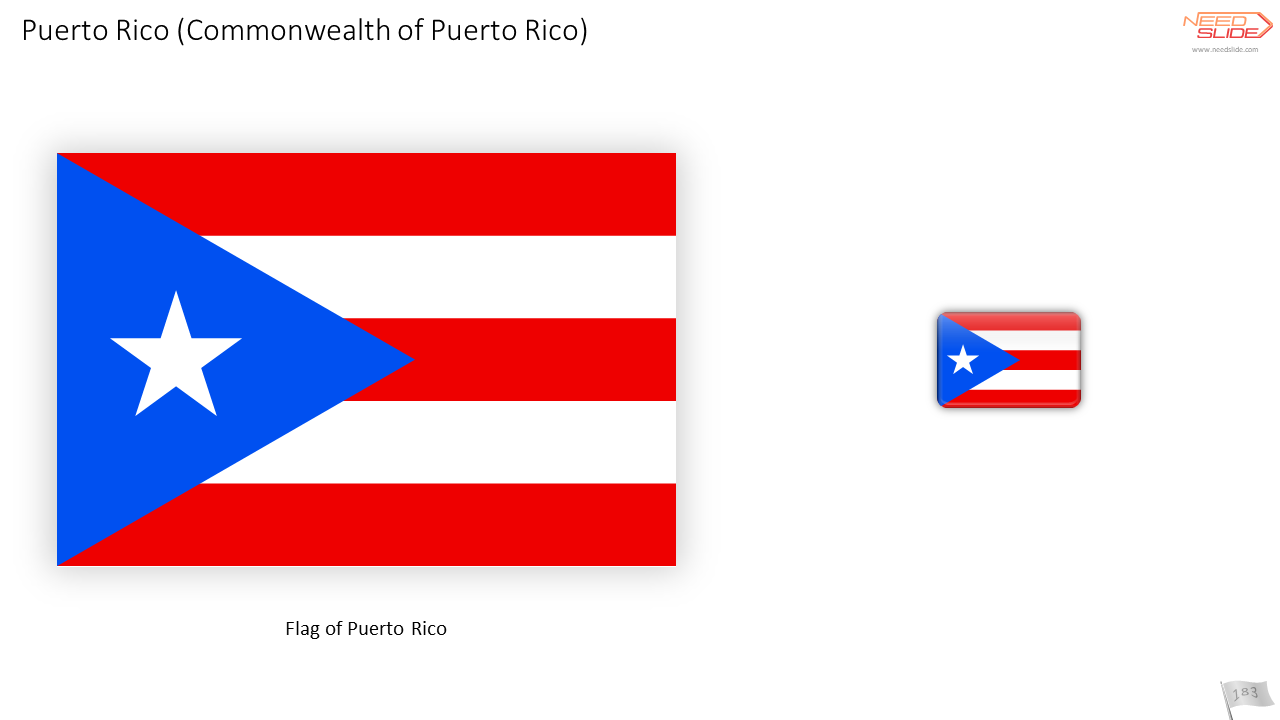


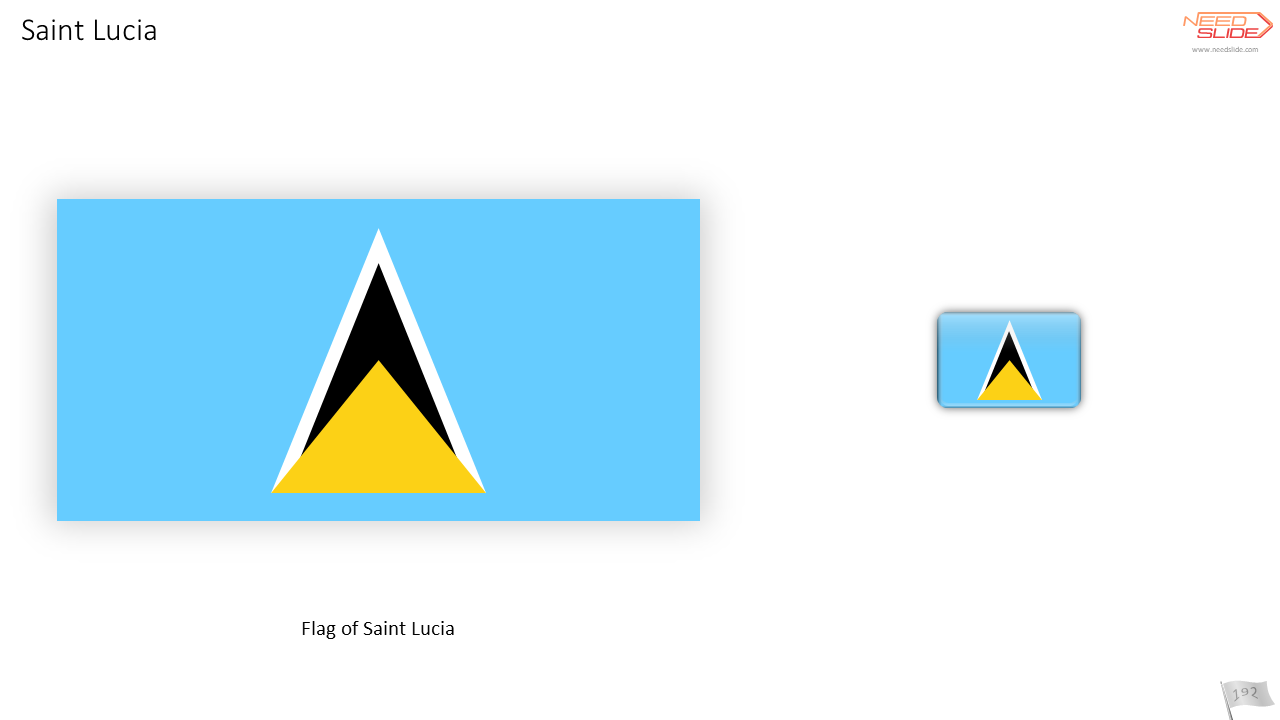


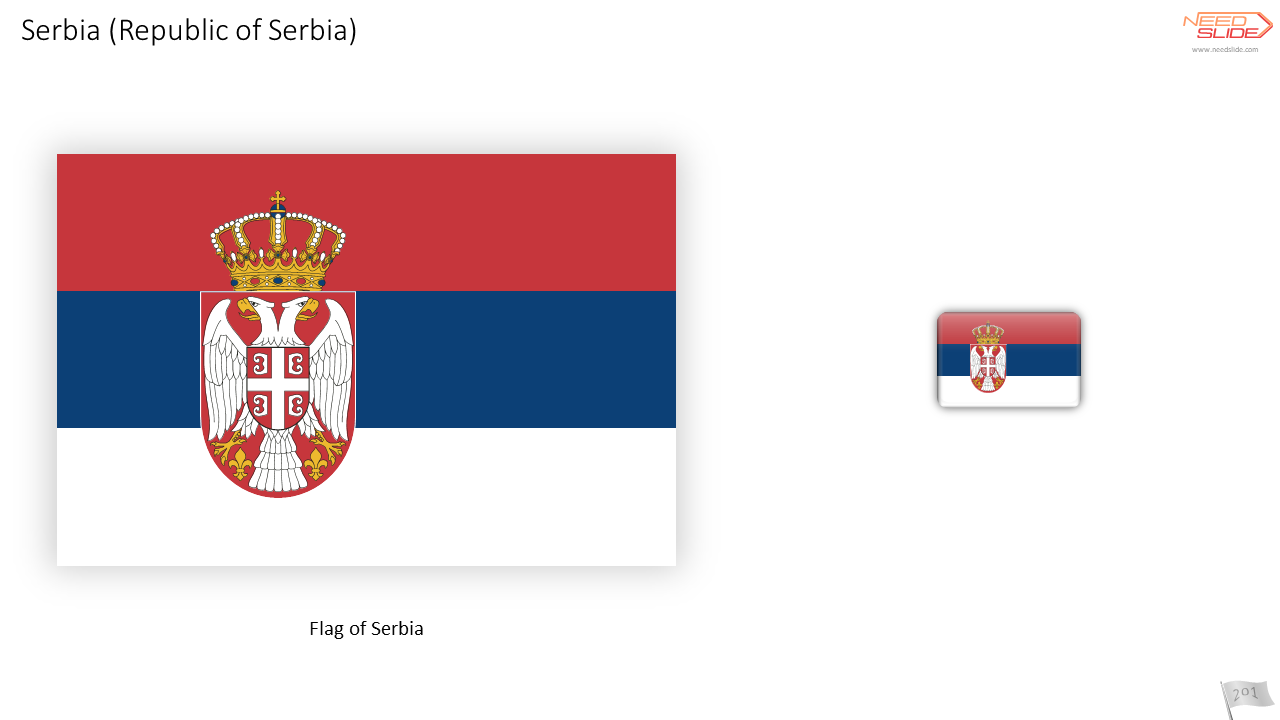


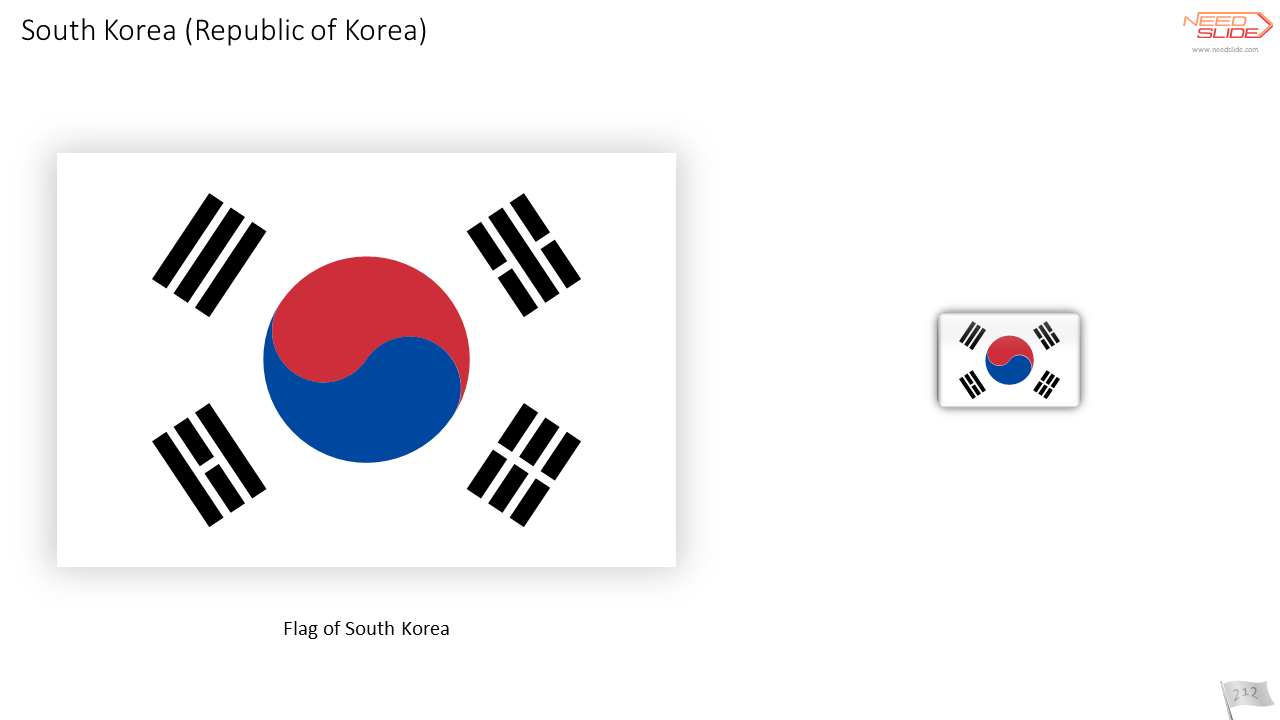


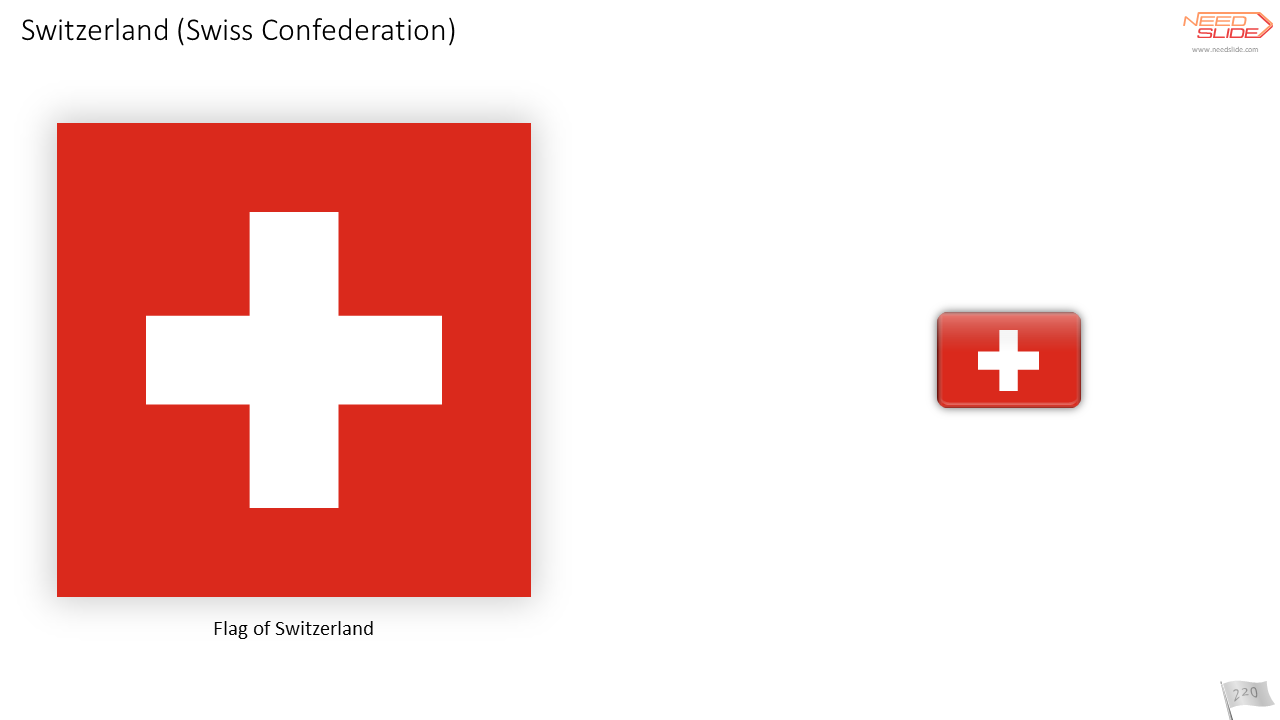


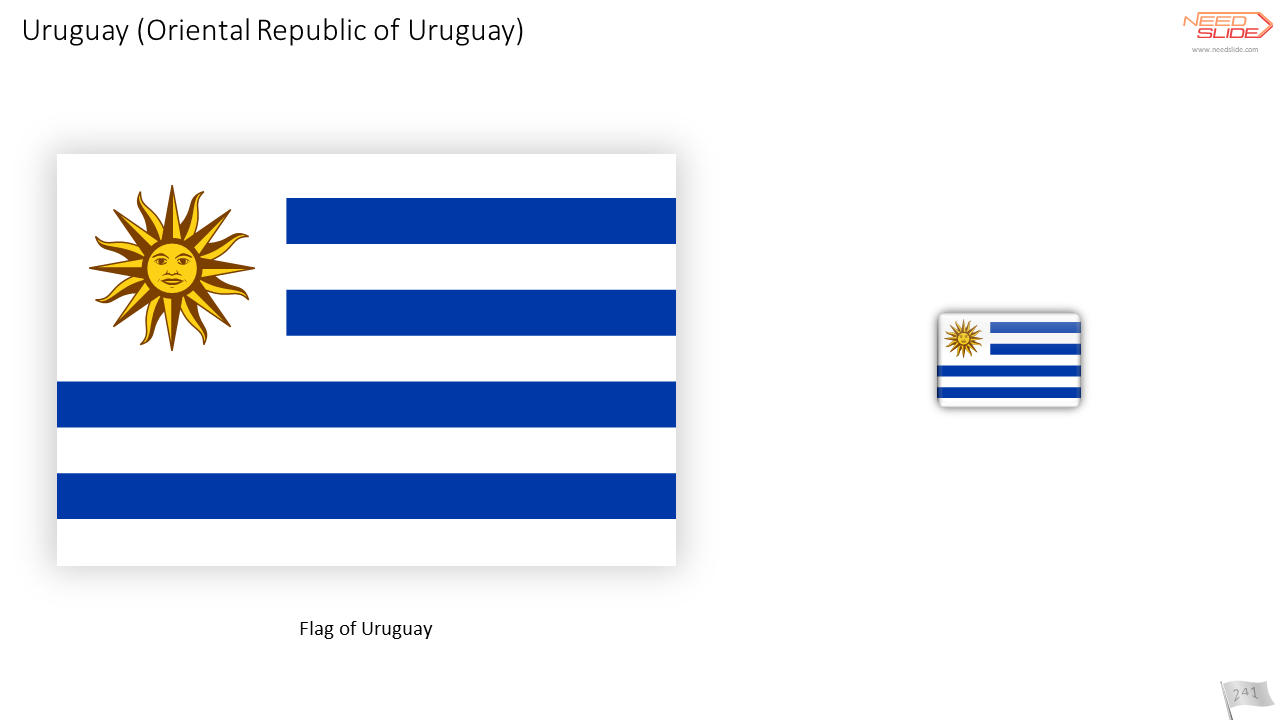
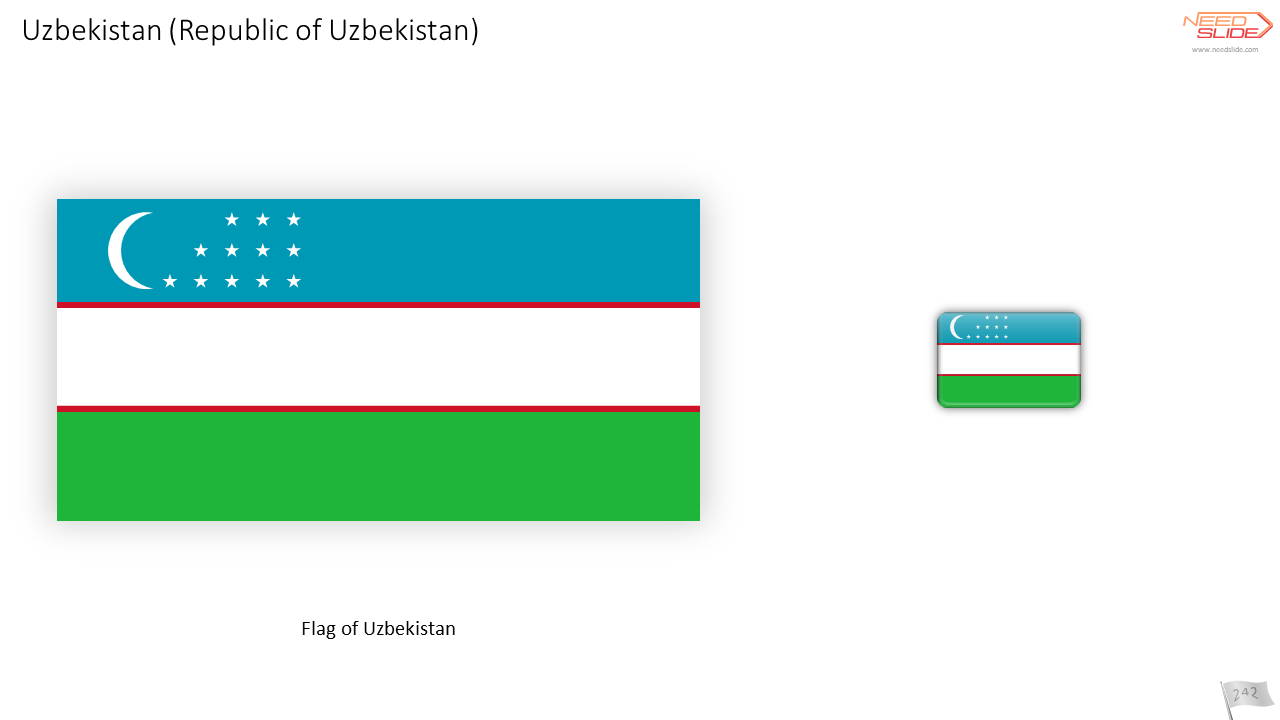
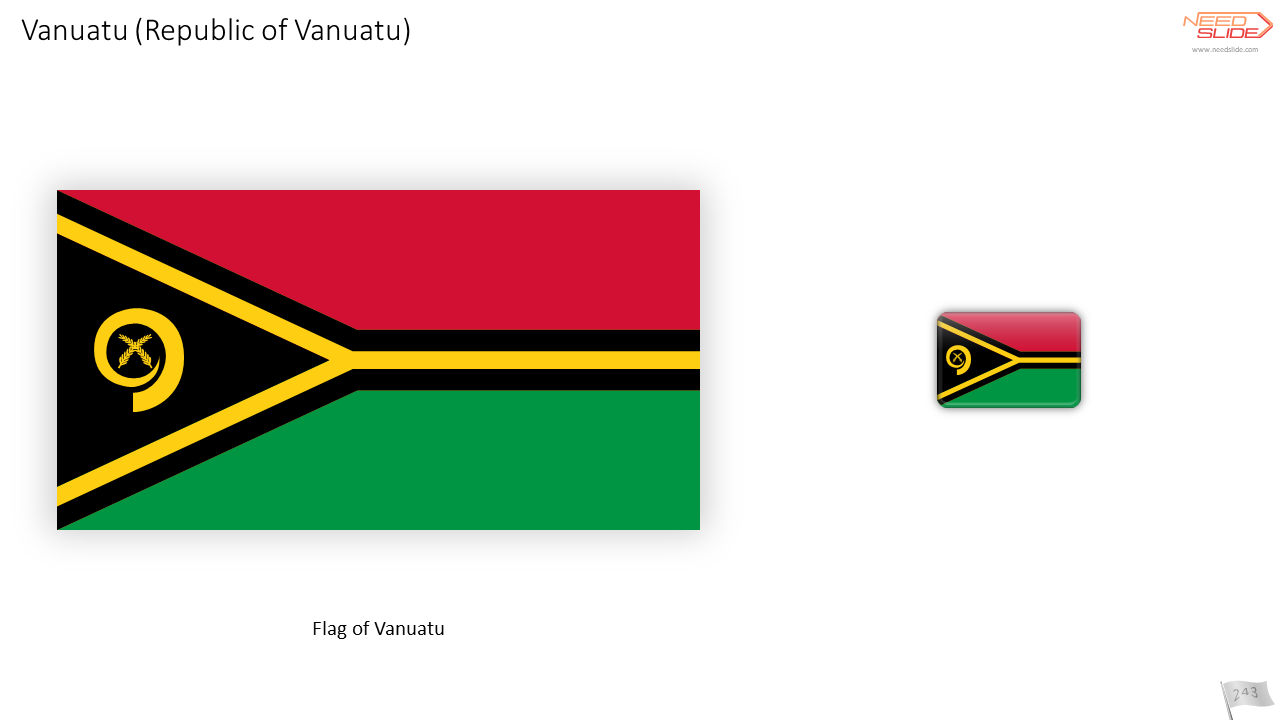
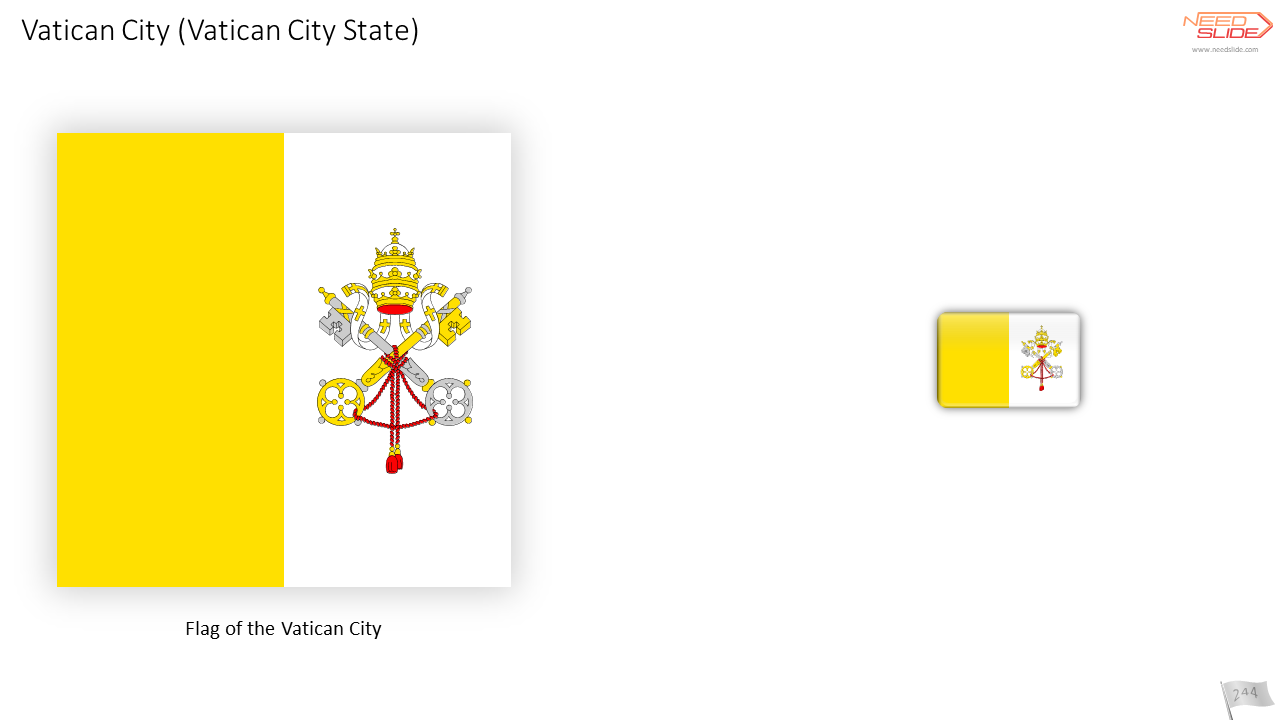


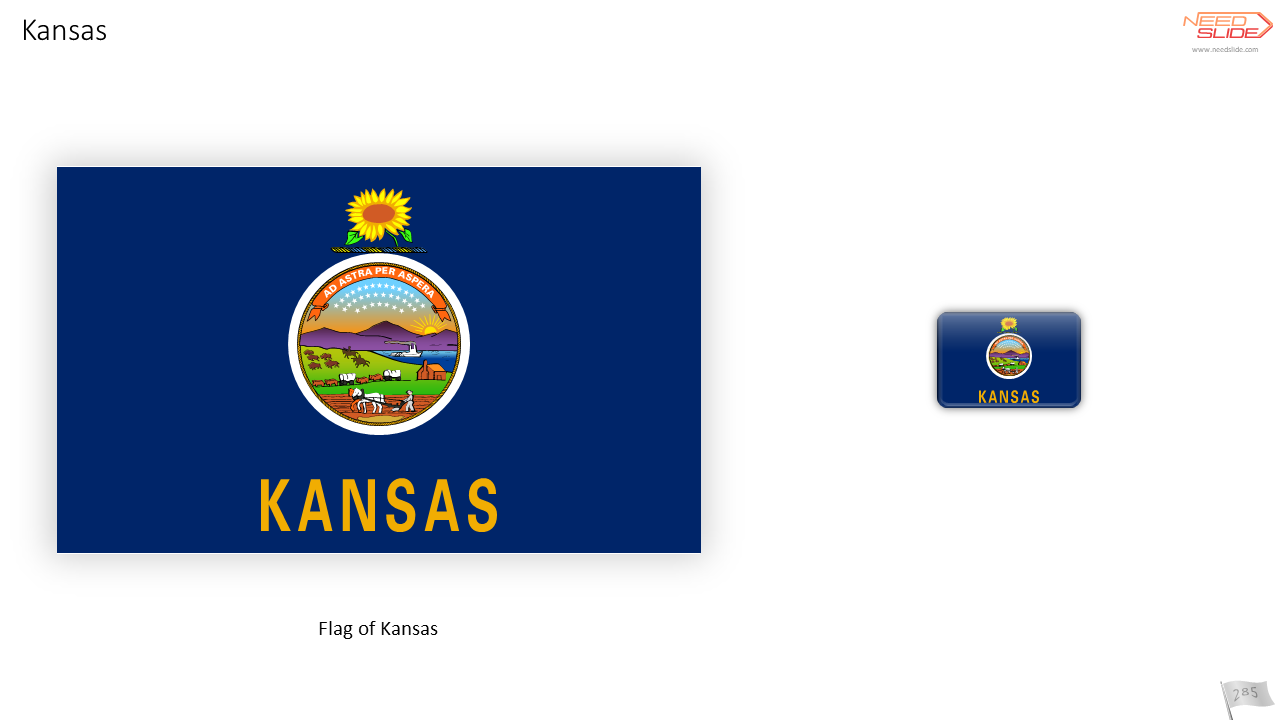

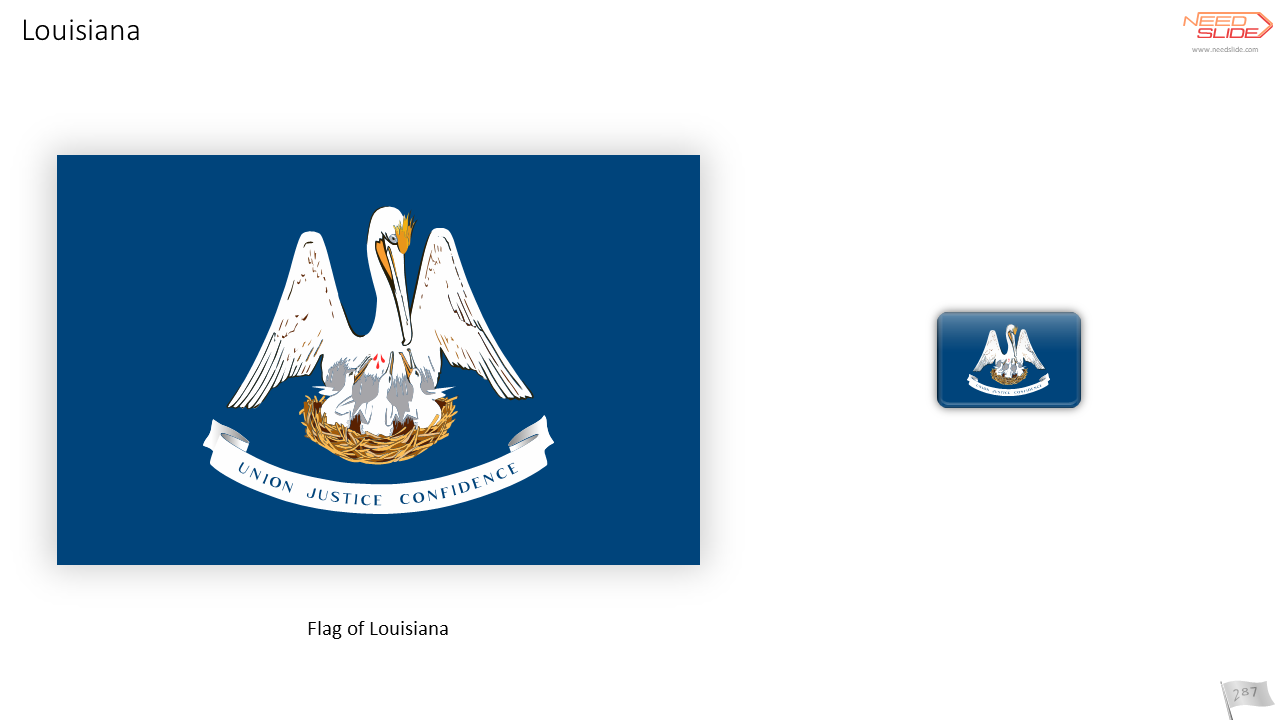
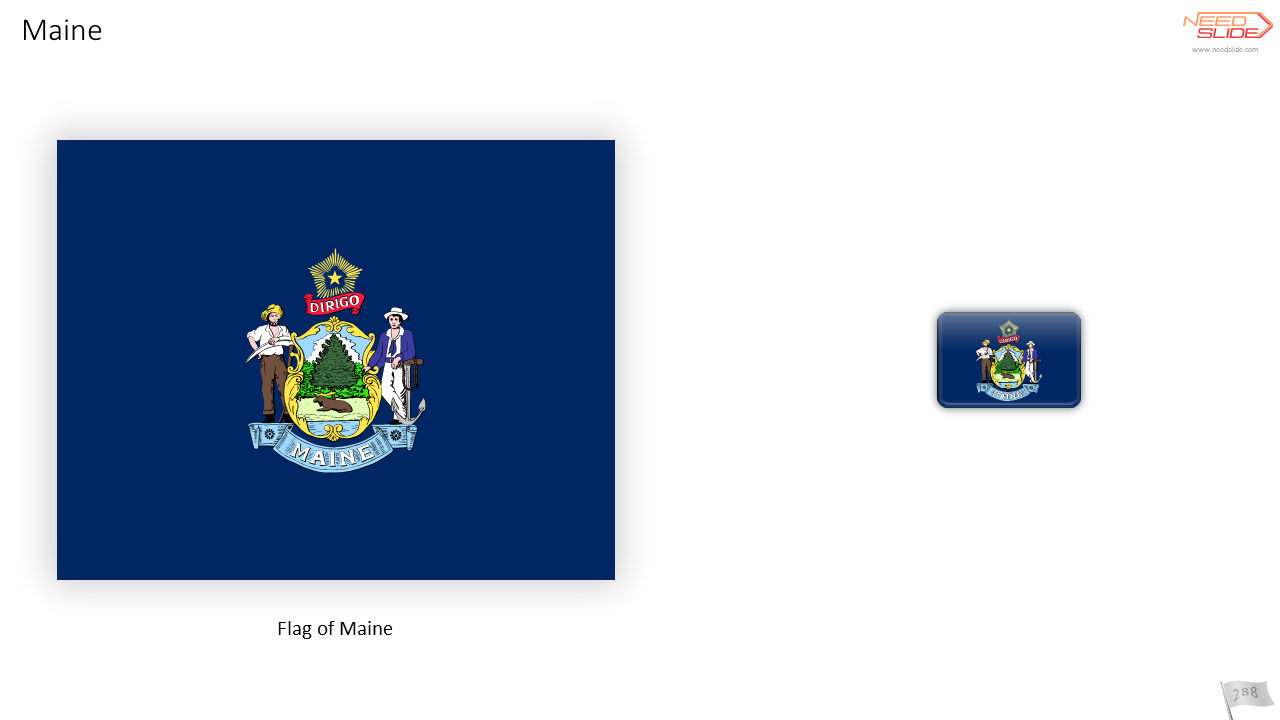


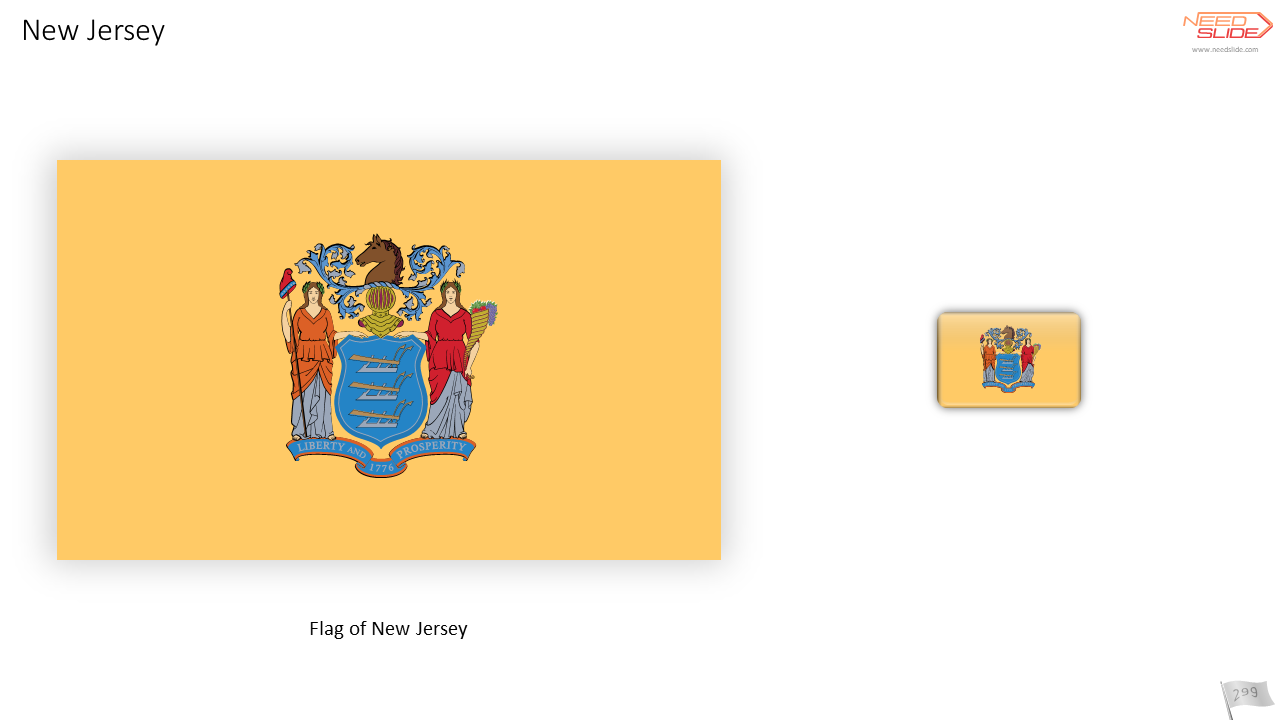

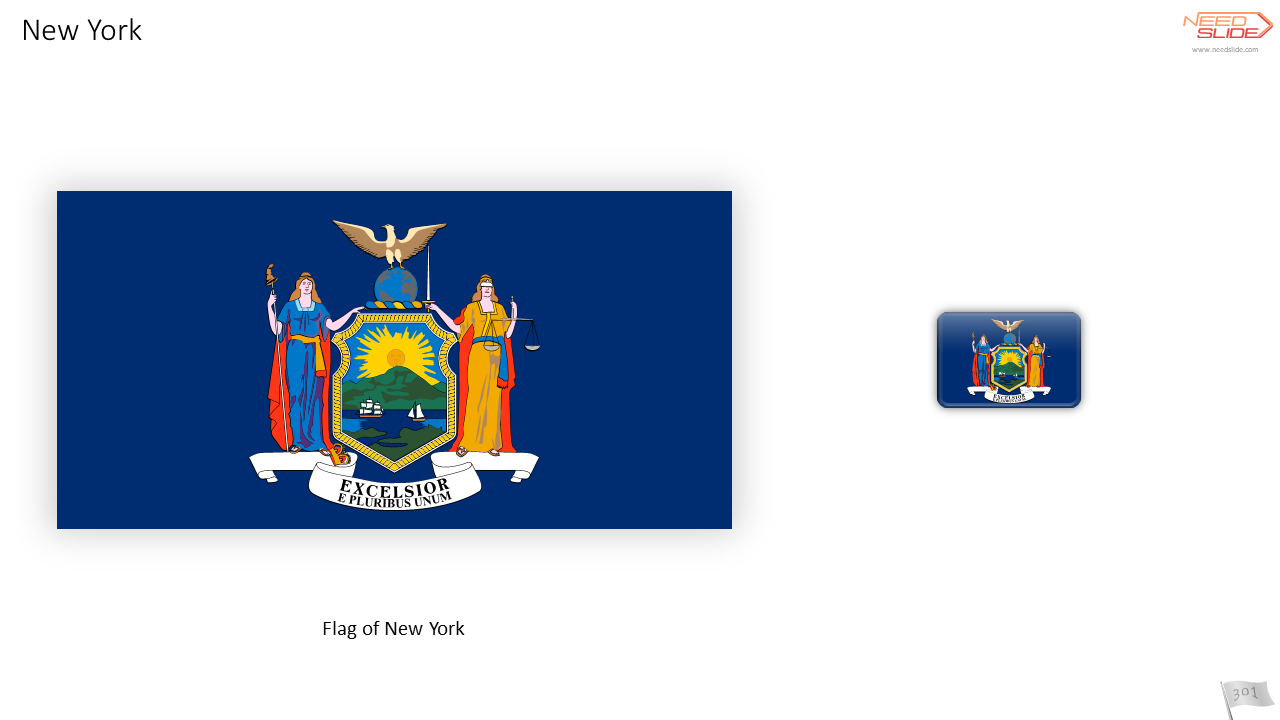

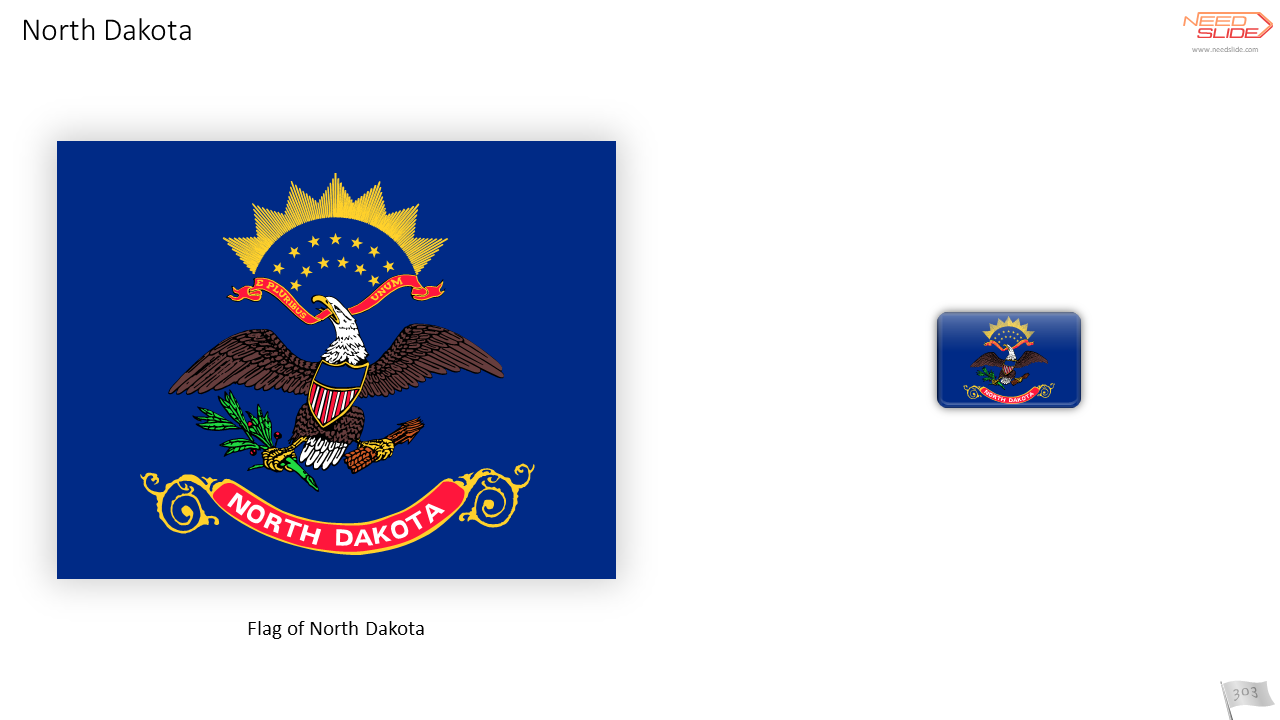





Short description
Introducing Flag Icons for PowerPoint. It’s no exaggeration to say that these are the best Flag Icons for PowerPoint you can find.
- Vector and Raster Flags Icons
- Vector flags
- Six options for the shape of icons
- Scaling without distortion
- Each icon has a name
- Optimized for PowerPoint use
Compatibility
This product is compatible with all versions of Office (and therefore PowerPoint versions) starting from Office 2007. It is most productive when used with Office 2016 and higher. This does not mean that the product and its features will not work in Office 2007, Office 2010, and Office 2013. Everything works. But for the best efficiency and user experience, we recommend using Office 2016 or higher.
Applications of the product
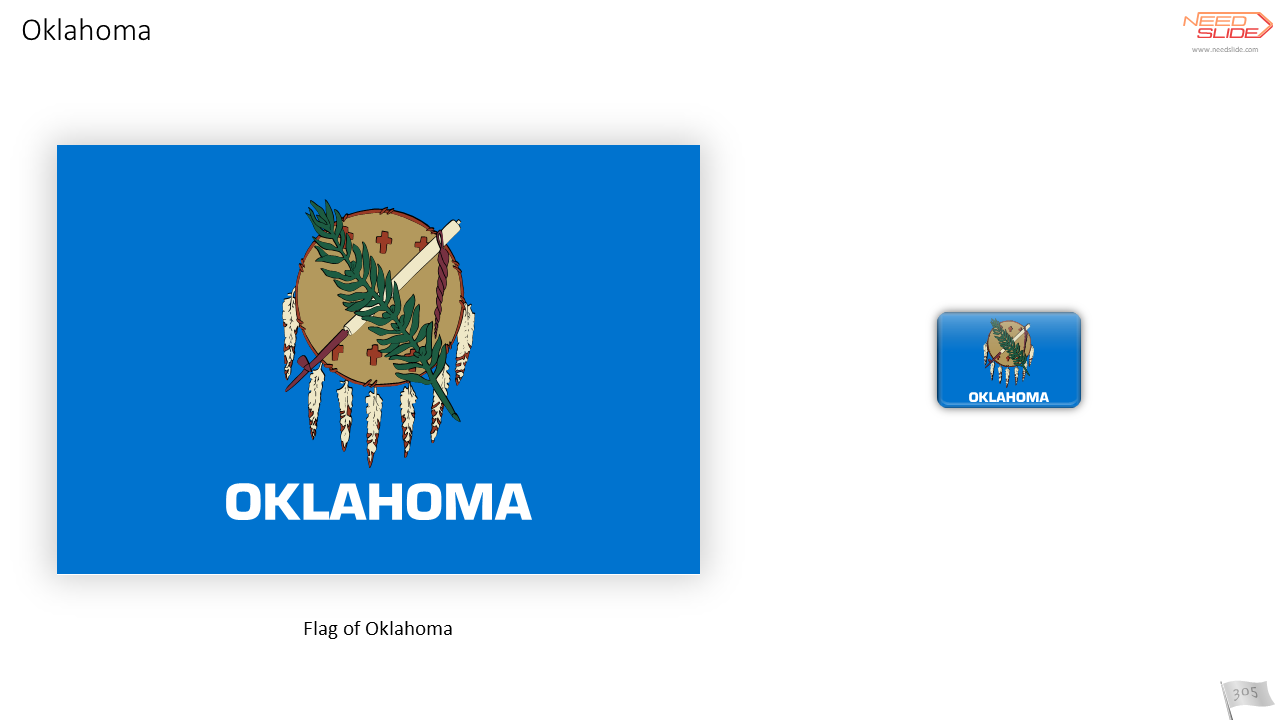
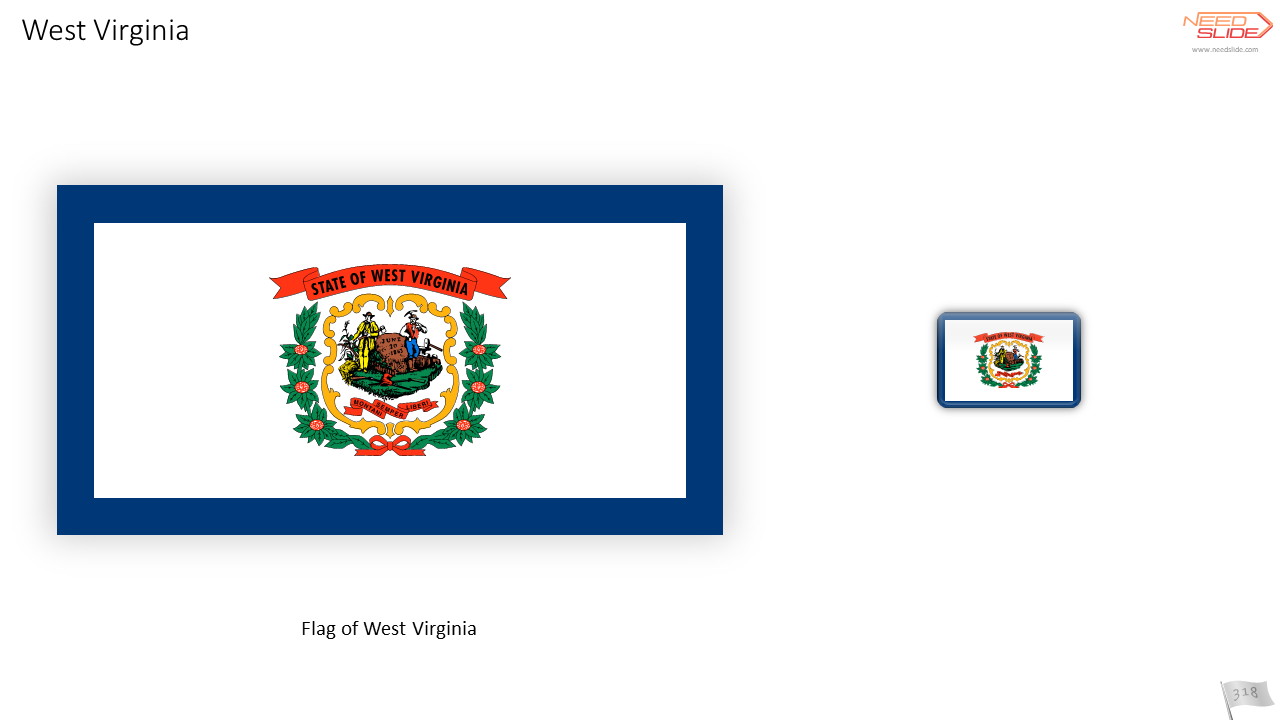
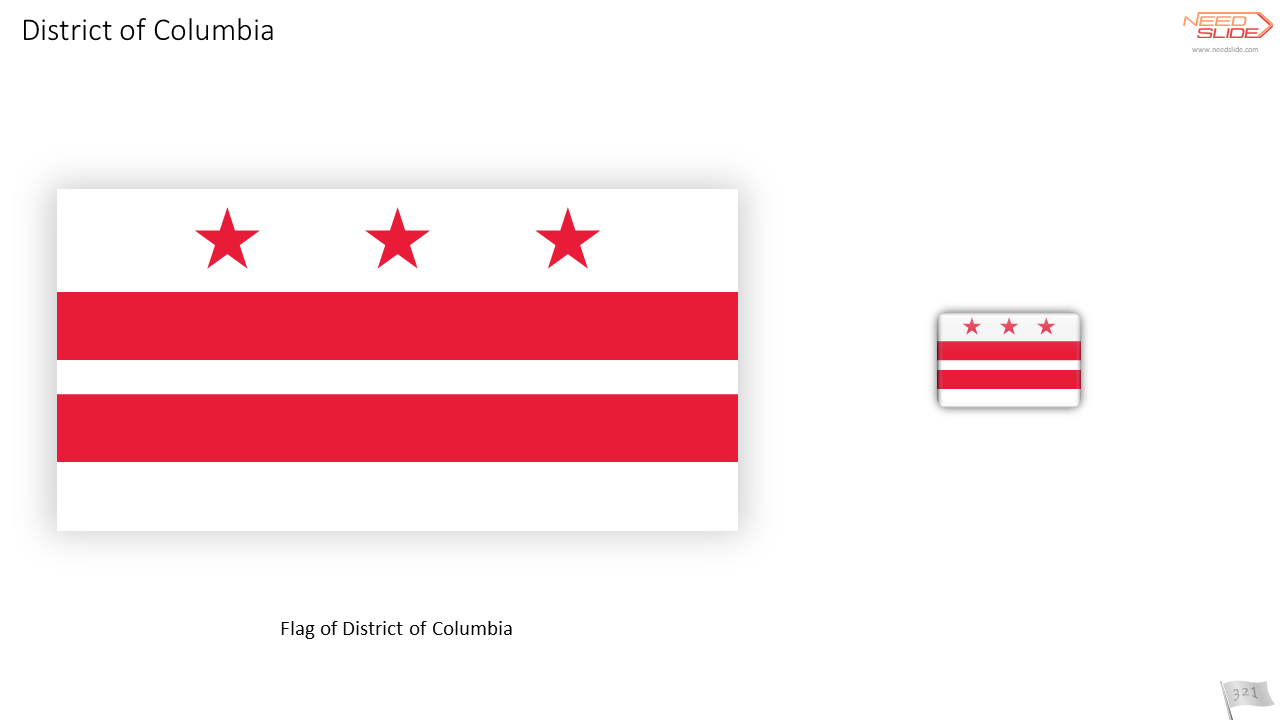
You can use Flag Icons when describing international relations, trade, production chains, global trends, a country affiliation of the described processes, goods, etc. Of course, it is convenient to use Flag Icons in conjunction with maps, especially the world map.
Product Types, Object Types, and Flags Icon Set Variants
At the moment, there are three types of products in this category of our catalog:
| Flag Icons |  |
| Flags and Flag Icons |  |
| “Flag Icon” Tool |  |
These products contain one or more of four types of objects:
| Vector Flag Icons |  |
| Raster Flag Icons |  |
| Vector Flags |  |
| “Flag Icon” Tool (consists of many different vector objects) | 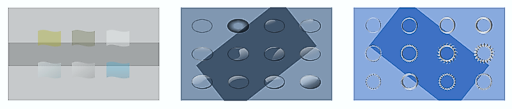 |
And the objects themselves are formed into eight types of sets, formed depending on the type of object and the shape of the icon:
| Circle icon | 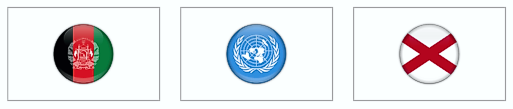 |
| Square Icon |  |
| Ellipse Icon |  |
| Rectangle Icon |  |
| Flag01 Icon |  |
| Flag02 Icon |  |
| Circle + Square + Ellipse + Rectangle + Flag01 + Flag02 Icons |  |
| No flag icons (only flags) | |
Vector Flag Icons
 Vector Flag Icons are carefully vector-drawn images. The colors of the icons are fully consistent with the colors of the flags. When creating icons, the priority was not to preserve proportions but to recognize the flags. Therefore, all important elements of the flag are present in the icon, even when the proportions of the icon’s shape create a restriction on the display of all the main elements of the flag.
Using vector icons in a presentation has some advantages. For example, reducing the file size in most cases. If the vector icon is very complex (consists many of objects), then using a raster icon can reduce the file size. But in most cases, when a vector icon is relatively simple, it will be preferable to use a vector icon. In addition, all vector icons can be scaled without loss of quality.
Raster Flag Icons
 Raster Flags Icons are based on vector Flags Icons. Outwardly, they are no different. In PowerPoint, raster icons may appear smoother than vector icons in slide edit mode. But in Slide Show mode, both vector and bitmap icons look the same.
Raster Icons of Flags were originally made quite large – approximately 1/2 of the height of the A4 slide. This is done to minimize the loss of quality when scaling. Bitmap icons are presented as PNG files with a transparent background.
- On the ribbon, select the Insert tab
- Click on the Pictures icon

3. Go to the folder where you unzipped the downloaded set of Flags Icons and select the PNG file you need. By pressing and holding the Shift key, you can select several icons in a row. Or by pressing and holding down the Ctrl key, you can select several icons in any order.
Vector Flags
Vector flags are created in full accordance with the official flag parameters. The actual proportions of the flags are strictly observed. All colors also strictly correspond to the official colors of the flags. Vector flags can be scaled without loss of quality.

Vector Flags and Flag Icons
 Vector Flags and Flag Icons in one product are the same Vector Flags and Vector Flag Icons but presented together in one product. Their properties, capabilities, and application are no different from Vector Flags separately and from Vector Flag Icons separately.
“Flag Icon” Tool
“Flag Icon” Tool – a set of graphic materials for self-creation of your own vector Flag Icons in PowerPoint.
Create your own vector Flag Icons!
This product has all the necessary components (layers) to create your Flag Icons: Basis (flat Flag Icon), Substrate, Color Filter, Glare, Frame, and Shadow. Use one to six components (layers) to create your own vector Flag Icons for PowerPoint. The components included in the Tool allow you to create up to 200,000 vector combinations of Flag Icons. You can also create any icons – use any other icons (including vector ones) or images instead of flat Flag Icon.

Each set of the “Flag Icon” Tool contains:
- 12 Substrates
- 6 Color Filters
- 12 Glares
- 12 Frames
- 12 Shadows
- and a set of flat Flag Icons
Icon shape variants
At the moment, there are 6 options for the shape of the icons:
| Circle icon |  |
| Square Icon |  |
| Ellipse Icon | 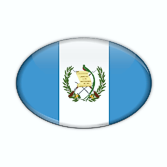 |
| Rectangle Icon |  |
| Flag01 Icon |  |
| Flag02 Icon |  |
Optimized for PowerPoint
Each Flag Vector Icon, as well as each Flag Vector, is optimized for easy use in PowerPoint:
- All vector objects have been simplified without sacrificing quality – the number of points in curves has been reduced where possible.
- The number of objects has been reduced due to the fact that objects with the same properties are combined into one object. A large number of objects can slower down PowerPoint’s responsiveness to user input much more than the complexity of the objects. Therefore, where possible, the number of objects has been reduced without compromising quality, namely by combining objects with the same properties.

Scaling without distortion
PowerPoint does not scale outlines (lines) when scaling objects. Therefore, for example, if the object contains lines (contours), then with a strong decrease, if the contours (lines) are wide enough, then the object may be distorted. See an example of such a distortion:

Therefore, all of our Flag Icons are made in such a way that they do not contain any lines (outlines). All outlines are replaced objects without lines. And now you can scale the Flags Icons without fear of getting distorted.

Basic, Standard, and Premium
In the Basic version, there are sets of Flag Icons from all over the world.

In the Standard version, 18 icons of international organizations and unions have been added to the Icons of the flags of the whole world.
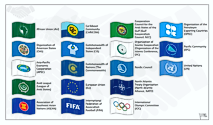
In the Premium version, 52 icons of the US states have been added to the icons of the flags of the whole world and 18 icons of international organizations and unions.

Icon names
All icons have names – you can see them in the Selection Pane. It is easy to find the Flag Icon of the required country by the name of the icon.

Please note that if you ungroup an icon, its name will be lost. Therefore, before ungrouping the icon, you need to make a copy of it.
Use with other NeedSlide products
Currently, all Flag Icon sets cover the entire world (regions and countries will be presented later) and are designed so that they can be used in conjunction with The Best World Map for PowerPoint. Each variant of the Flag Icon set corresponds to a specific variant of The Best World Map for PowerPoint according to the composition of the countries represented. And vice versa. You can also use Flag Icons in conjunction with any other NeedSlide product.

You will win if you purchase a set of Flags Icons and The Best World Map for PowerPoint.
Coats of arms?
Will there be coats of arms of countries in our catalog? Yes, they will. And at the moment you have the opportunity to get the coats of arms (seals, emblems) of only some countries – countries that have a coat of arms on the flag. Due to the fact that the Flag Icons are made of vector objects, you can ungroup the icon and extract only the coat of arms from it.

How to choose the Flag Icons Set on NeedSlide?

 1710
1710
 1715
1715
 1718
1718
 1709
1709
 1716
1716
 1724
1724
Reviews
There are no reviews yet.