


USD 0.00 FREE!
Vat uncluded
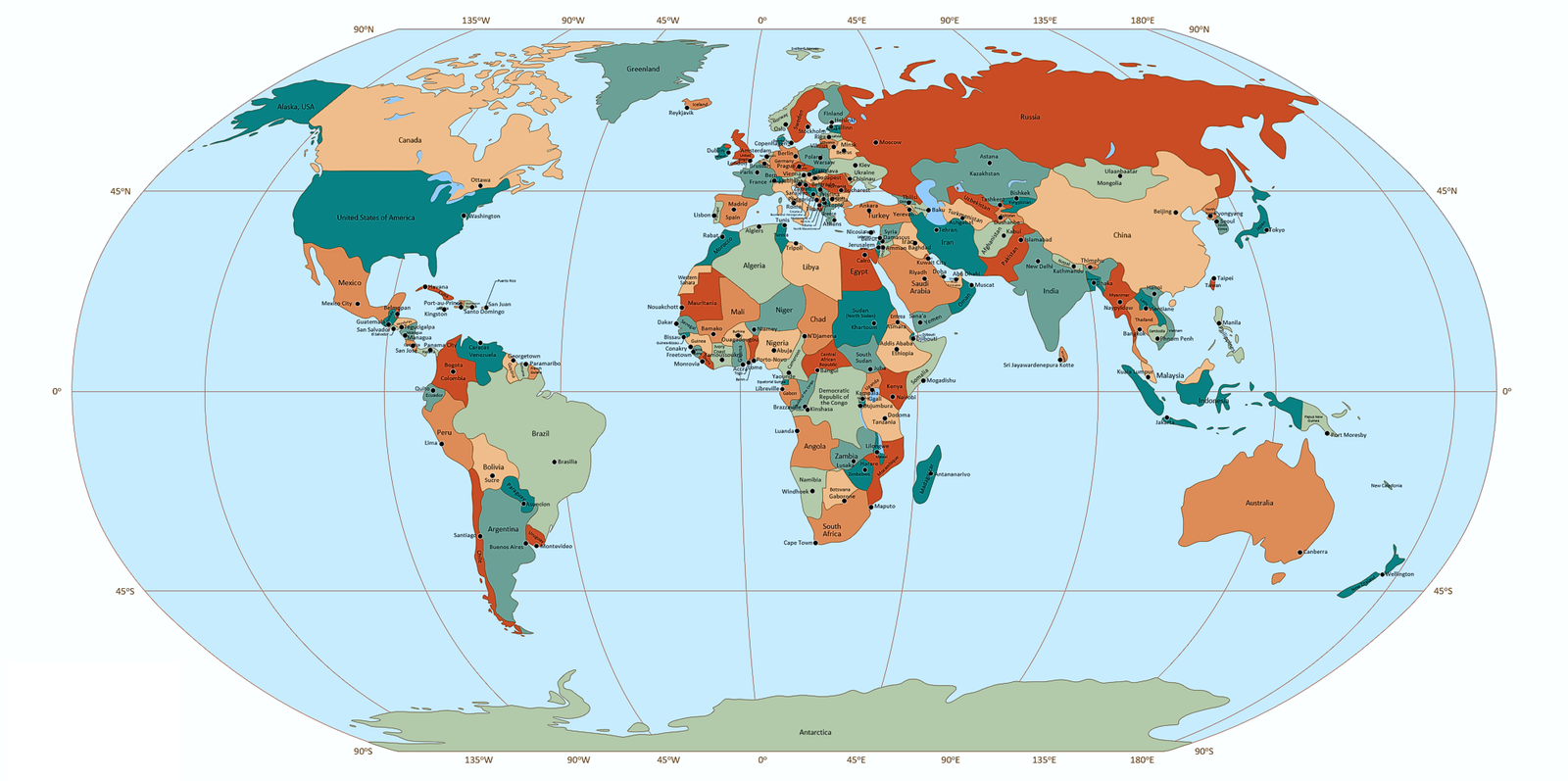
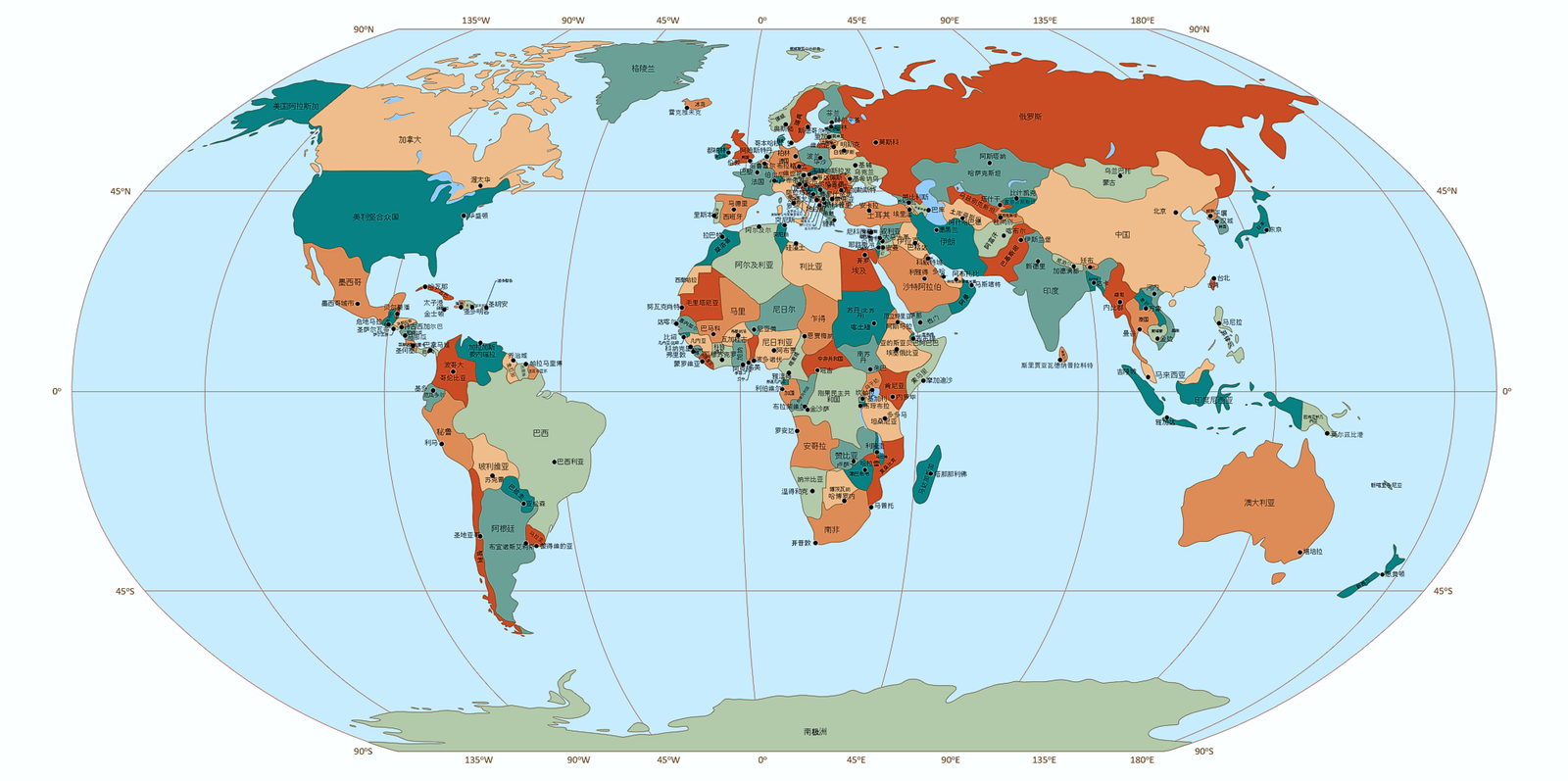
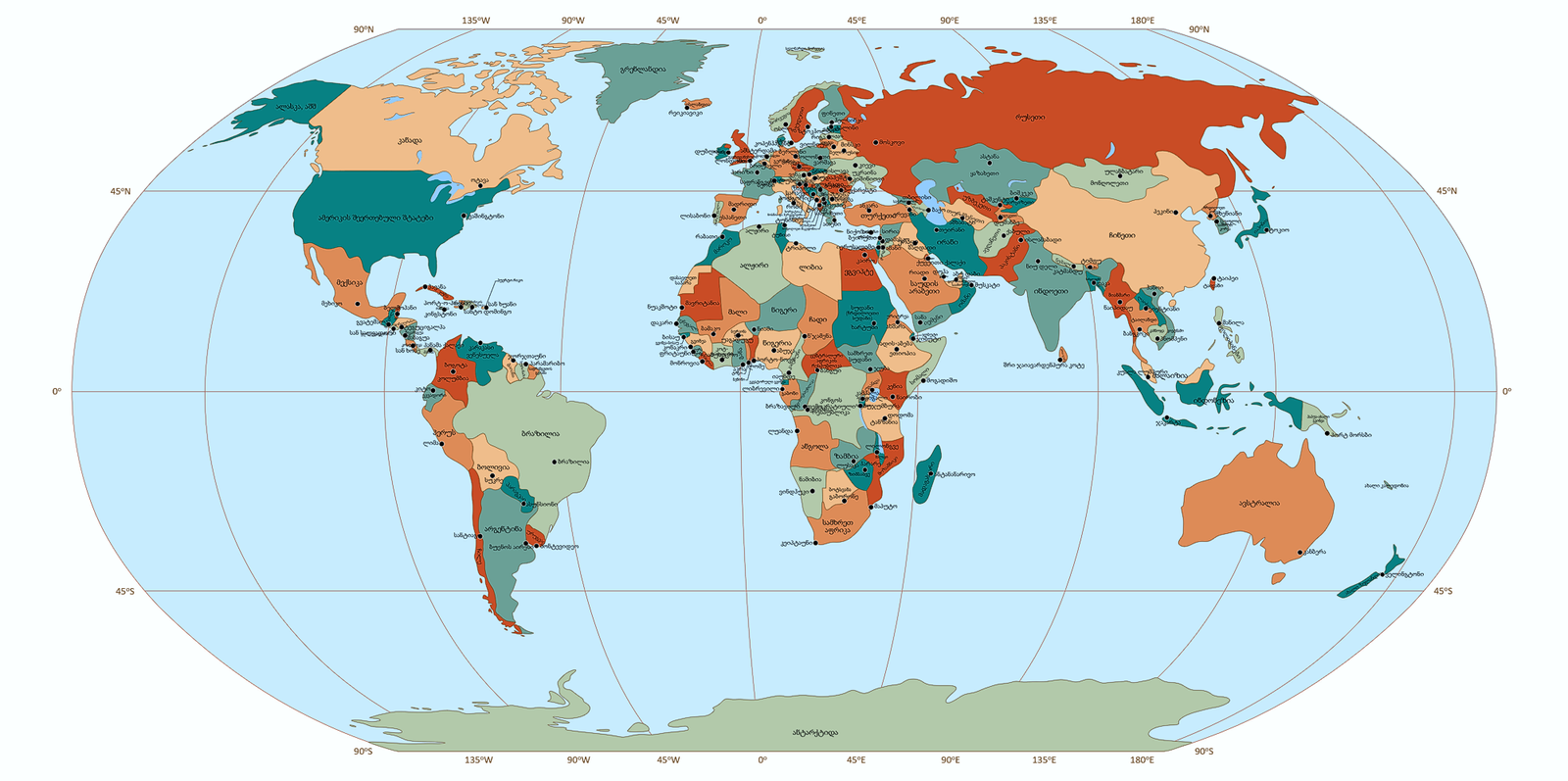
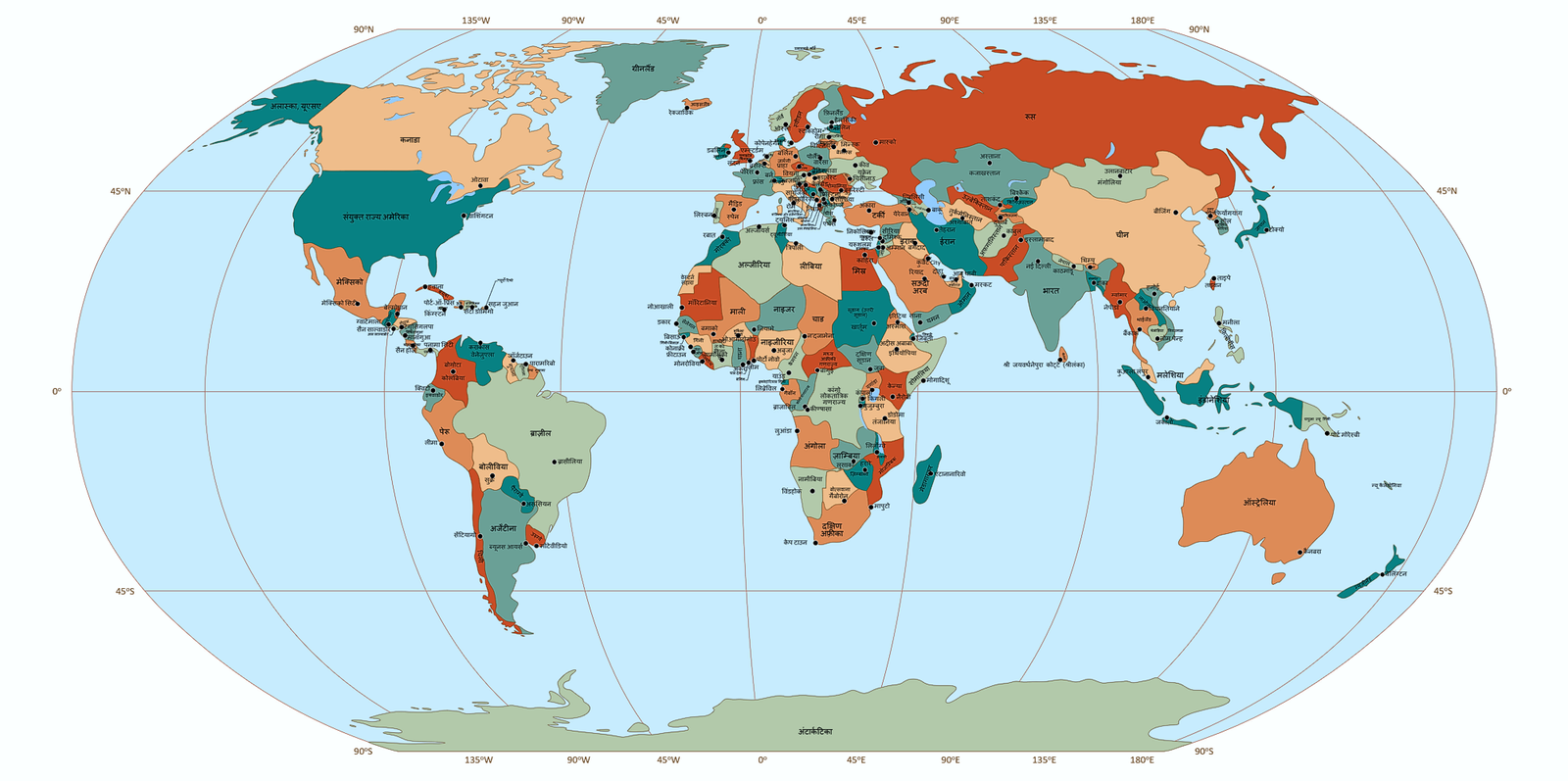
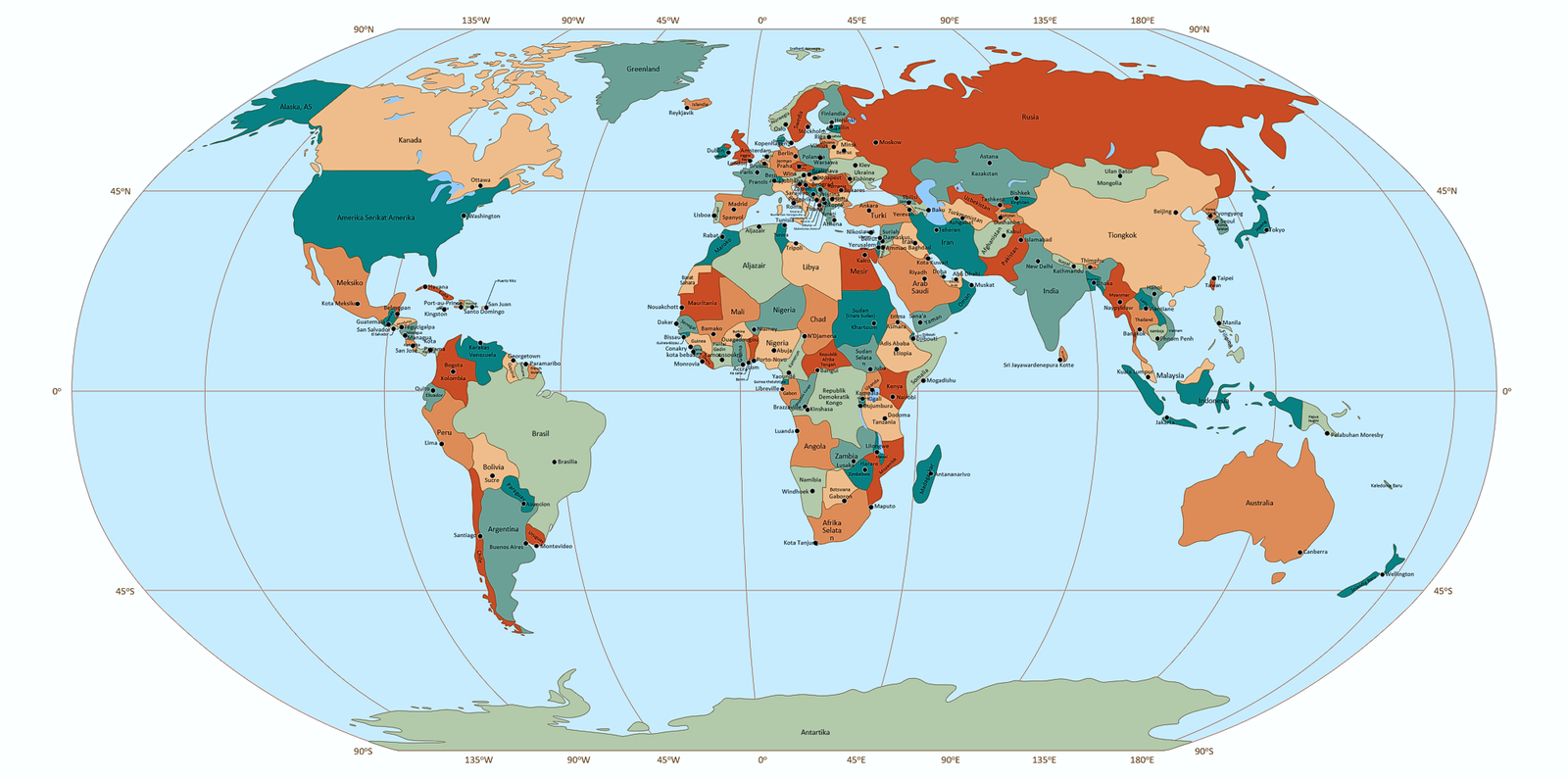
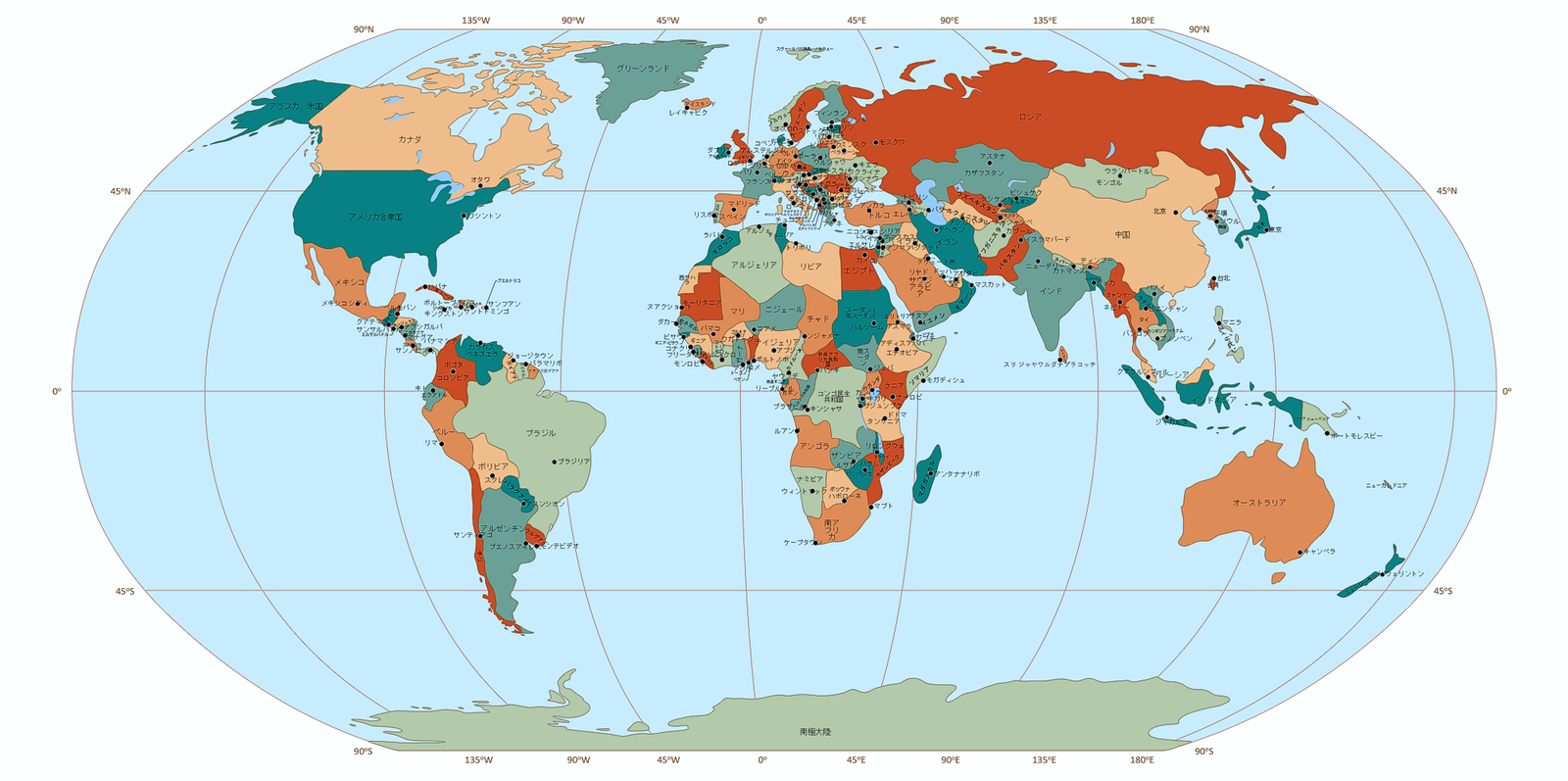
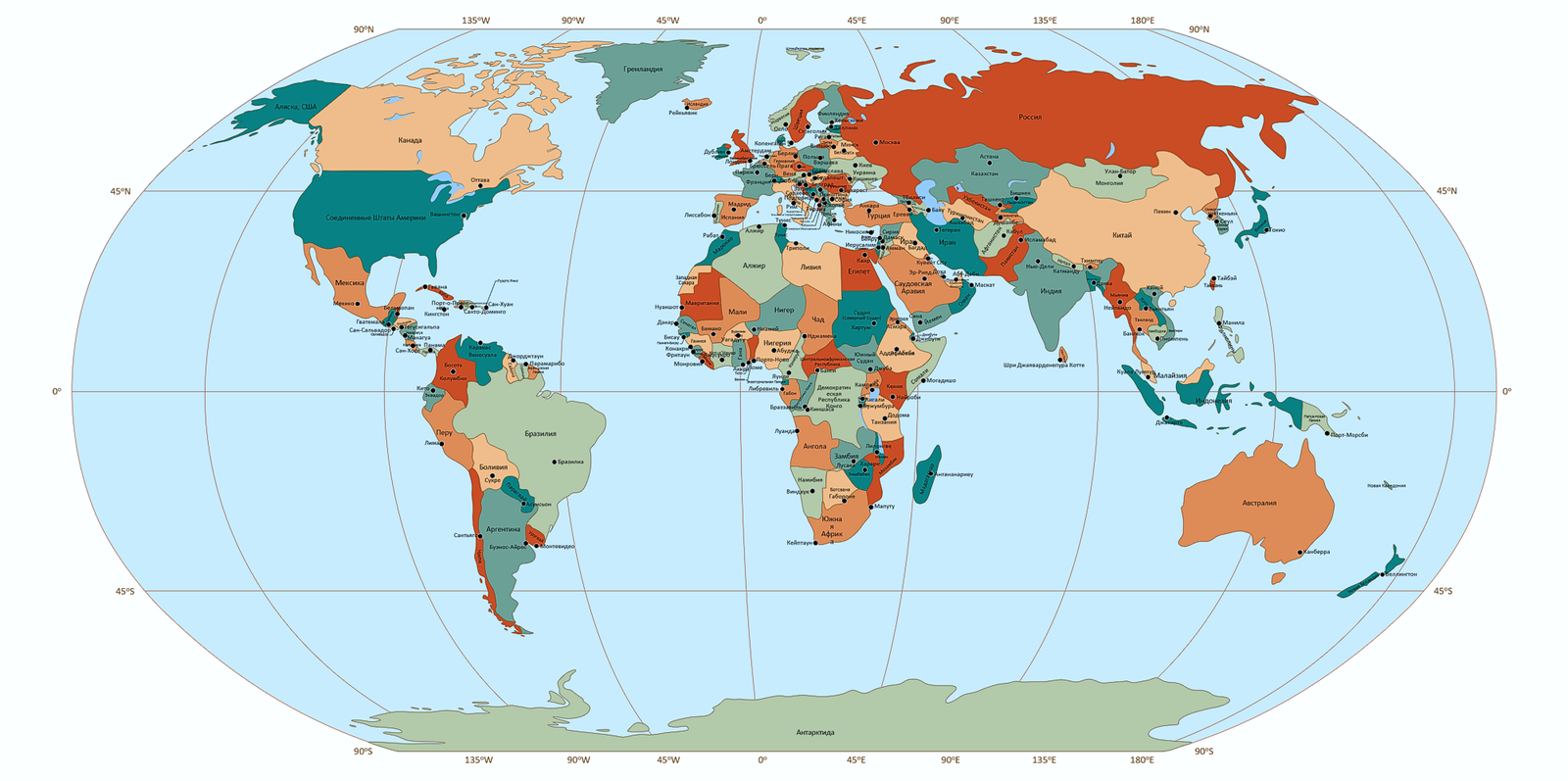
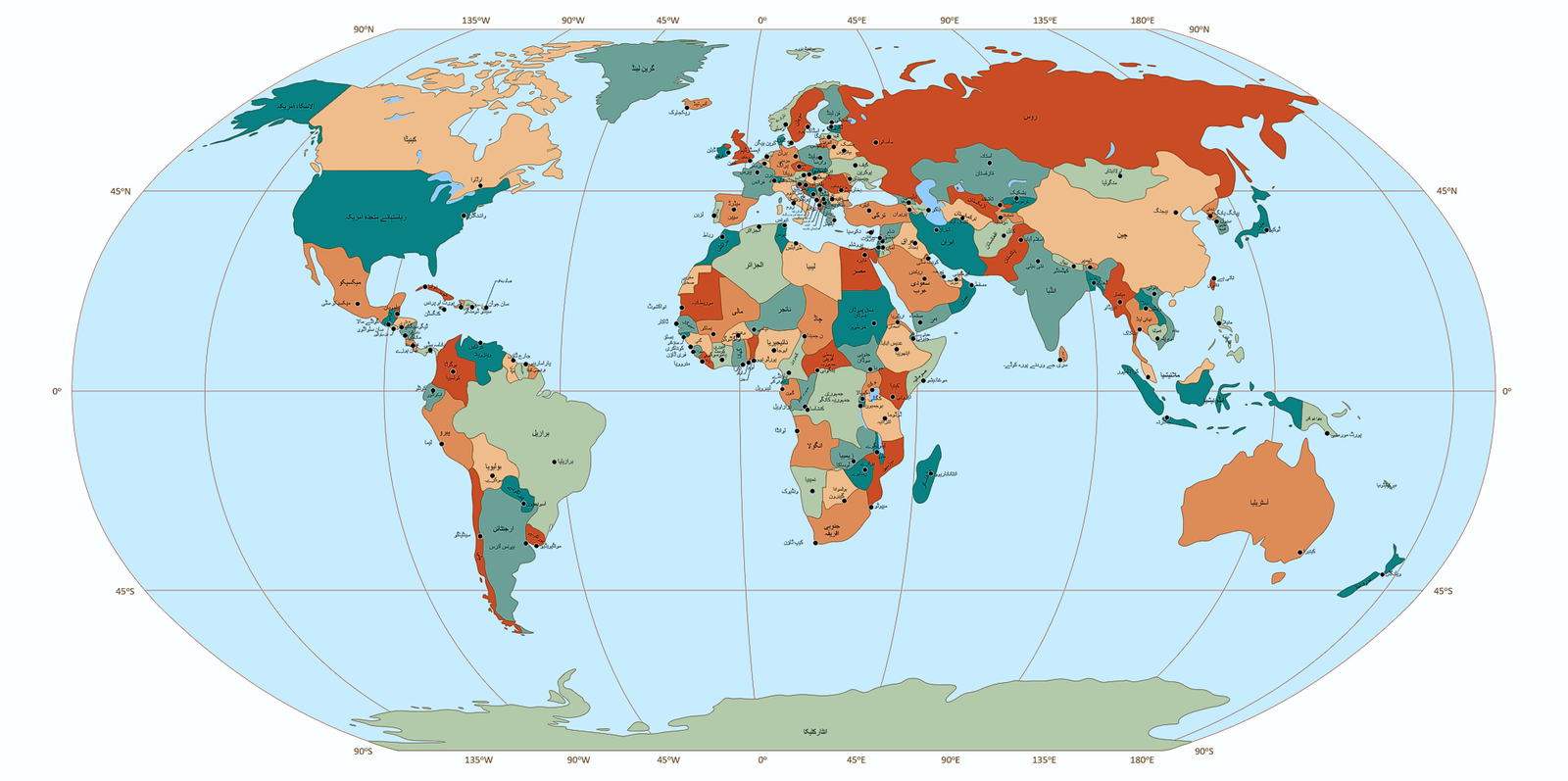
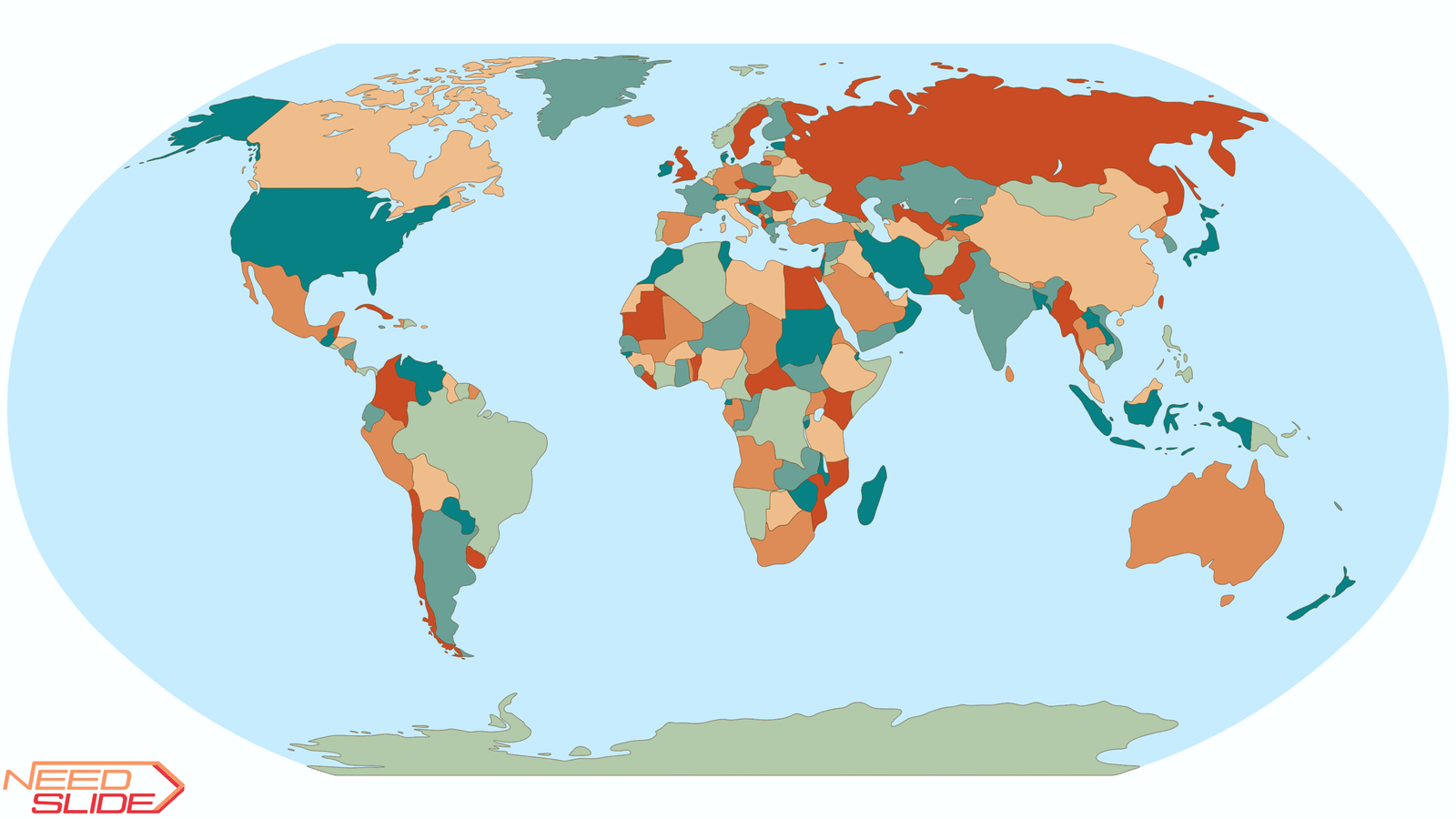
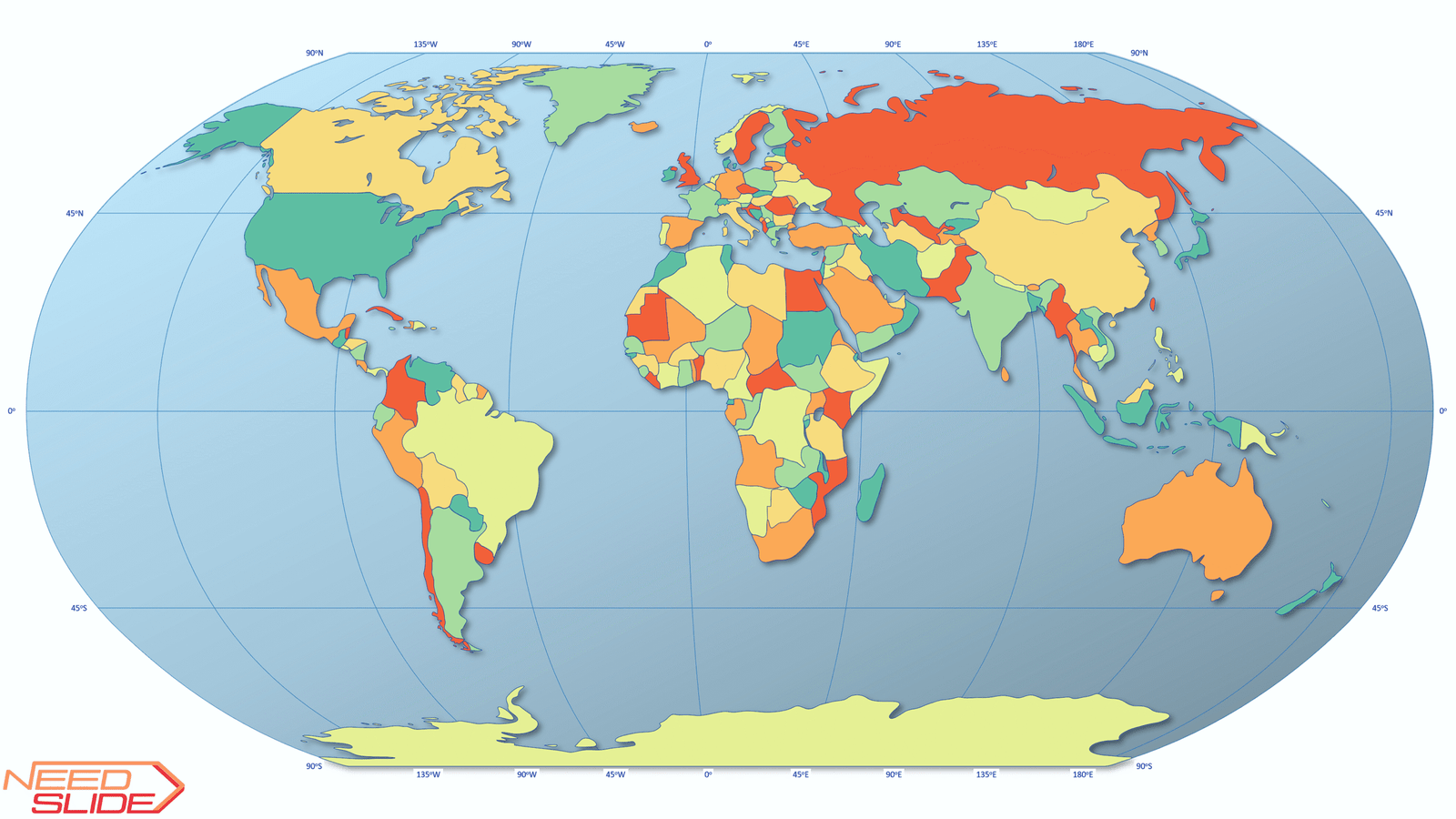
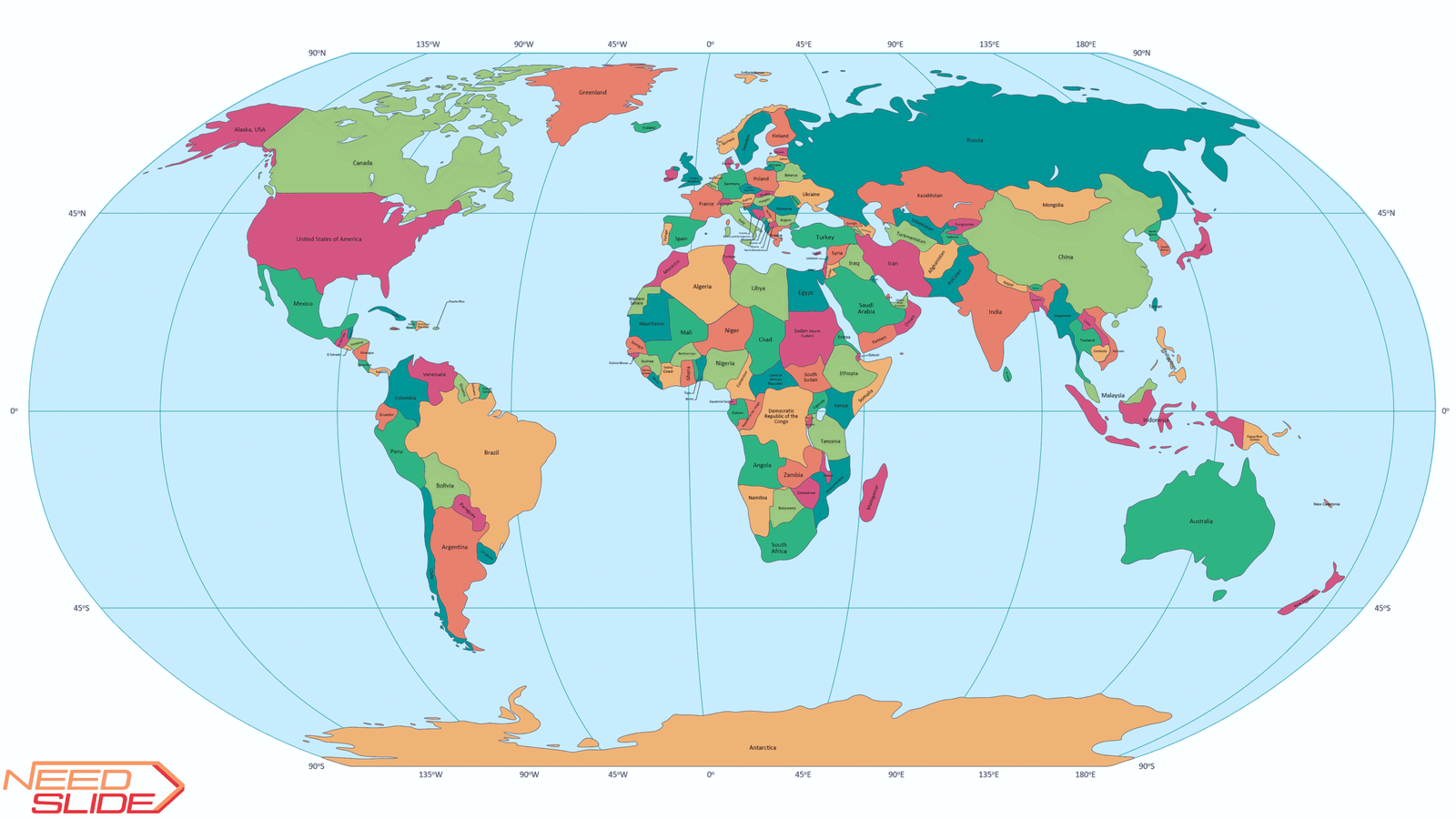
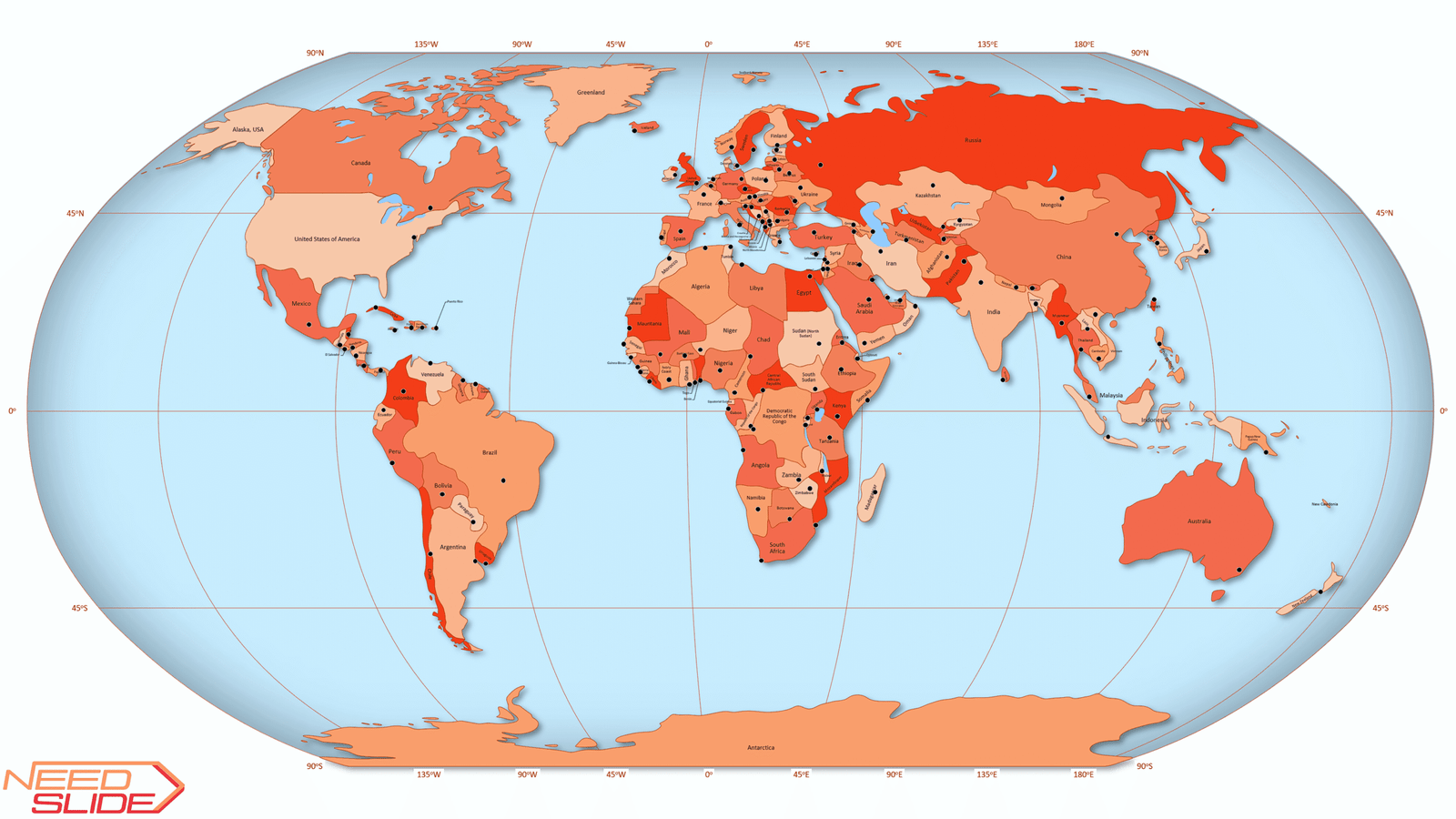
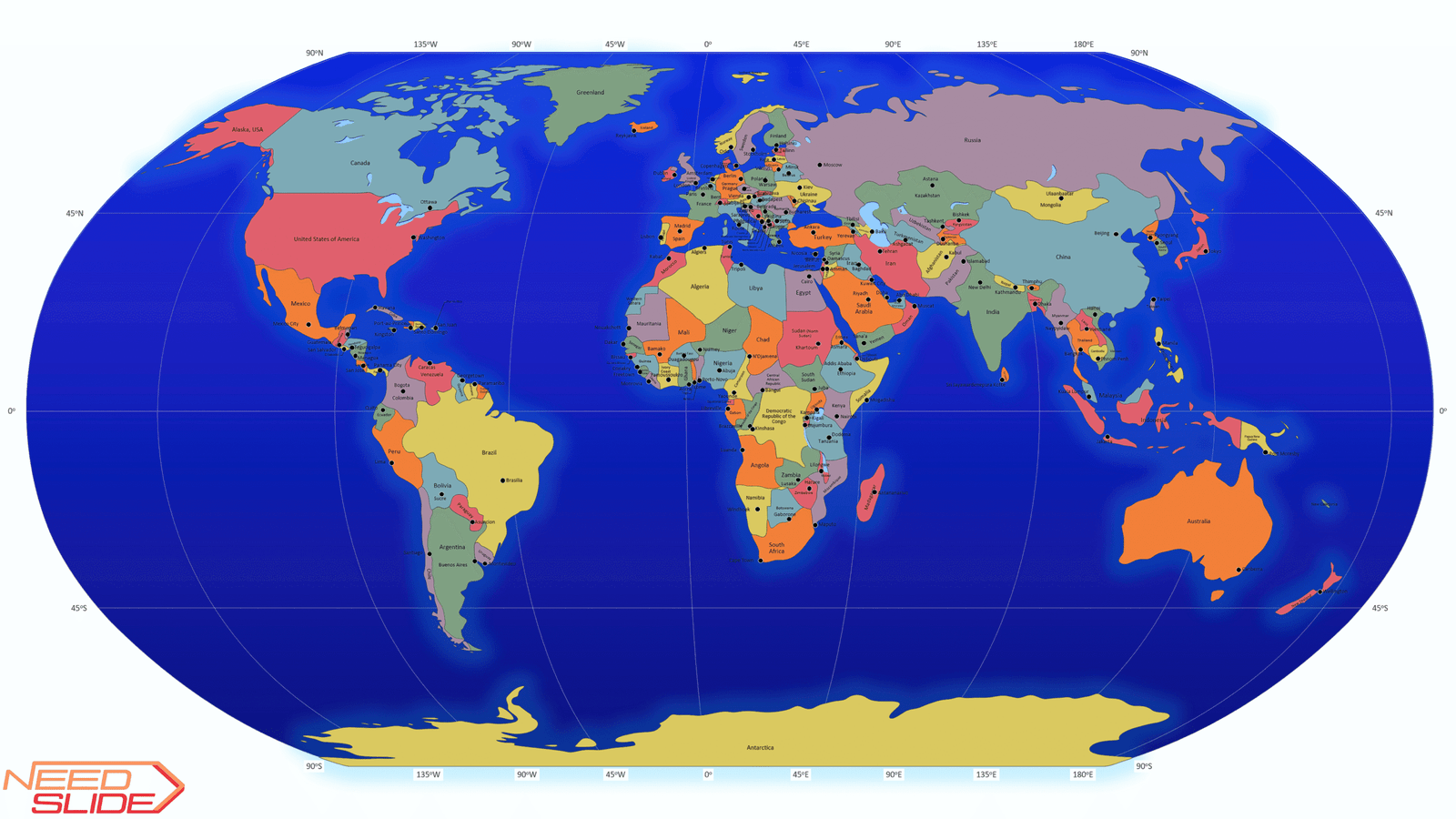
Free Multilayer World Map for PowerPoint
Ready-to-use, editable, and layered — for students, teachers, consultants, designers and everyone in between.
Need a World Map for your presentation — without starting from scratch?
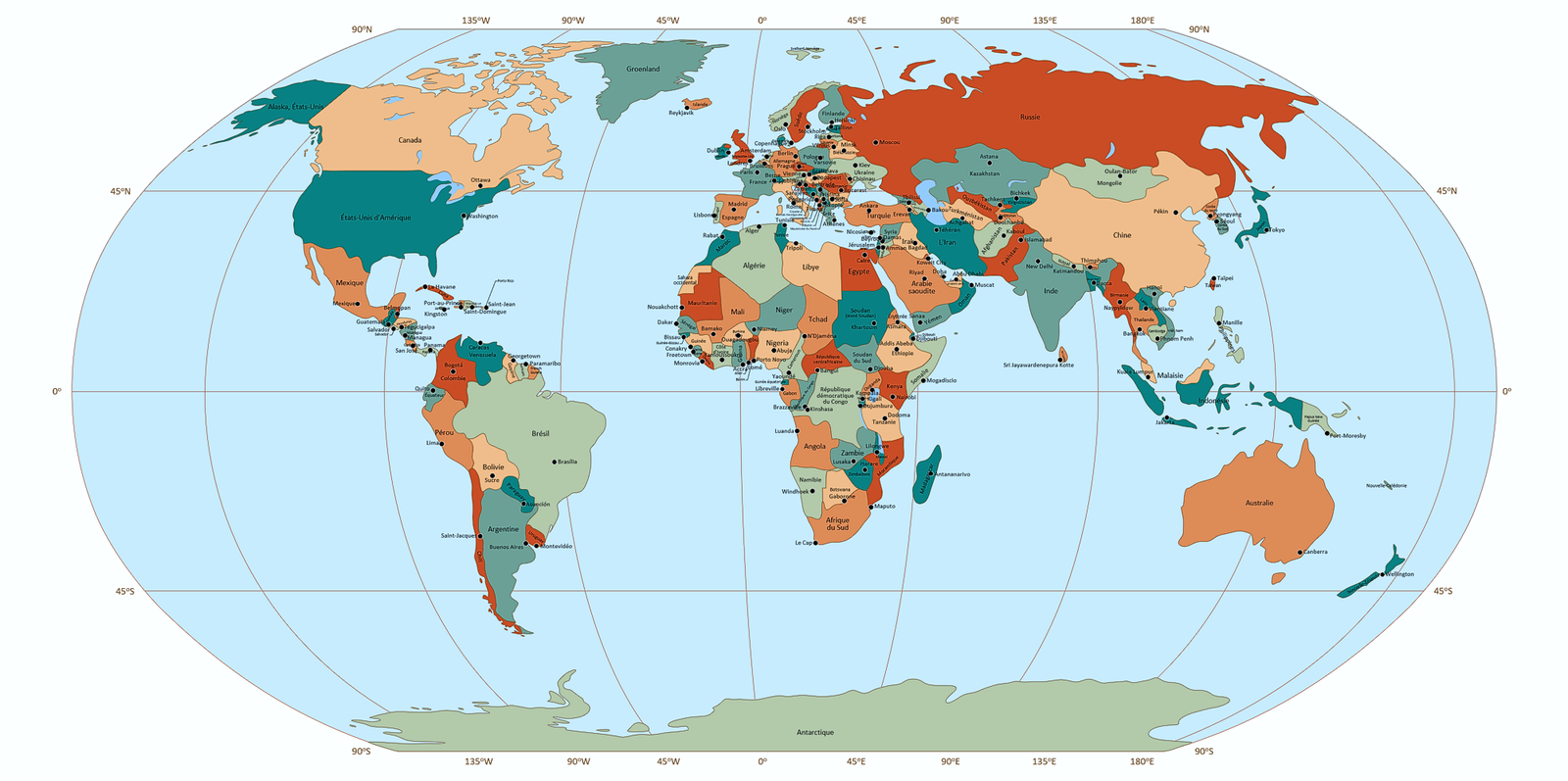
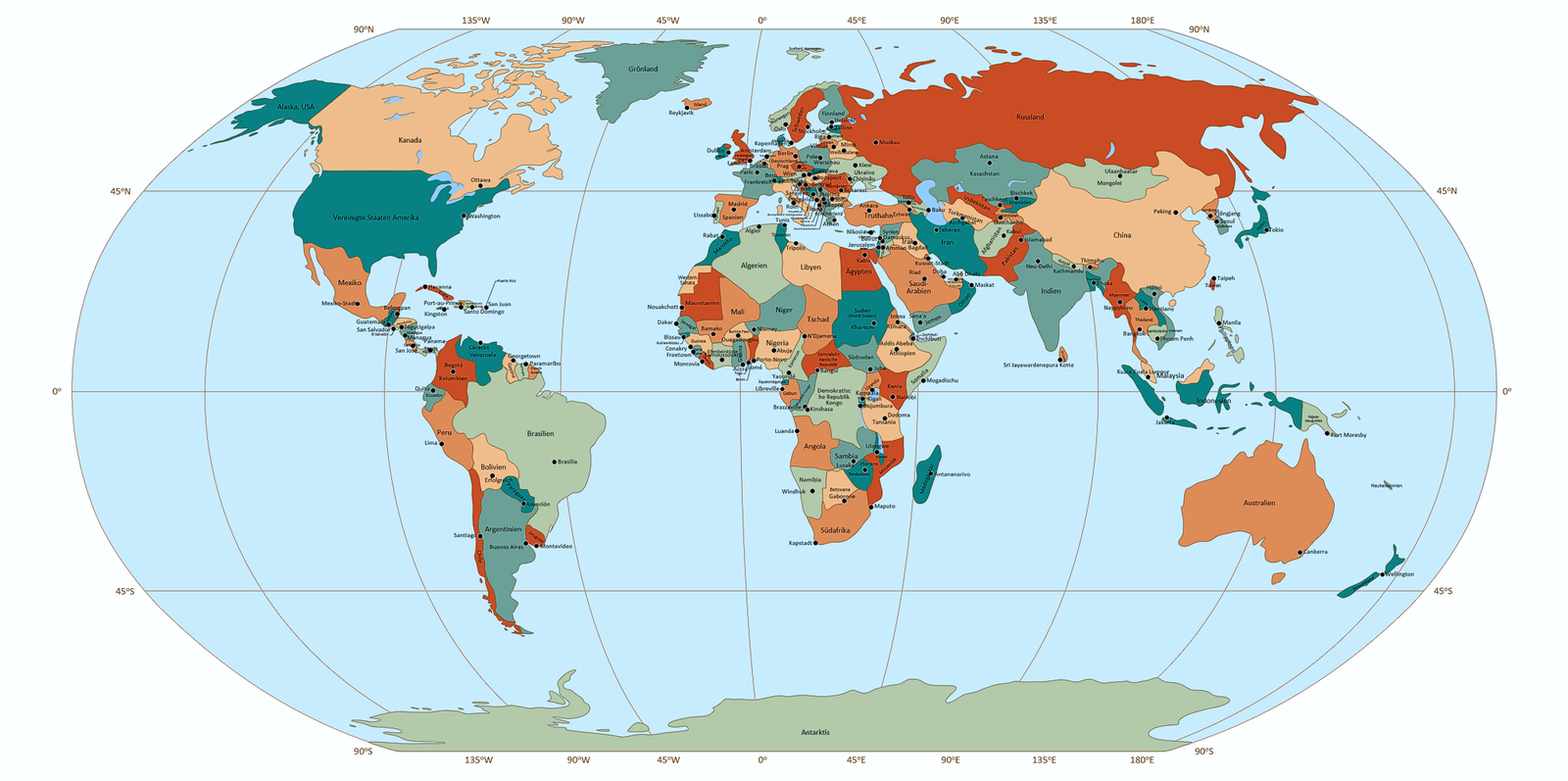
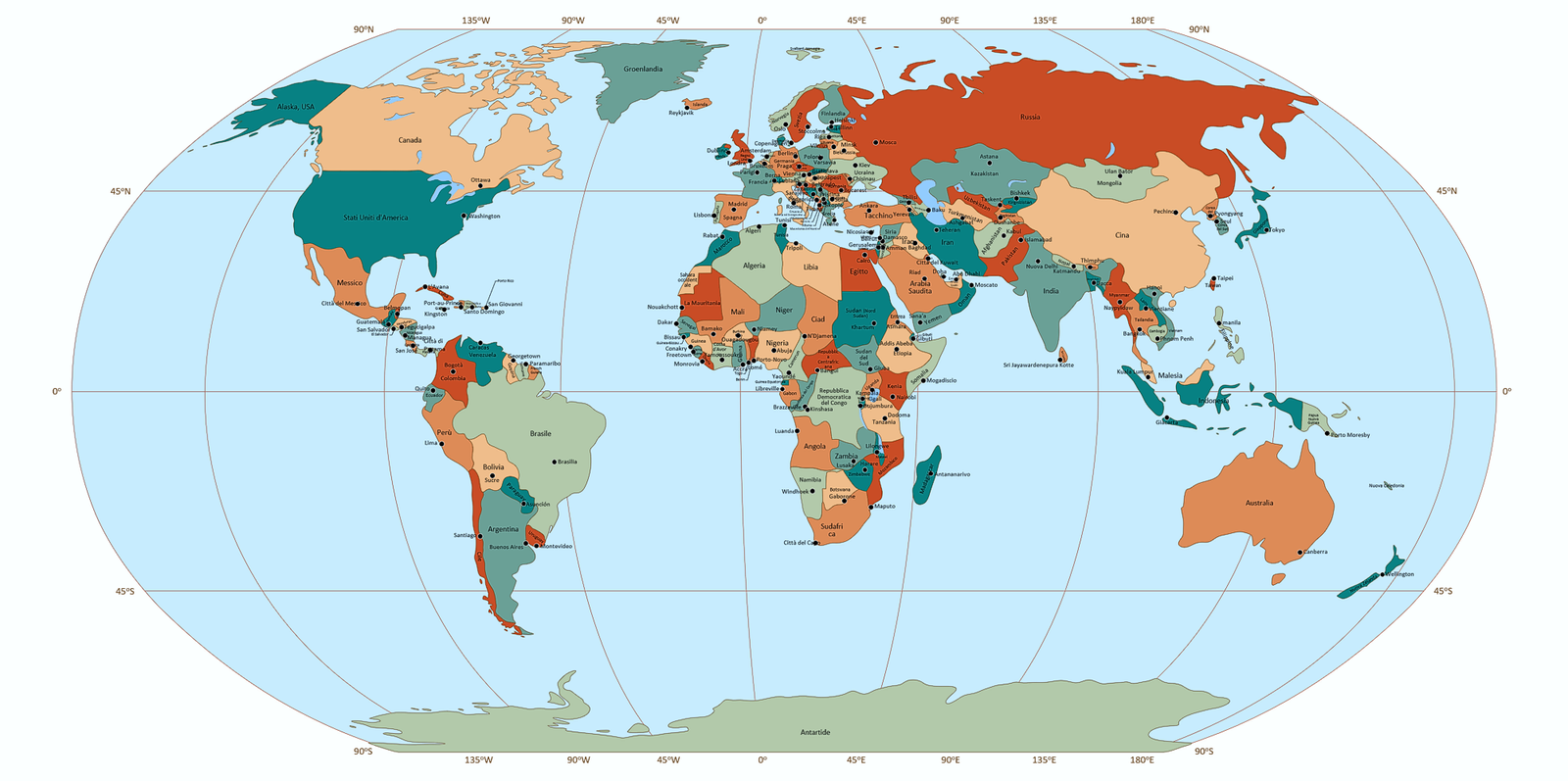
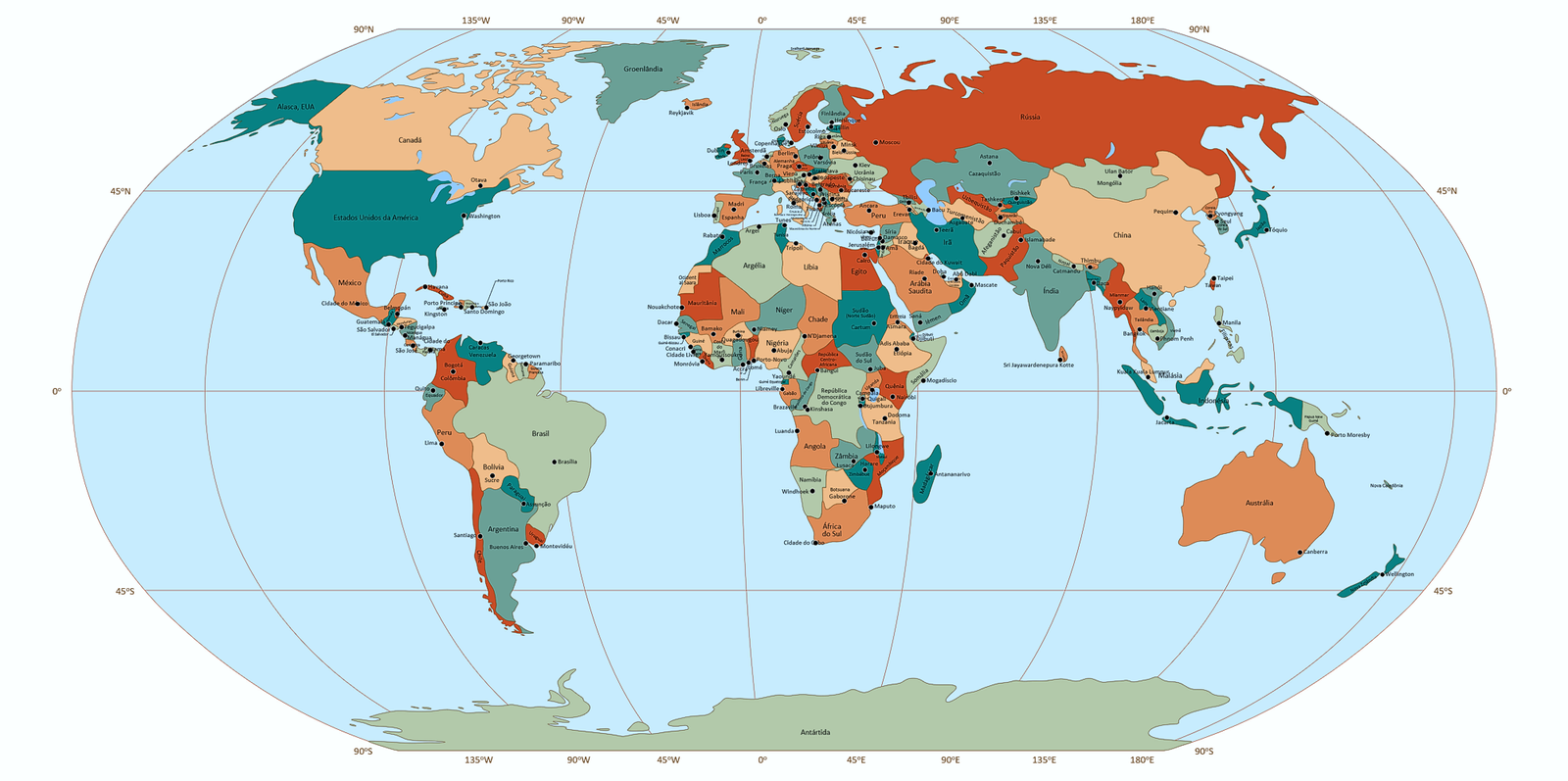
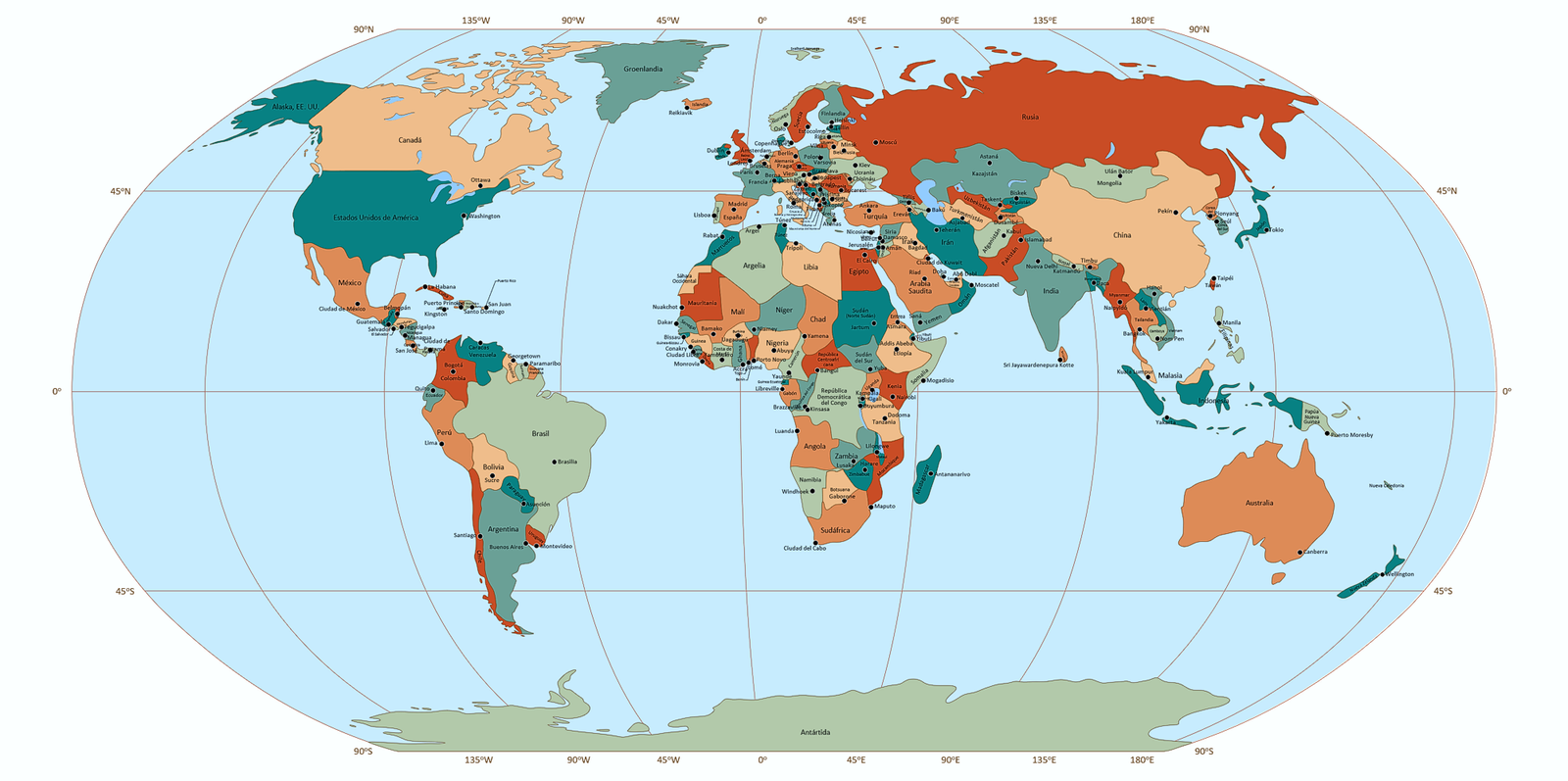
The Free Multilayer World Map for PowerPoint helps you build clear, customized visuals in minutes. Use only the layers you need: countries, capitals, lakes, or graticules — all organized for quick editing and easy navigation. Text always stays visible thanks to a smart layer structure. All objects are named and searchable via the Selection Pane.
Whether you’re preparing slides for class, explaining a concept, or sketching out an idea, this map saves time and helps you get the job done.
Looking for more flexibility?
Explore our extended maps for more layers, styles, and layout options.
Overview of the Free Multilayer World Map for PowerPoint
1. Slide size: 16:9 widescreen
2. Projection: Robinson (slightly modified)
3. Map detail: Low detail
4. Format: 100% vector-based graphics
5. Editability: Fully editable elements
6. Layer structure: 8 layers in total
- Five vector layers: Countries and territories, Capitals, Lakes, Graticule, and World Ocean
- Three text layers: Countries and territories, Capitals, and Graticule
7. Countries and territories: 164 objects
8. Capitals: 156 objects
9. Lakes: 17 as one object
10. Graticule: 45o
11. Color schemes: Includes seven built-in cartographic color palettes (2 sequential, 3 diverging, and 2 qualitative)
12. Layer management: All layers are organized on a single slide.
You can toggle visibility in the Selection Pane to customize the map view
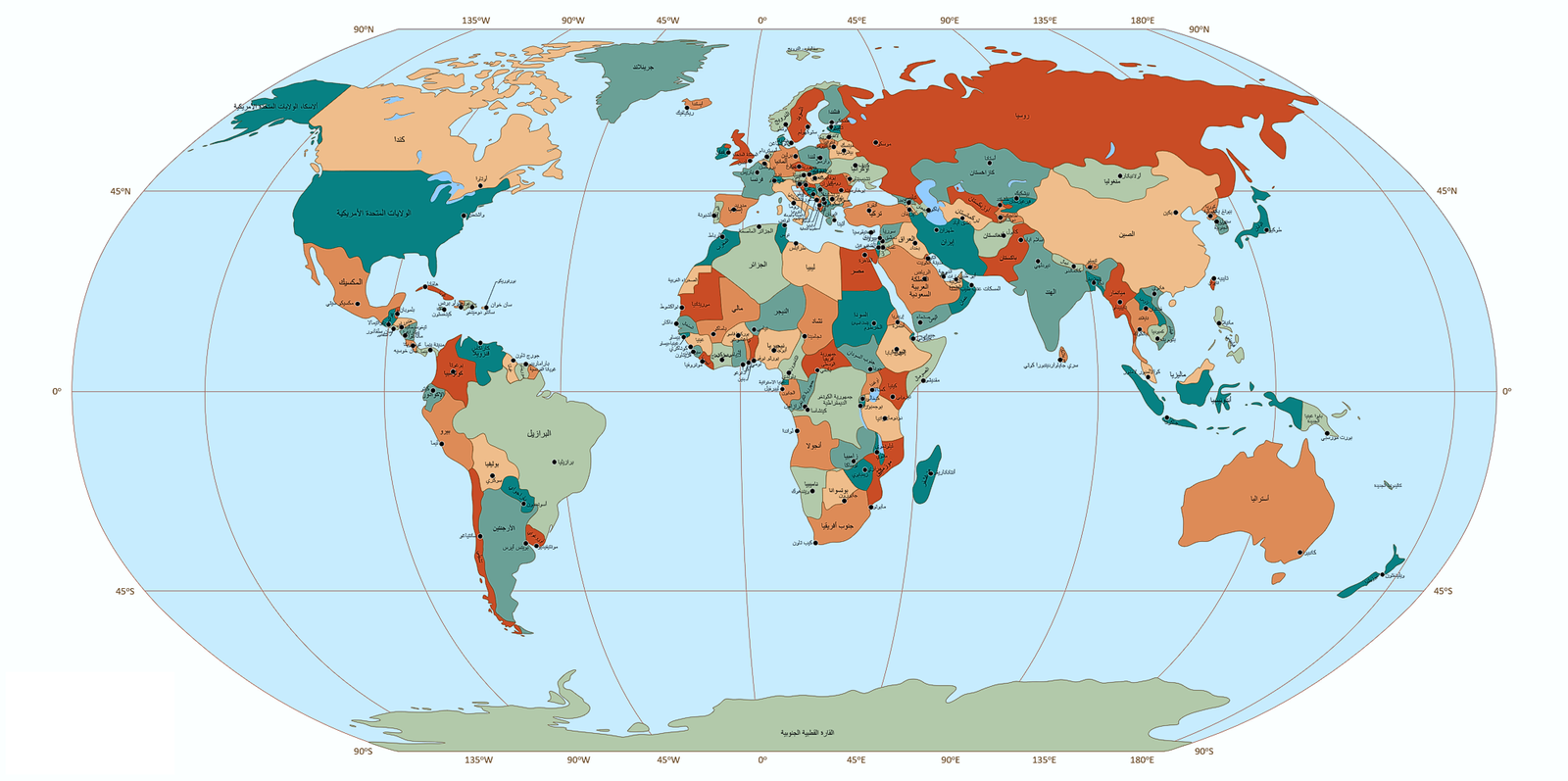
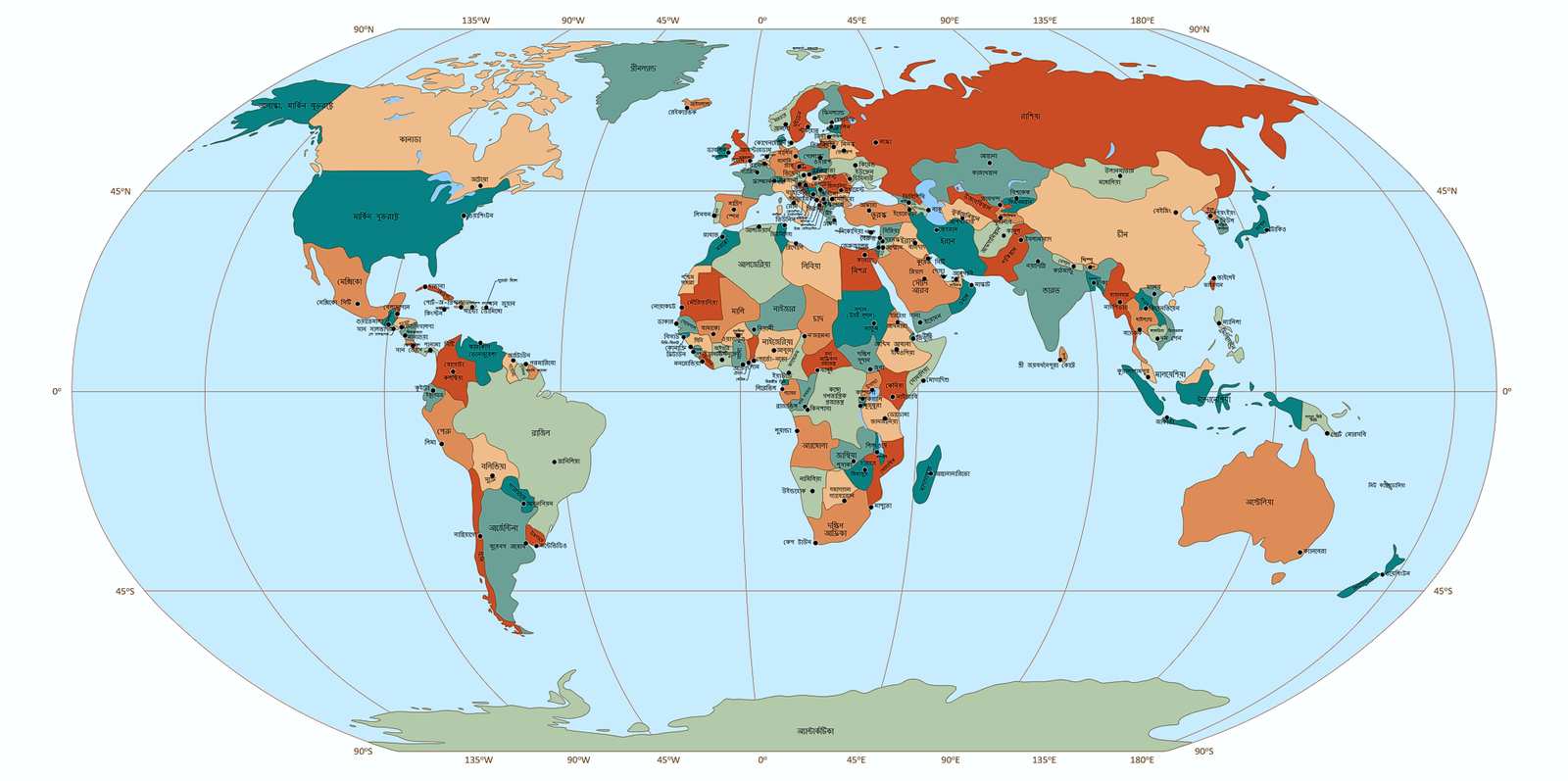
13. Object naming: Each object is clearly labeled for easy identification and navigation. In the Countries and Territories and Capitals layers, objects are arranged by country names in the English alphabetical order (regardless of the language of the map)
14. Quick start guide: Comes with a concise instruction sheet to help you begin using the map immediately
Typical Use Cases for the Free Multilayer World Map for PowerPoint
1. Education & Training
Visualize geographical, political, and environmental concepts with customizable layers. Useful for classroom teaching, student projects, and academic presentations.
2. Business & Corporate Presentations
Showcase global operations, regional performance, logistics, or market expansion with flexible map views and built-in color schemes.
3. NGOs & International Organizations
Present program coverage, humanitarian outreach, or regional initiatives across countries and continents.
4. Design & Creative Projects
Build custom infographics, video slides, and presentations using clear layer control and editable vector elements.
5. Research & Publications
Embed clean, accurate map visuals into reports, papers, and data visualizations—with or without labels for a streamlined layout.
Irakli Mirian –
The best map of the world I have ever seen!
Many layers to use. Very convenient.